There are no items in your cart
Add More
Add More
| Item Details | Price | ||
|---|---|---|---|
Project-4: End-to-End DevSecOps CI/CD Pipeline Implementation
Automating Code Review, SAST, Secrets Detection, IaC Security, Container Scanning & Webhook Quality Gates with Jenkins, SonarQube, Trivy, GitLeaks & Docker
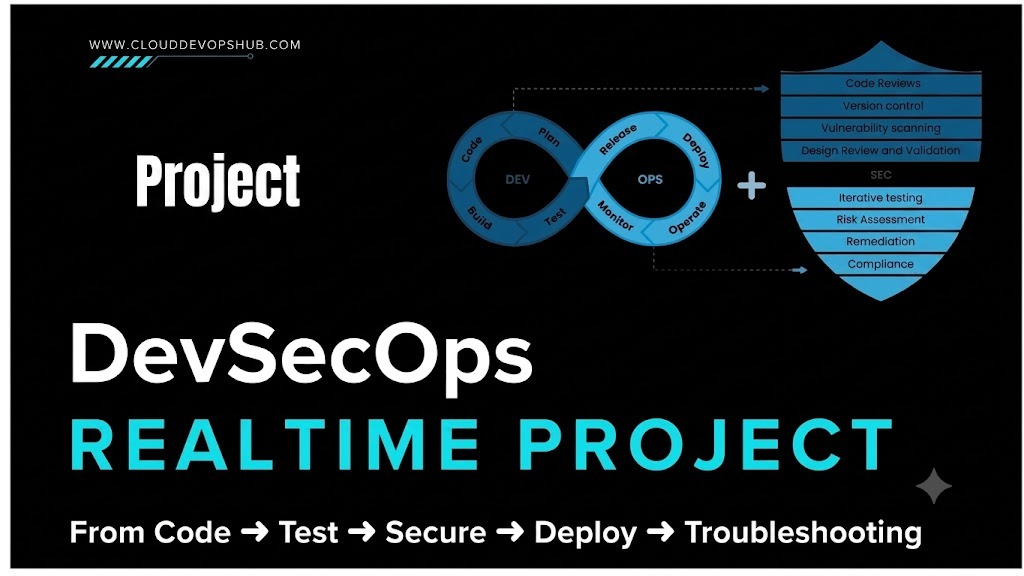
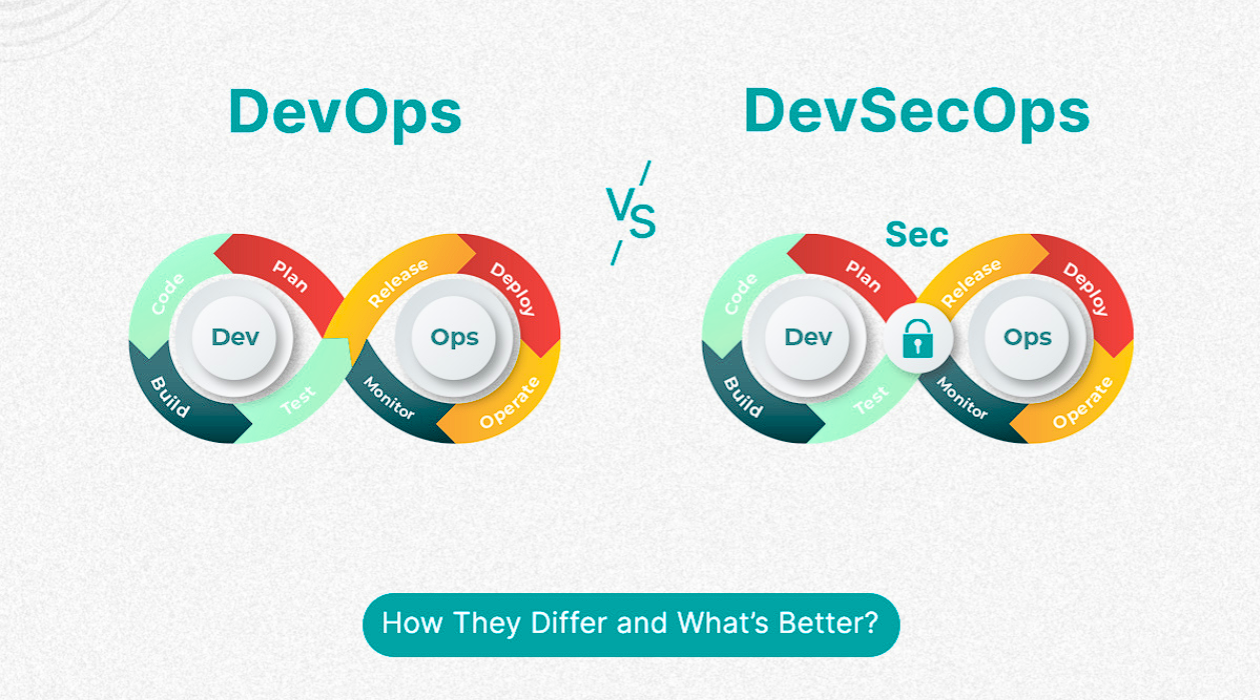
Traditional software development treated security as a final review gate right before production deployment. This delayed releases and resulted in extremely expensive post-deployment vulnerability fixes. DevSecOps (Development, Security, Operations) revolutionizes software delivery by embedding security directly into every stage of the continuous integration and continuous deployment (CI/CD) pipeline.
Imagine discovering an aircraft engine defect while flying at 30,000 feet versus discovering it during routine maintenance in the hangar before takeoff! Fixing a security vulnerability in production is up to 30 times more expensive than catching it during the initial code push.
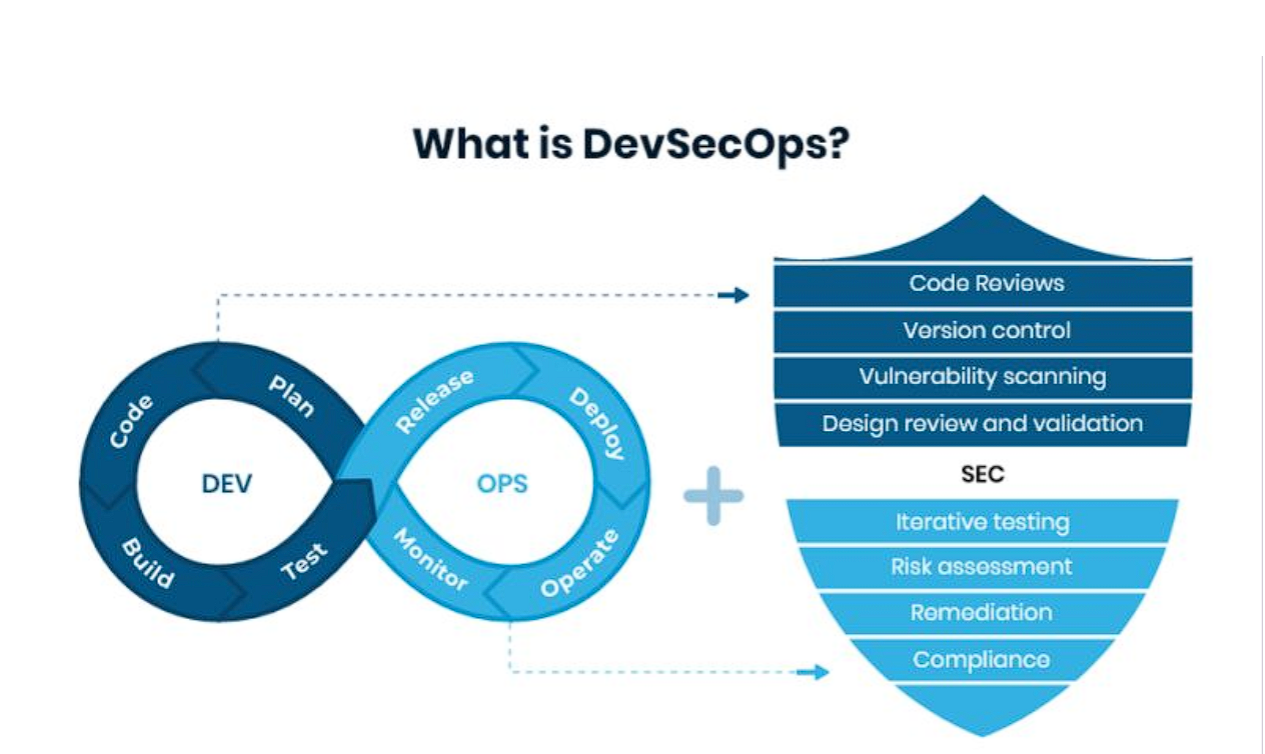
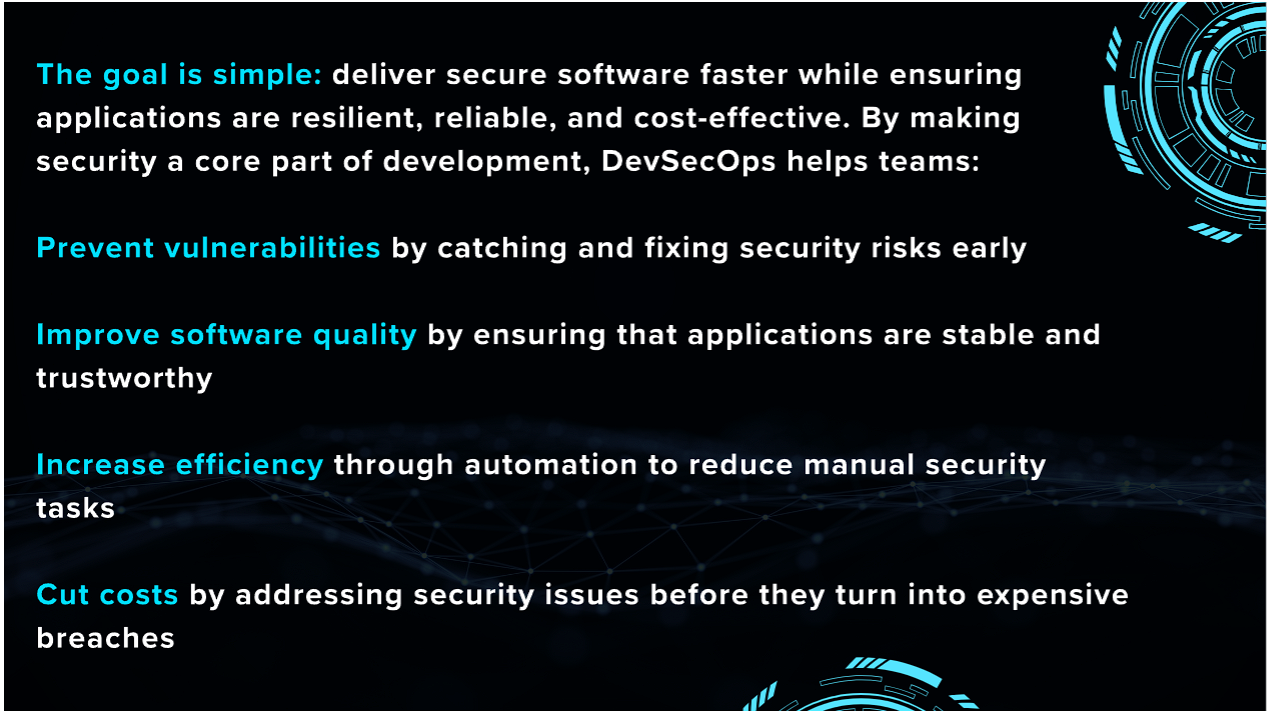
To implement an effective DevSecOps pipeline, security tooling is applied across 5 distinct domains of the software lifecycle:
| Security Domain | Primary Tool | Function & Coverage |
|---|---|---|
| Code Security & SAST | SonarQube | Static Application Security Testing, code smells, bugs & quality gates. |
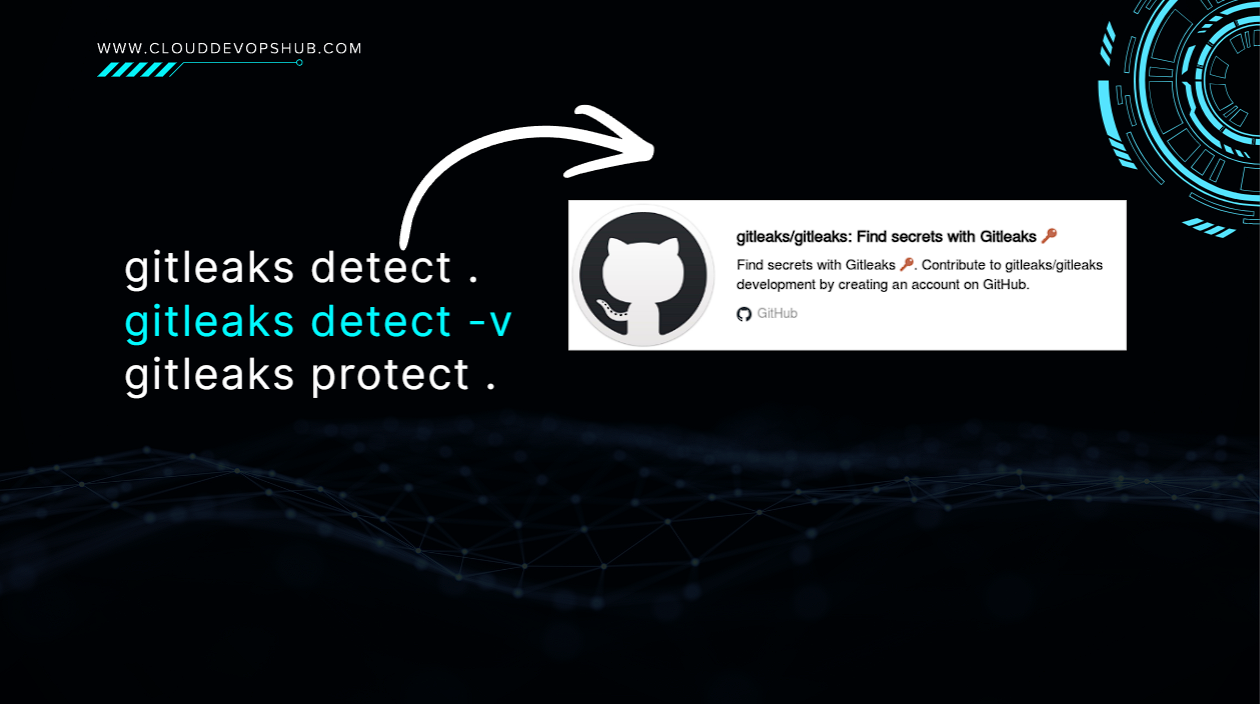
| Secrets Detection | GitLeaks | Detects unencrypted passwords, API tokens, and AWS keys in git repos. |
| IaC Security | Checkov | Scans Terraform, CloudFormation & K8s manifests for misconfigurations. |
| Container Security | Aqua Trivy / Scout | Audits container OS packages and application dependencies for CVEs. |
| Dependency Security | OWASP / Snyk | Identifies vulnerable 3rd party npm / maven / pip software packages. |
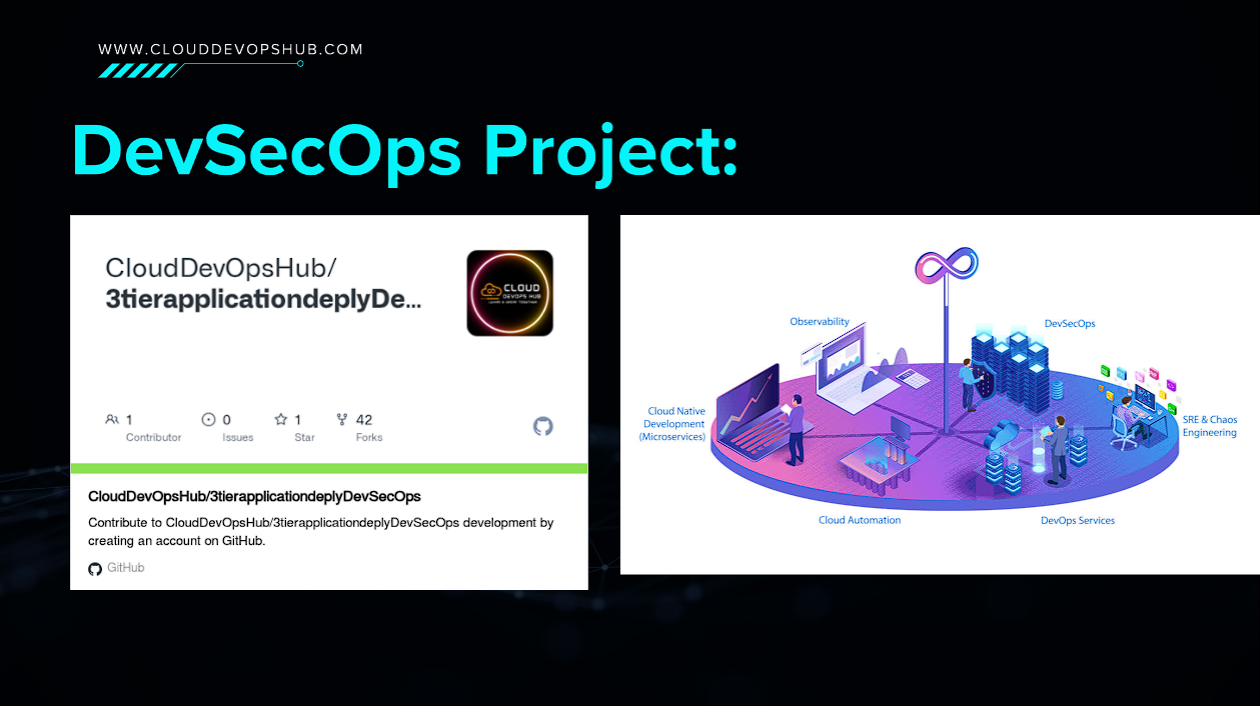
DevOps appc5.large / t3.xlarge (2 vCPUs & 8 GB RAM)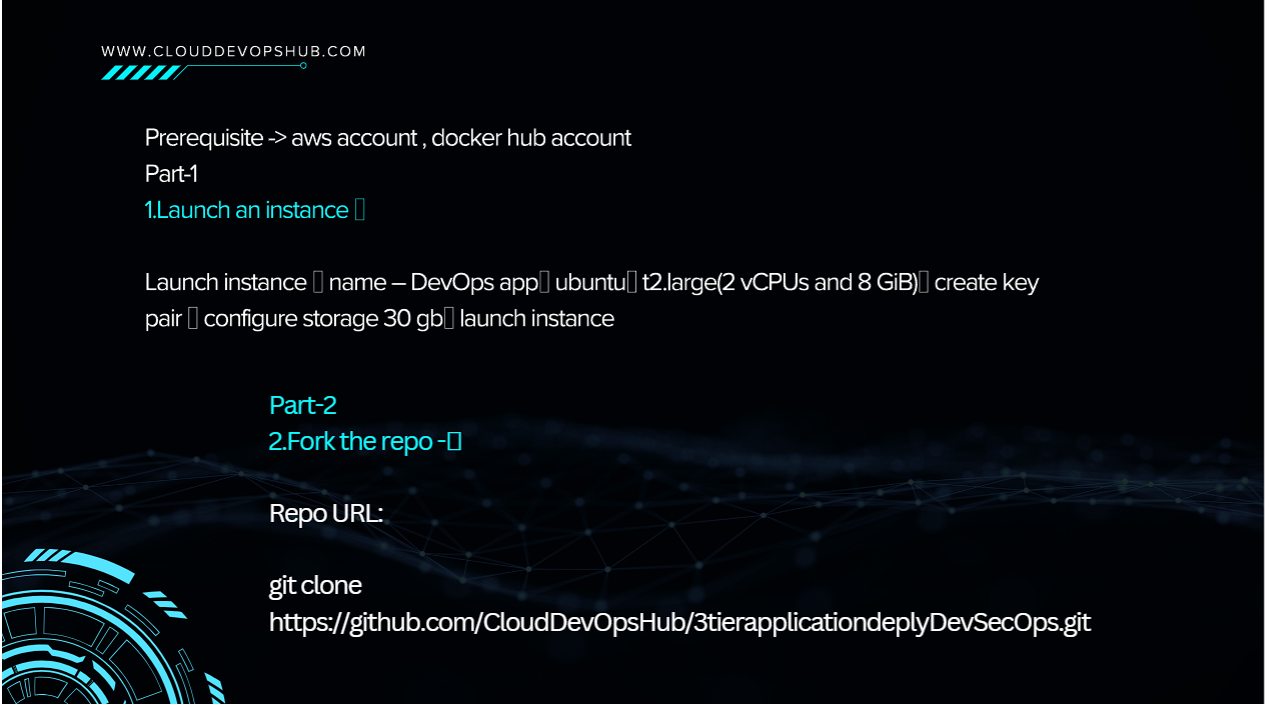
# Clone project source repository
git clone https://github.com/CloudDevOpsHub/3tierapplicationdeplyDevSecOps.git
cd 3tierapplicationdeplyDevSecOps| Protocol | Port Range | Purpose & Service |
|---|---|---|
| SSH | 22 |
Remote Terminal Connection |
| SMTP | 25 |
Mail Notifications |
| Custom TCP | 3000 |
Frontend Web Container |
| Custom TCP | 5000 |
3-Tier Application API Container |
| Custom TCP | 8080 |
Jenkins CI/CD Automation Server |
| Custom TCP | 9000 |
SonarQube Code Quality Dashboard |
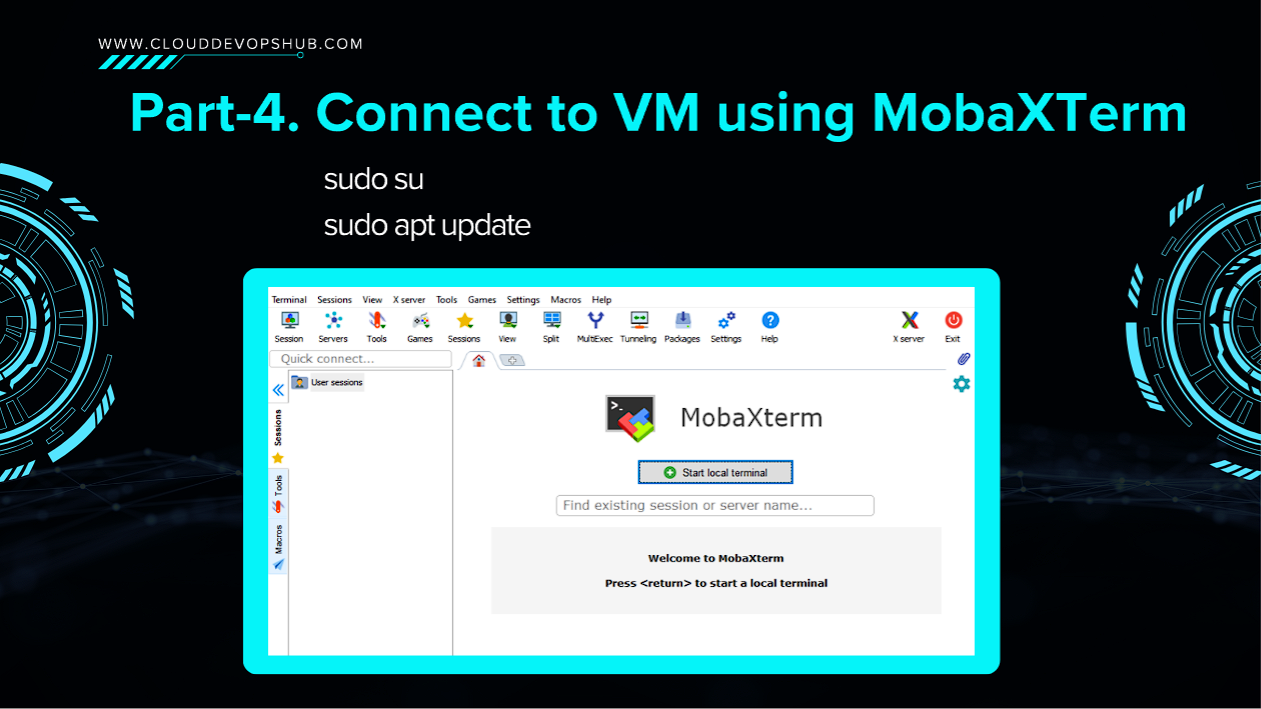
sudo su
apt update -y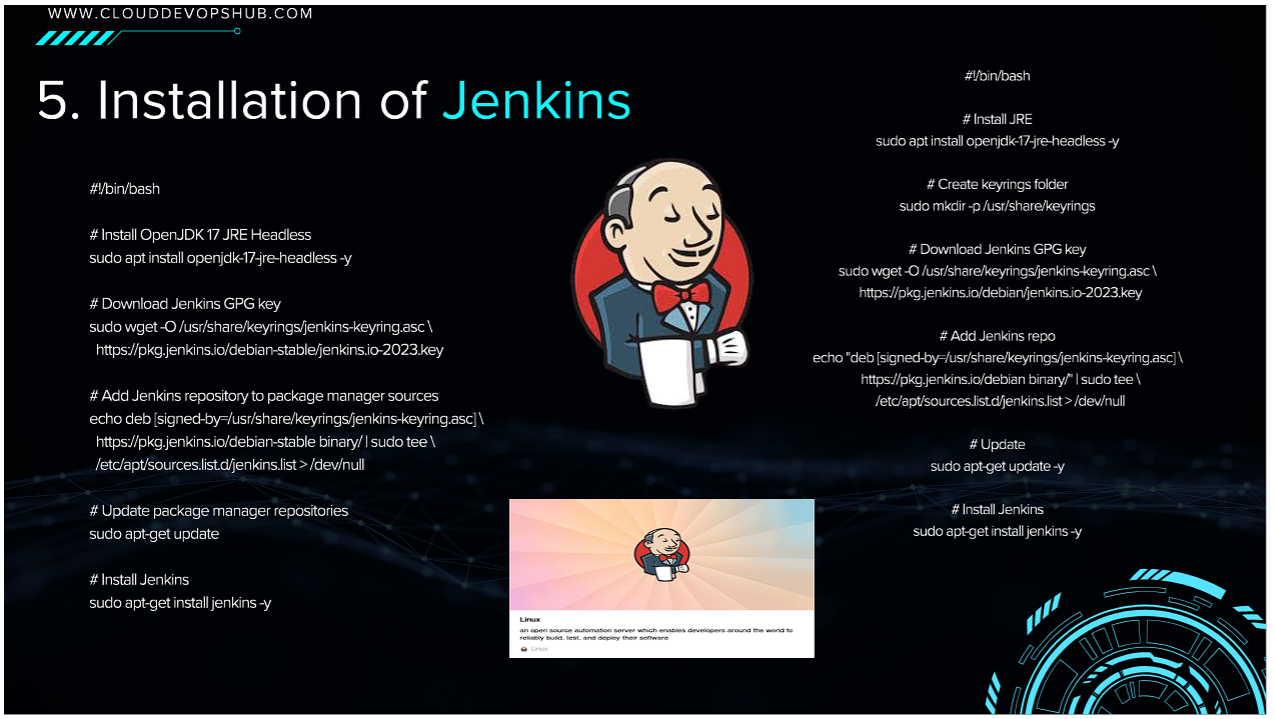
#!/bin/bash
# Install OpenJDK 17 JRE Headless
sudo apt install openjdk-17-jre-headless -y

# Download Jenkins GPG Key
sudo wget -O /usr/share/keyrings/jenkins-keyring.asc https://pkg.jenkins.io/debian-stable/jenkins.io-2023.key

# Add Jenkins Debian Repository
echo "deb [signed-by=/usr/share/keyrings/jenkins-keyring.asc] https://pkg.jenkins.io/debian-stable binary/" | sudo tee /etc/apt/sources.list.d/jenkins.list > /dev/null

# Update & Install Jenkins
sudo apt-get update -y
sudo apt-get install jenkins -y
sudo systemctl enable --now jenkins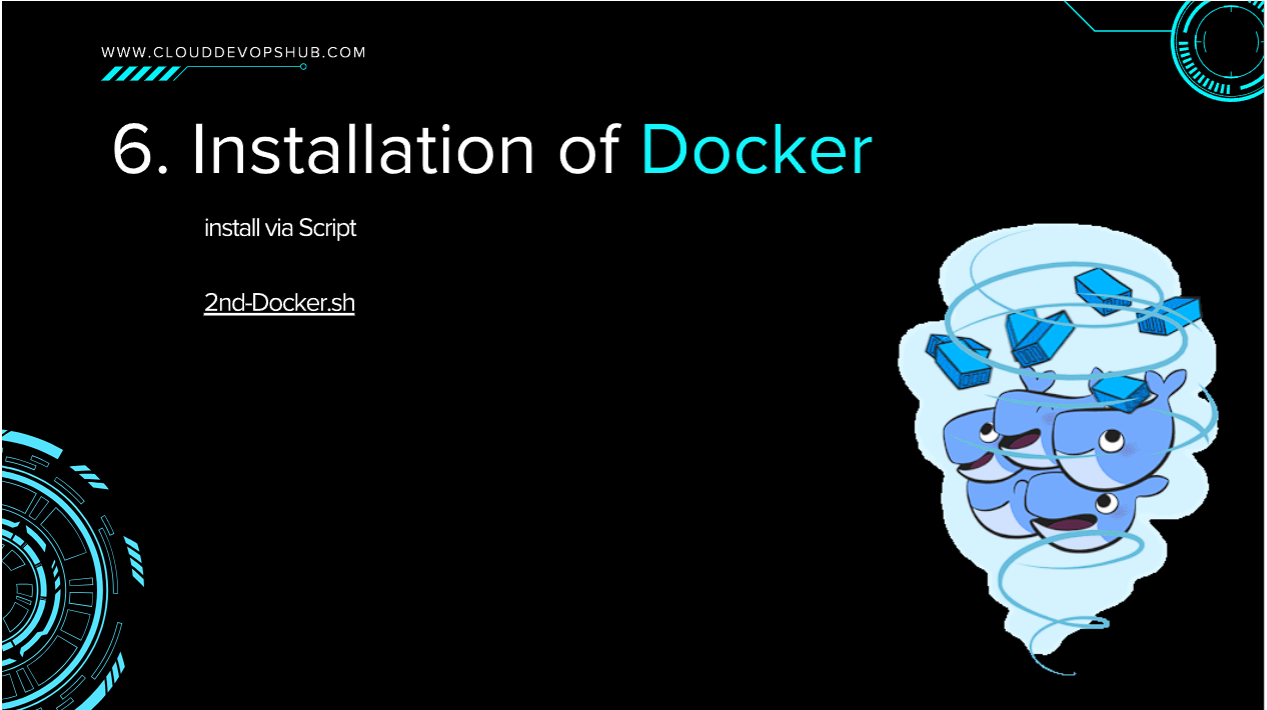
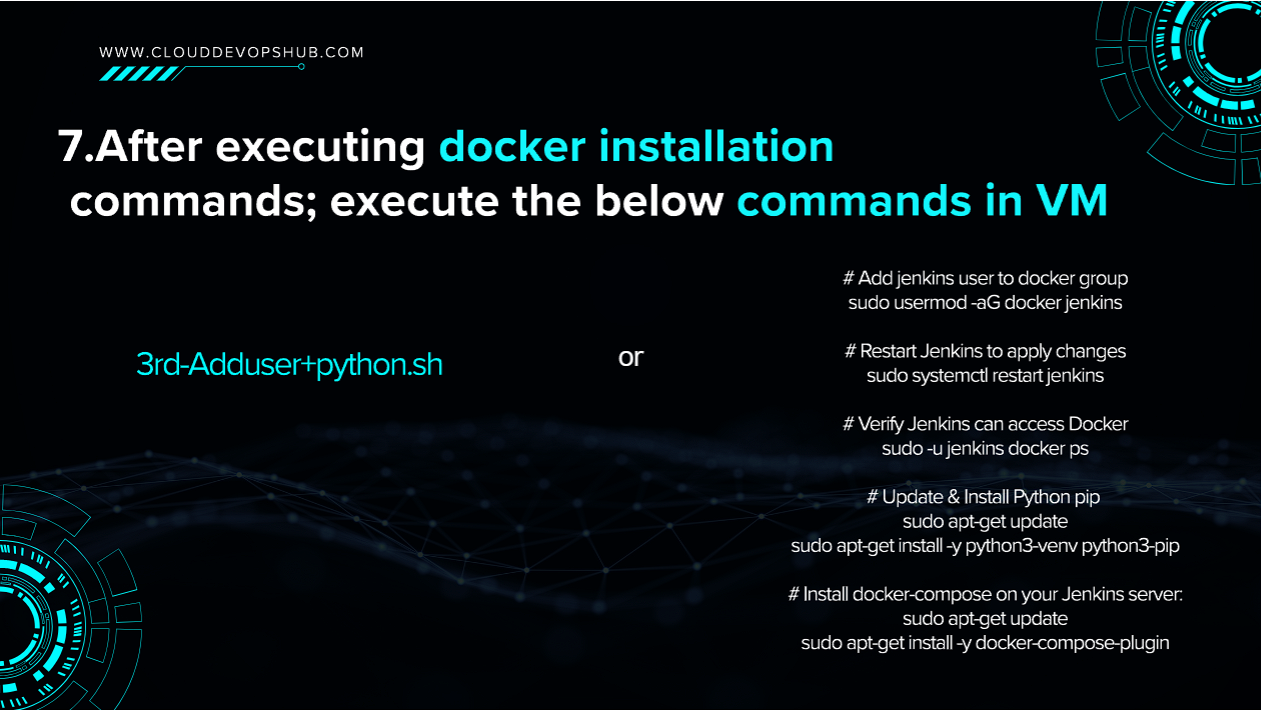
# Add jenkins user to docker group
sudo usermod -aG docker jenkins

# Restart Jenkins service to apply group updates
sudo systemctl restart jenkins

# Verify jenkins user can execute docker commands without sudo
sudo -u jenkins docker ps

# Install Python & pip
sudo apt-get install python3-pip -y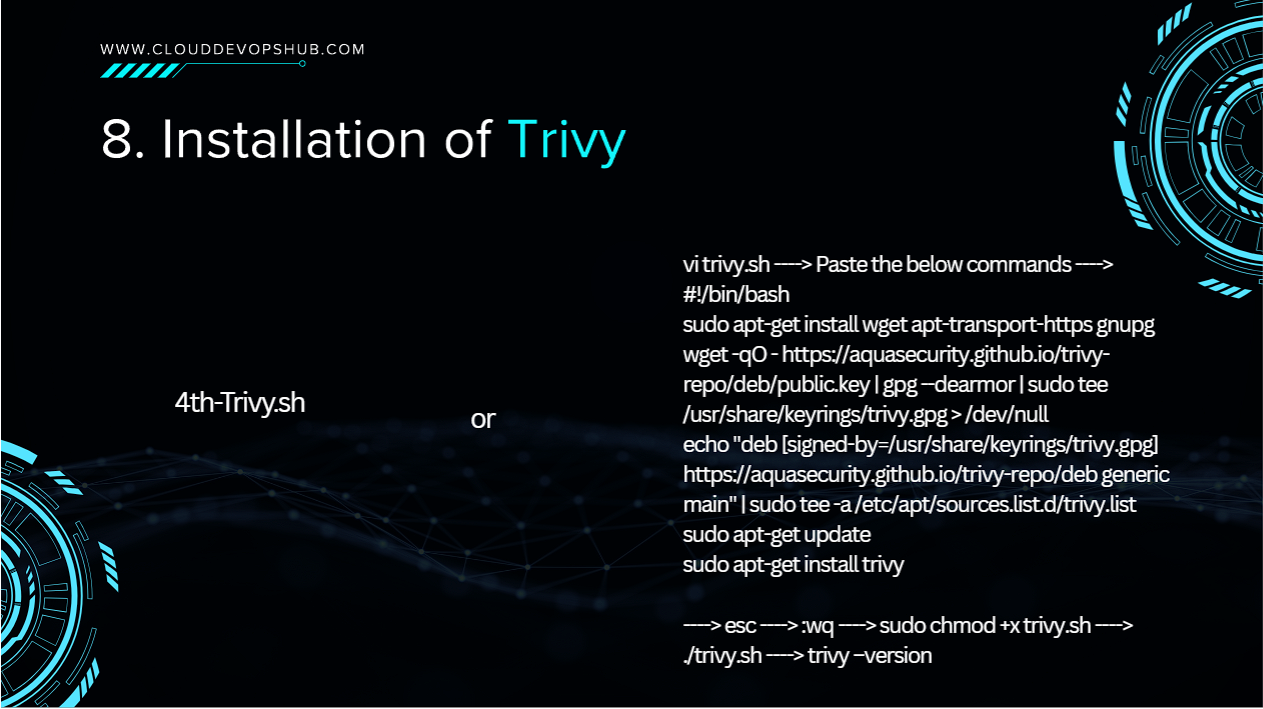
#!/bin/bash
sudo apt-get install wget apt-transport-https gnupg -y
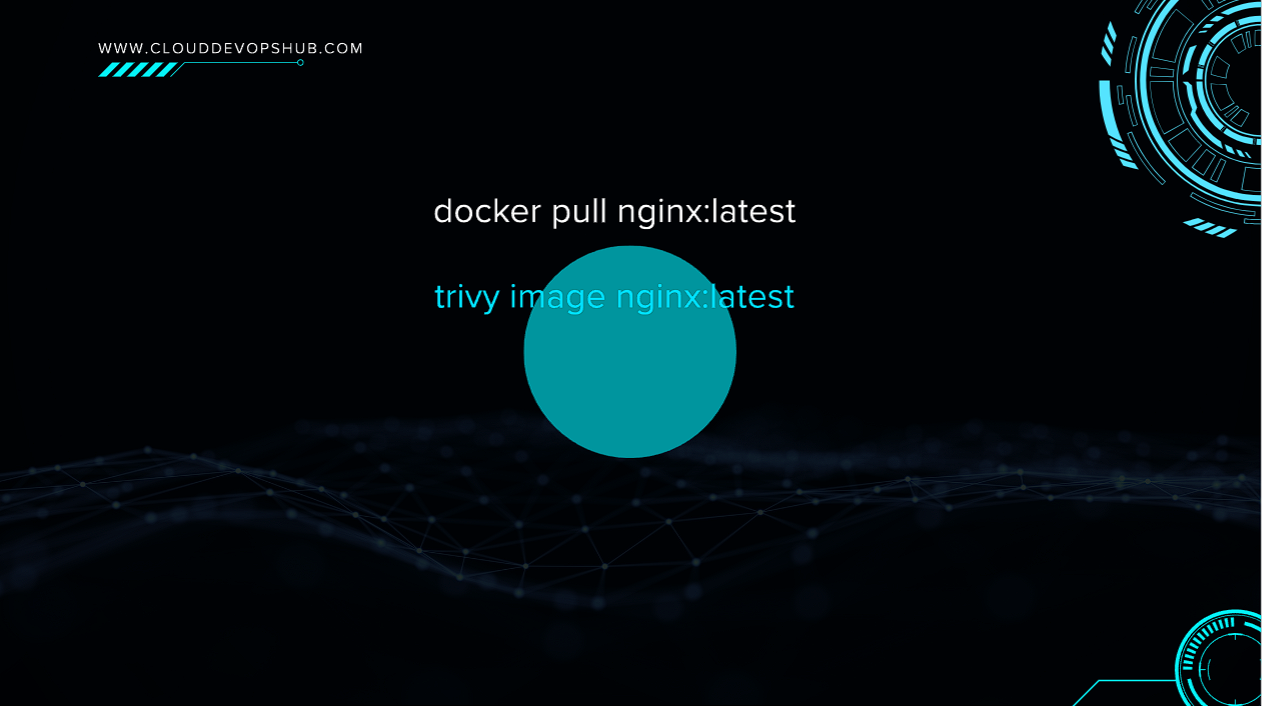
wget -qO - https://aquasecurity.github.io/trivy-repo/deb/publickey | gpg --dearmor | sudo tee /usr/share/keyrings/trivy.gpg > /dev/null
echo "deb [signed-by=/usr/share/keyrings/trivy.gpg] https://aquasecurity.github.io/trivy-repo/deb generic main" | sudo tee -a /etc/apt/sources.list.d/trivy.list
sudo apt-get update
sudo apt-get install trivy -y
trivy --version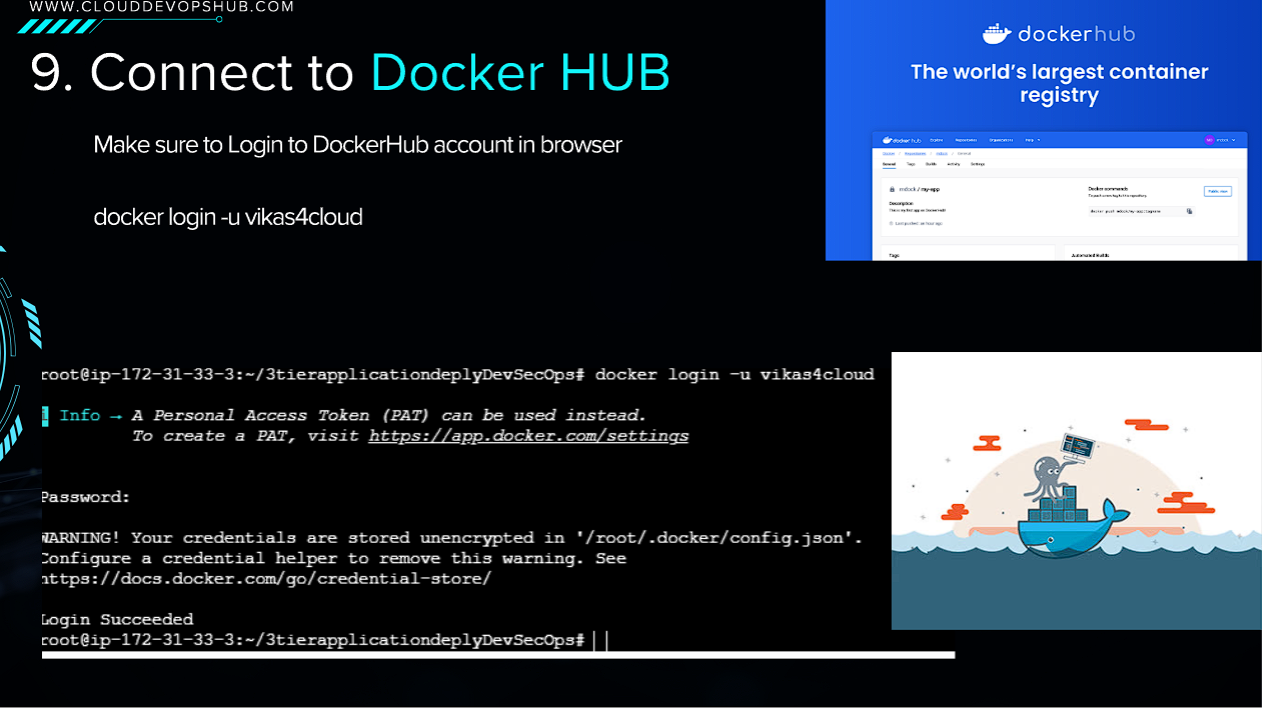
docker login -u vikas4cloud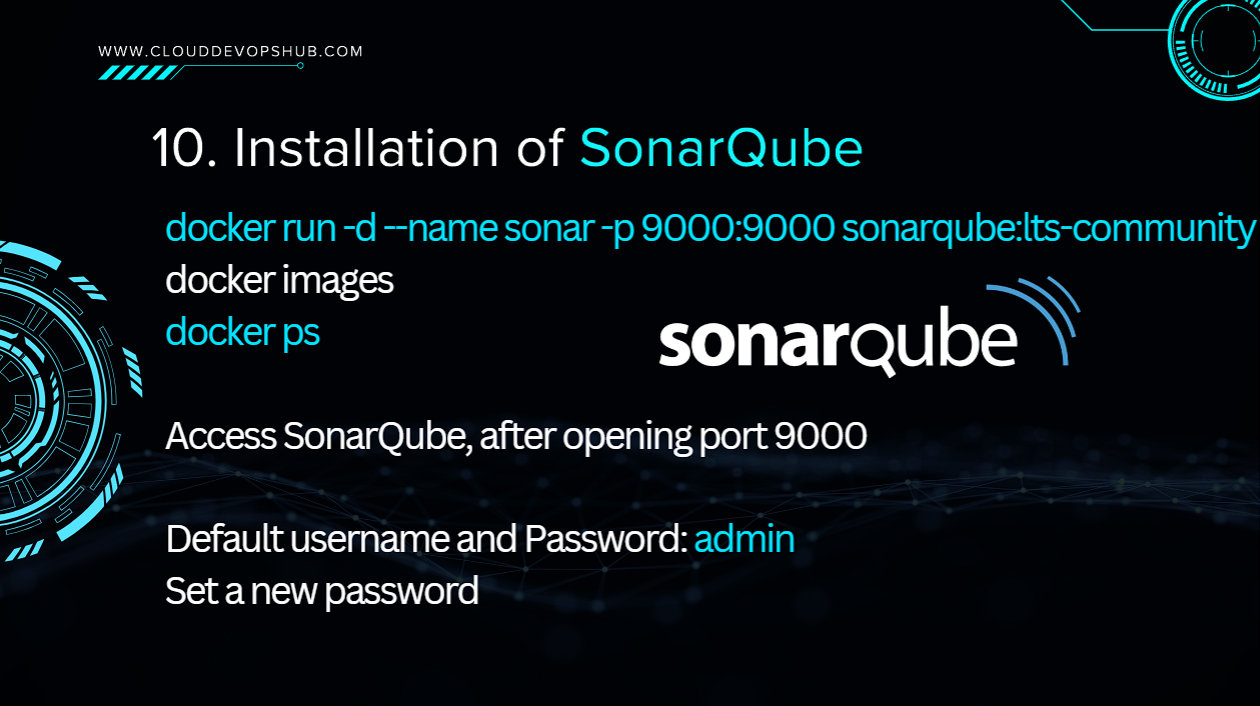
# Run SonarQube LTS container
docker run -d --name sonar -p 9000:9000 sonarqube:lts-community

# Verify running container
docker ps
Access SonarQube dashboard on http://. Default credentials: username admin, password admin. Set a new admin password upon first login.
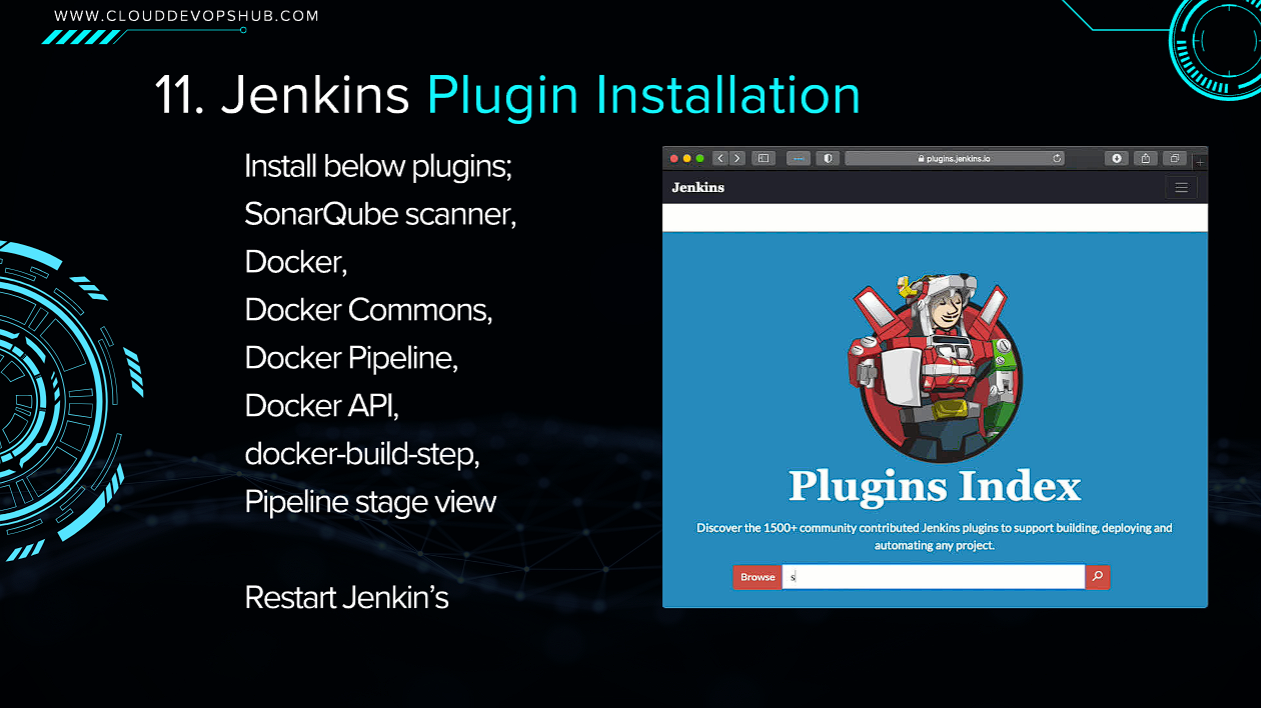
Under Manage Jenkins ➔ Plugins ➔ Available Plugins, install:
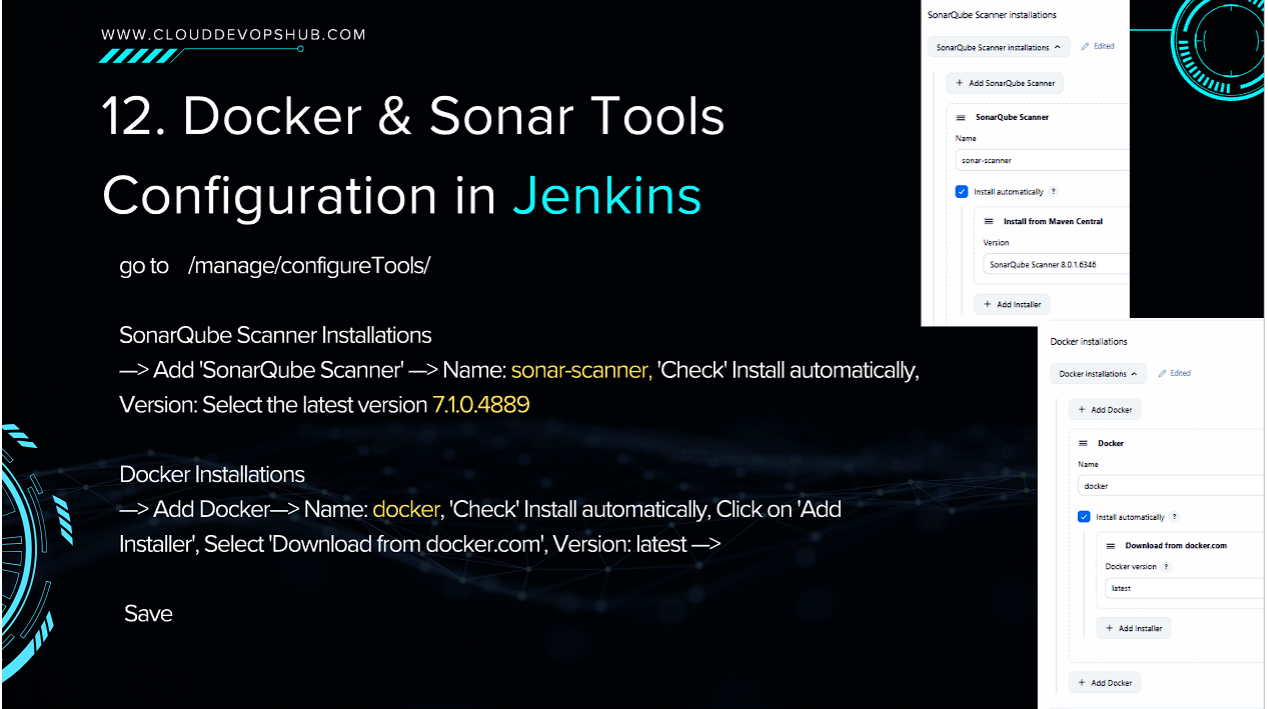
Under Manage Jenkins ➔ Tools:
sonar-scanner | Install automatically (Version 7.1.0.4889).docker | Install automatically from docker.com (Version latest).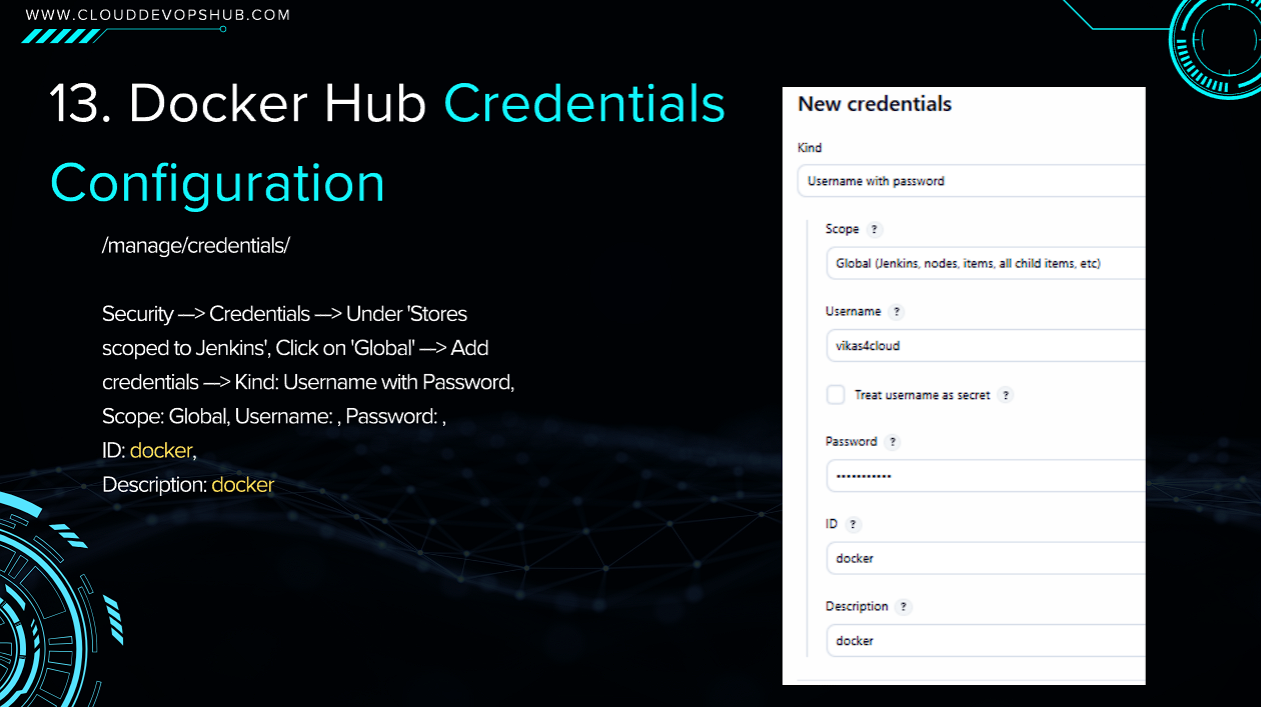
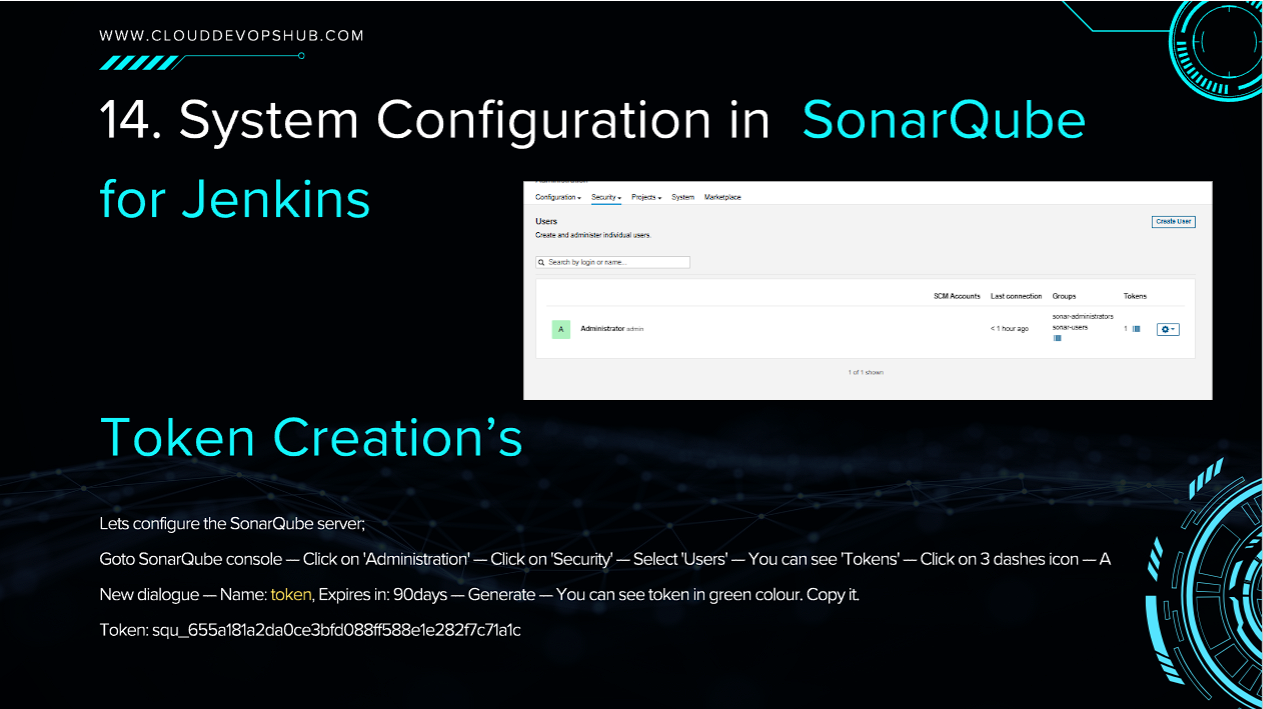
In SonarQube Console: Go to Administration ➔ Security ➔ Users ➔ Tokens ➔ Generate Token (Name: token). Copy the generated secret token string (e.g. squ_655a181a...).
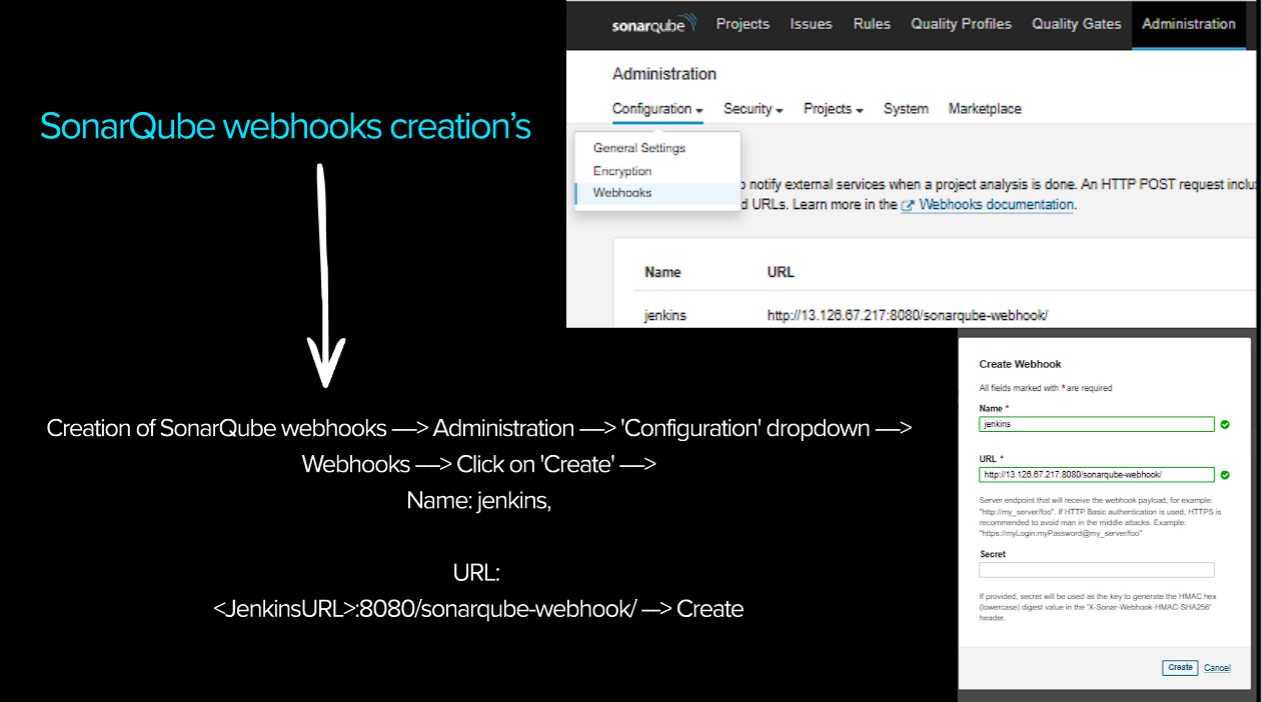
In SonarQube Console: Go to Administration ➔ Configuration ➔ Webhooks ➔ Create:
jenkinshttp://:8080/sonarqube-webhook/ 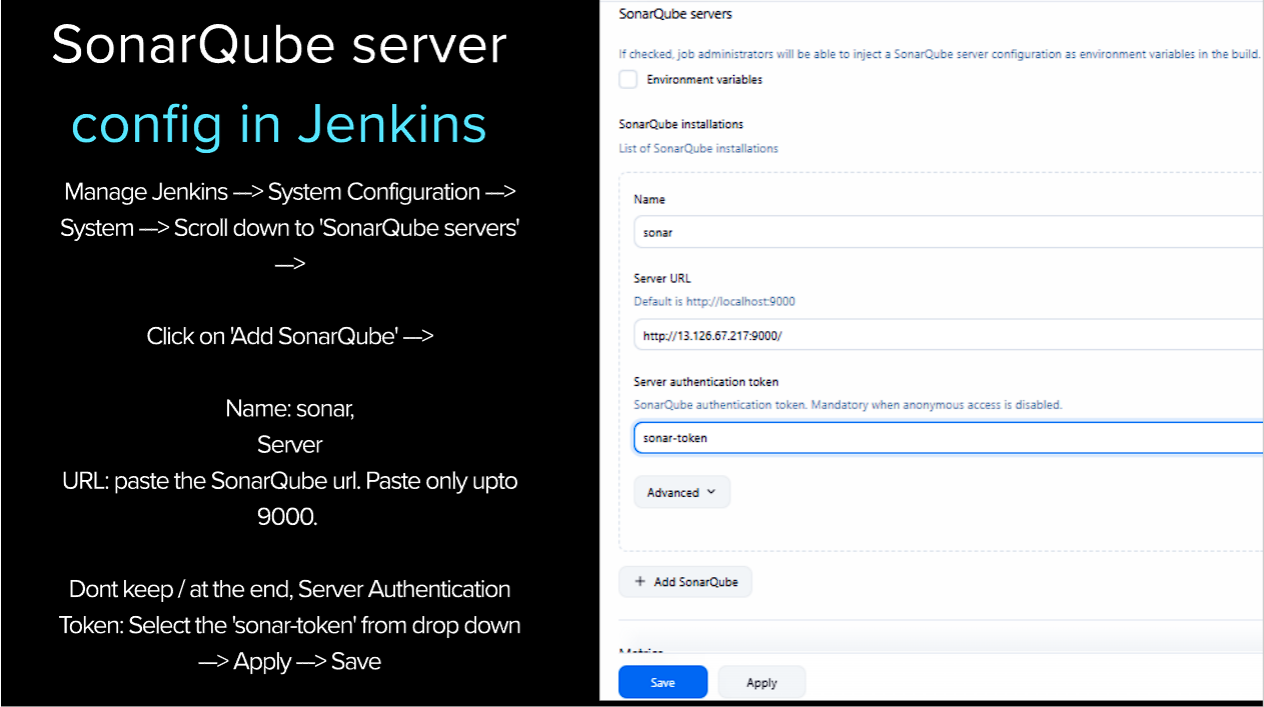
Under Manage Jenkins ➔ System Configuration ➔ System ➔ SonarQube servers:
sonarhttp://:9000 *(Do not include trailing slash)*sonar-token from dropdown.
Open your browser and navigate to http:// — your secure 3-tier web application is live!
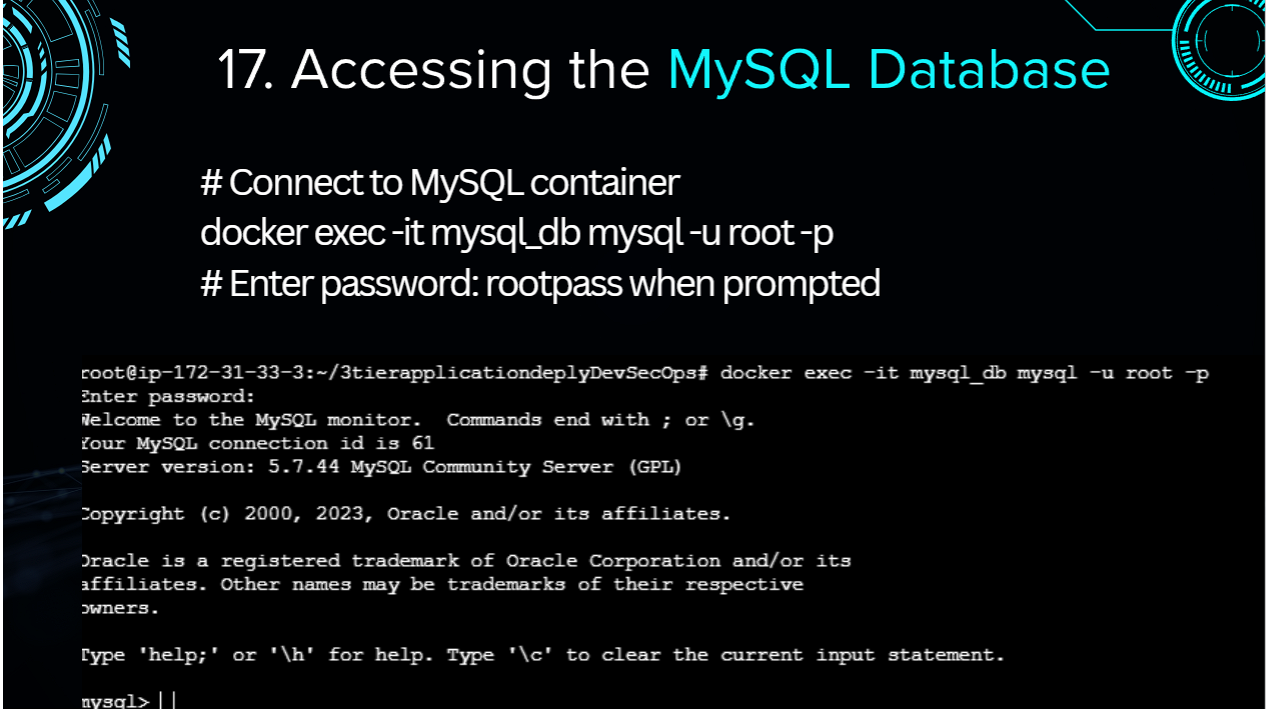
# Connect to running MySQL container
docker exec -it mysql_db mysql -u root -p
# Enter password: rootpass

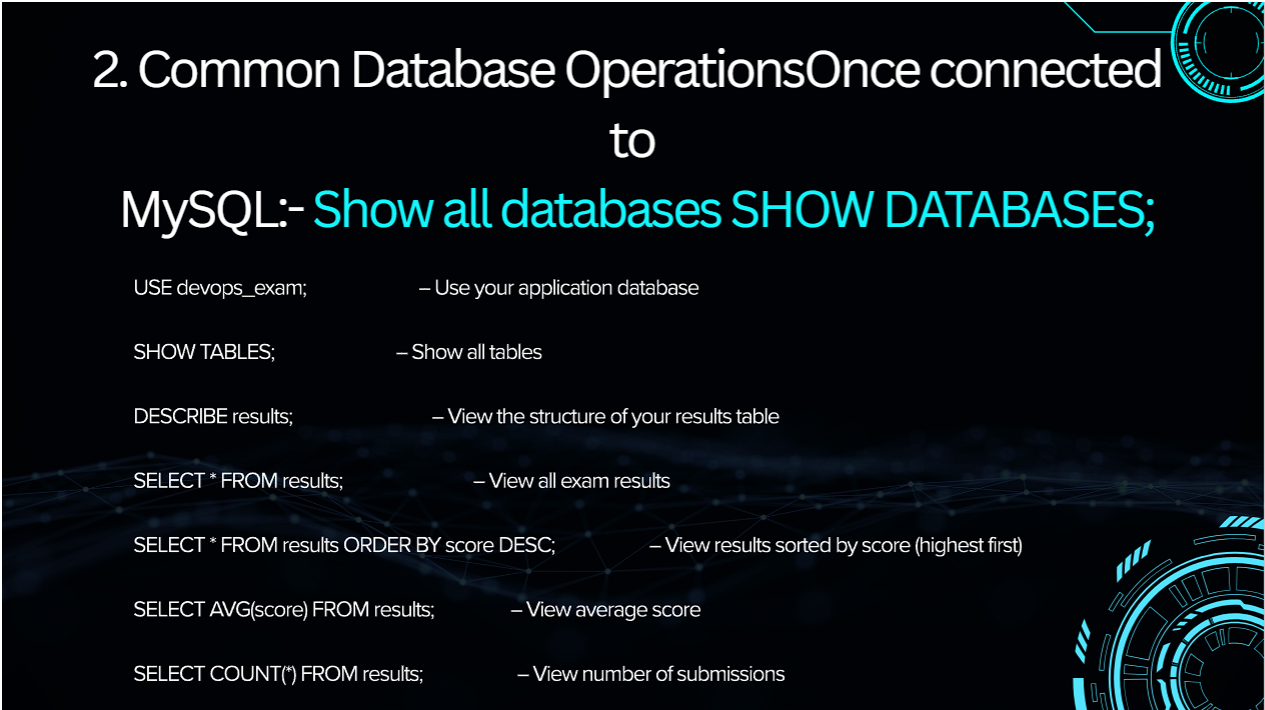
# Execute Database Queries
SHOW DATABASES;
USE devops_exam;
SHOW TABLES;
DESCRIBE results;
SELECT * FROM results ORDER BY score DESC;
SELECT AVG(score) FROM results;You can add these high-impact production bullet points to your resume based on this project:
Common real-time production & interview questions on DevSecOps pipeline implementation:
Answer: Shift-Left Security means moving security testing to the earliest stages of the software development lifecycle (during code commit and build) rather than waiting for post-deployment security audits. Detecting vulnerabilities during initial development is up to 30x cheaper and prevents security flaws from ever reaching production environments.
Answer:
SAST (Static Application Security Testing): Analyzes source code without executing it (e.g. SonarQube).
DAST (Dynamic Application Security Testing): Tests running applications from the outside to discover runtime vulnerabilities (e.g. OWASP ZAP).
SCA (Software Composition Analysis): Identifies known CVE vulnerabilities in 3rd party libraries and dependencies (e.g. Trivy, Snyk, Dependency-Check).
Answer: Jenkins initiates a SonarQube analysis stage using the sonar-scanner CLI tool. SonarQube computes code metrics against defined Quality Gate rules (e.g. 0 Critical Bugs, >80% Coverage). A configured Webhook notifies Jenkins when analysis completes. If Quality Gate rules fail, the Jenkins pipeline stage aborts, preventing deployment of vulnerable code.
Answer: SonarQube focuses on source code quality and static code bugs. Aqua Trivy specializes in OS container image vulnerabilities, scanning base Linux packages (Alpine/Debian/Ubuntu) and application dependencies inside Docker images for published Common Vulnerabilities and Exposures (CVEs).
Answer: GitLeaks scans git commits, commit history, and pull requests using regex rules to identify hardcoded passwords, API tokens, Private RSA Keys, and AWS Access Keys. Integrating GitLeaks in pre-commit hooks or CI pipelines prevents developers from committing secret credentials to source repositories.
Answer: Checkov is a static code analysis tool for Infrastructure as Code (IaC). It scans Terraform, AWS CloudFormation, Helm charts, Dockerfiles, and Kubernetes manifests for security misconfigurations (e.g., publicly accessible S3 buckets, privileged container execution, missing encryption at rest).
Answer: The jenkins service user must be added to the Linux docker group via sudo usermod -aG docker jenkins, followed by restarting the Jenkins service (sudo systemctl restart jenkins). This grants Jenkins permission to interact with the Docker daemon unix socket (/var/run/docker.sock).
Answer: Never hardcode database credentials in Dockerfiles or source code. Use Jenkins Credentials Manager, AWS Secrets Manager, HashiCorp Vault, or Kubernetes Secrets to inject credentials as encrypted environment variables or mounted secret files at runtime.