There are no items in your cart
Add More
Add More
| Item Details | Price | ||
|---|---|---|---|

Docker Commands Cheat Sheet: Concise Visual Guide 2026
A Quick Reference for Daily Containerization, Docker Compose & DevOps Workflows
Published: 2026-08-01
Docker simplifies application deployment by bundling software with all required libraries into lightweight containers. This reference guide provides a streamlined overview of key commands used in daily DevOps environments.
Verify installation setup and execute containers with port mapping and detached background flags:
# System check & help documentation
docker --version
docker info
docker <command> --help

# Pull & run image in background with port mapping
docker pull nginx
docker run -d -p 8080:80 --name web-server nginx

# Run interactive shell or one-off auto-remove container
docker run -it ubuntu bash
docker run --rm ubuntu echo "Hello Docker"
-d : Runs container in detached background mode.-p 8080:80 : Maps host port 8080 to container port 80.-it : Allocates pseudo-TTY for interactive terminal access.--rm : Automatically removes container after execution finishes.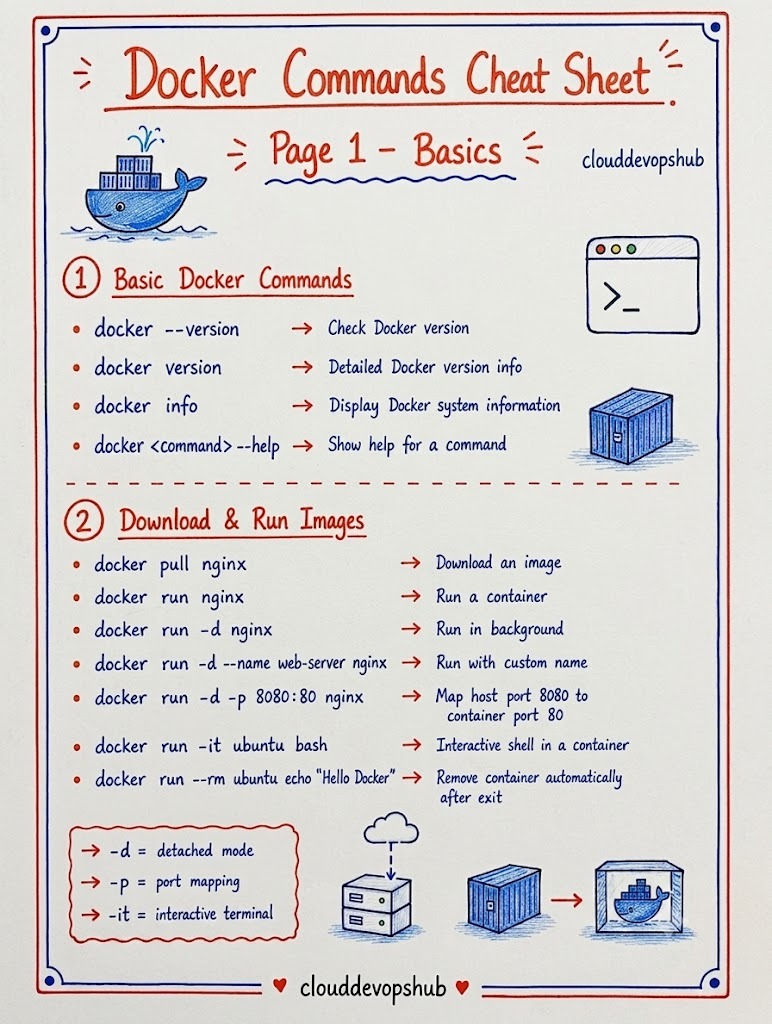
Control running states, list active resources, and remove stopped or idle containers:
# List running and all containers
docker ps
docker ps -a

# Lifecycle control
docker start <container>
docker stop <container>
docker restart <container>

# Pause, resume, or rename
docker pause <container>
docker unpause <container>
docker rename old-name new-name

# Remove stopped or force-remove active container
docker rm <container>
docker rm -f <container>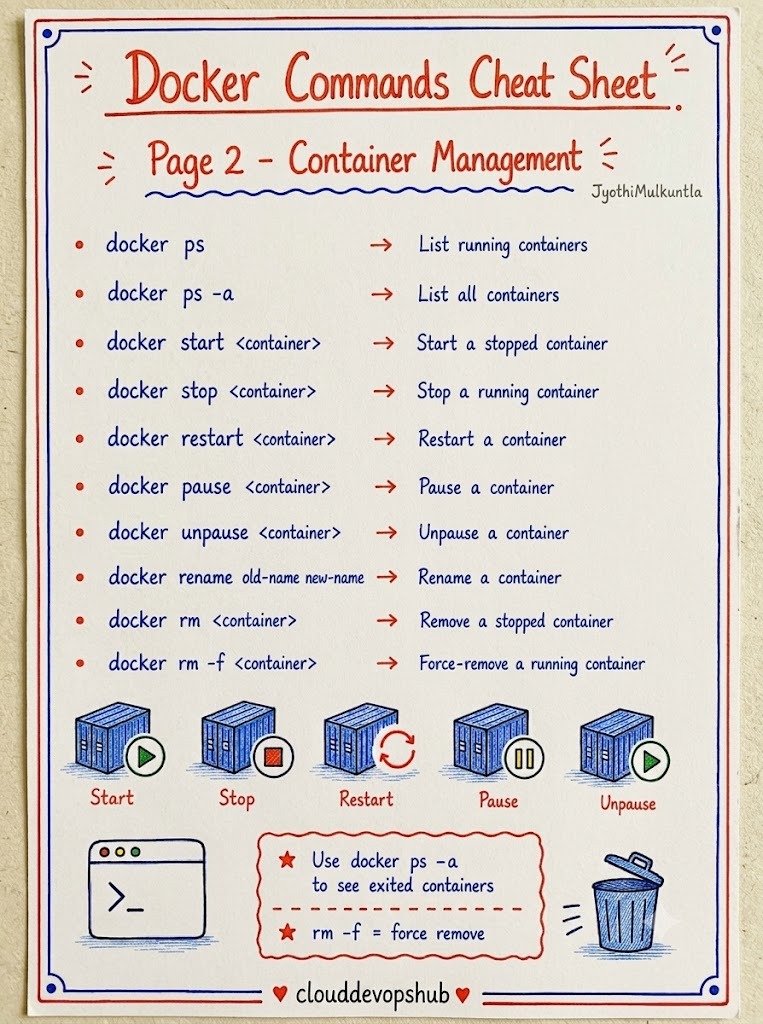
Build custom container images using Dockerfiles, assign tags, and push builds to remote registries:
# Build image from local Dockerfile
docker build -t my-app:1.0 .

# Force clean build bypassing cache
docker build --no-cache -t my-app:1.0 .

# Tag & push image to Docker Hub
docker tag my-app:1.0 username/my-app:1.0
docker push username/my-app:1.0

# Manage local image storage
docker images
docker rmi <image>
docker image inspect <image>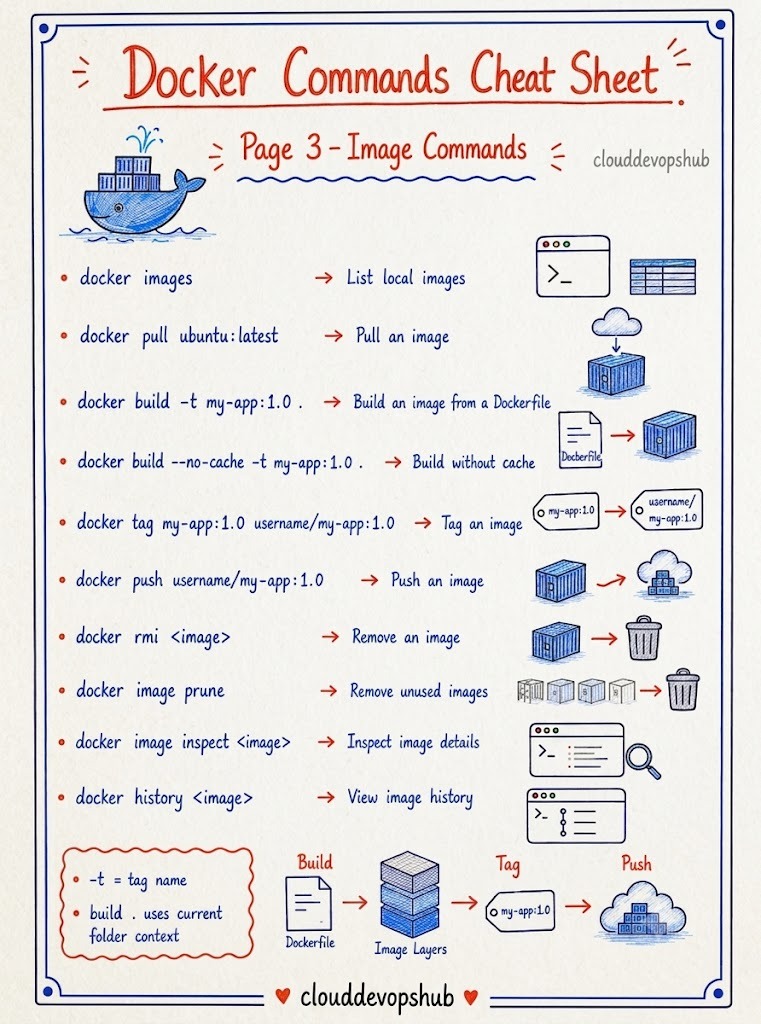
Inspect container stdout/stderr output streams or attach shell processes directly to active instances:
# View & tail real-time logs
docker logs <container>
docker logs -f --tail 100 <container>

# Attach interactive terminal inside active container
docker exec -it <container> bash
docker exec -it <container> sh

# Run single command inside container
docker exec <container> ls /app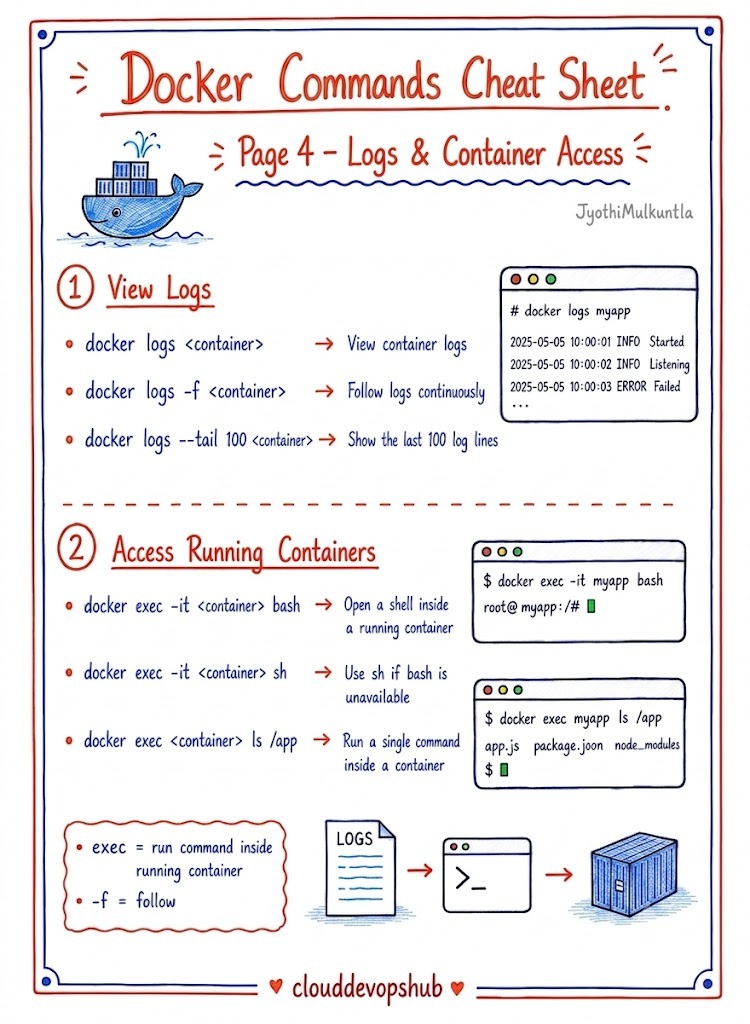
Track real-time resource consumption and transfer files between the host system and container environments:
# Resource monitoring & JSON metadata inspection
docker stats
docker top <container>
docker inspect <container>

# Copy files host <-> container
docker cp file.txt <container>:/tmp/
docker cp <container>:/tmp/file.txt .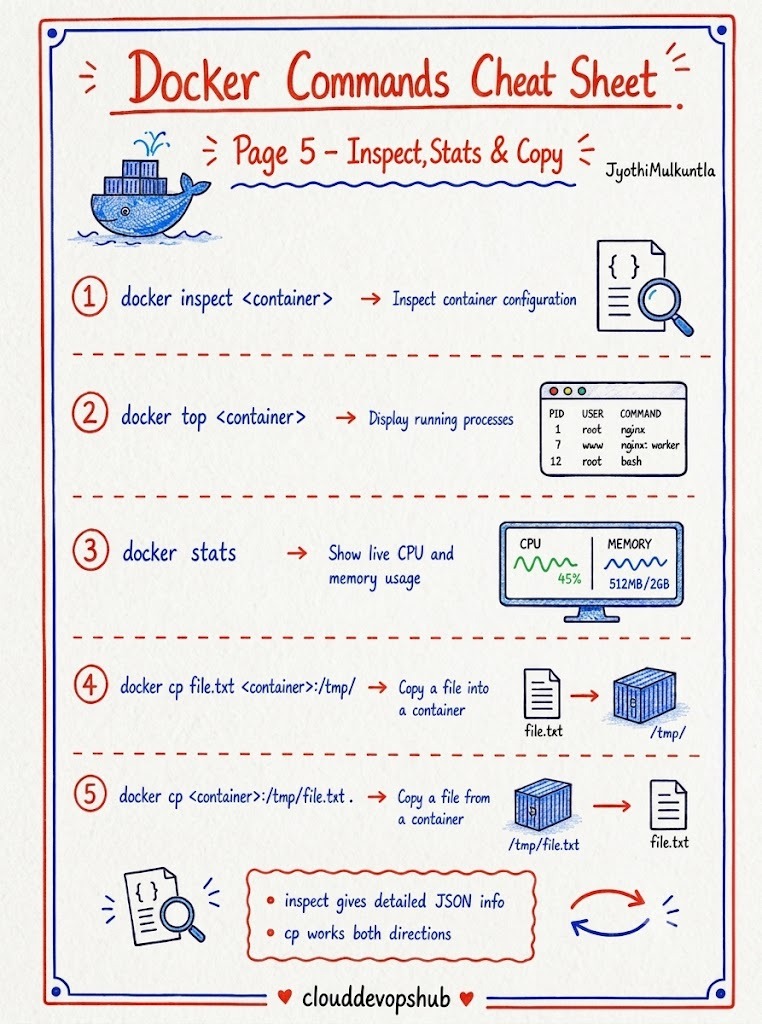
Persist container data beyond container lifecycles using managed volumes or host directory bind mounts:
# Manage named volumes
docker volume create app-data
docker volume ls
docker volume inspect app-data

# Run container with named volume or bind mount
docker run -d -v app-data:/var/lib/data nginx
docker run -d -v "$(pwd)":/app nginx

# Cleanup volume storage
docker volume rm app-data
docker volume prune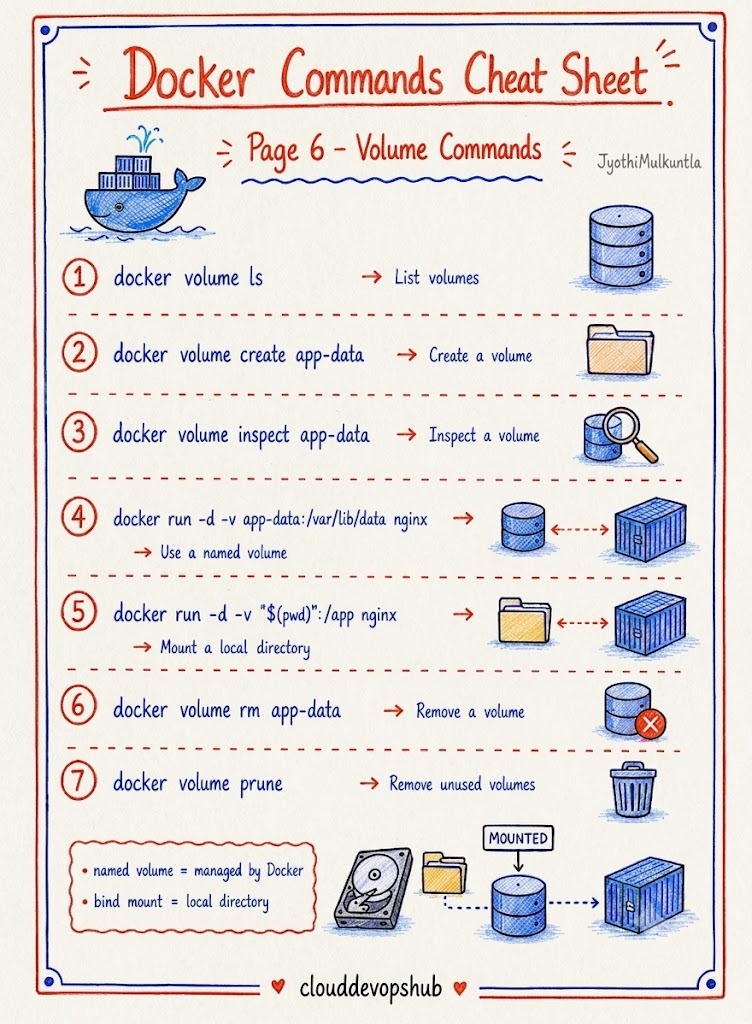
Isolate service communication by establishing custom bridge networks with internal DNS container resolution:
# Network setup & management
docker network create app-network
docker network ls
docker network inspect app-network

# Attach containers to custom network
docker run -d --network app-network --name web nginx
docker network connect app-network <container>
docker network disconnect app-network <container>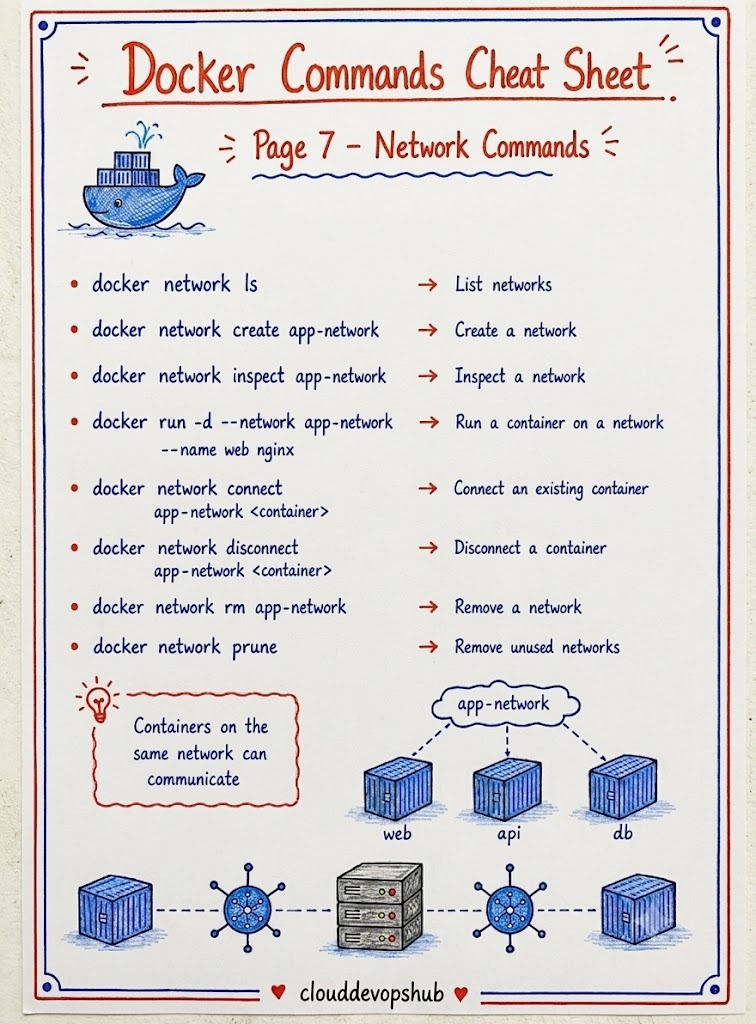
Orchestrate multi-service applications seamlessly using standard docker-compose.yml configurations:
# Launch services in background
docker compose up -d

# Rebuild images & start stack
docker compose up -d --build

# Stop, view status, & tail logs
docker compose ps
docker compose logs -f
docker compose down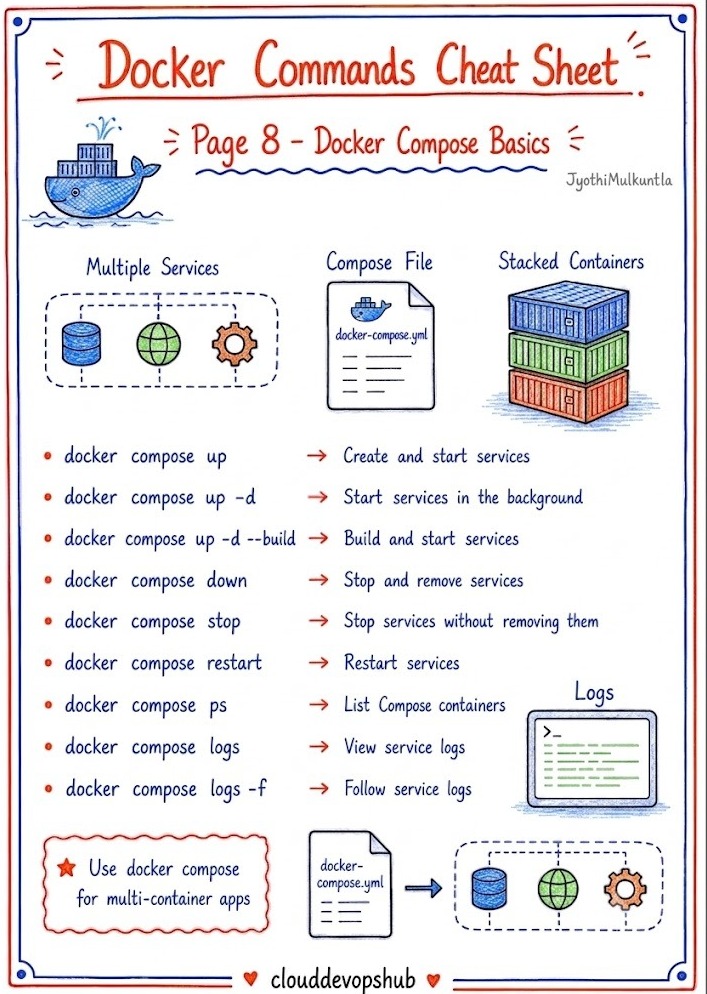
Perform targeted image builds, pull updates, or launch temporary task containers for testing:
# Build & pull stack dependencies
docker compose build
docker compose pull

# Interactive shell inside stack service
docker compose exec web sh

# Run one-off ephemeral task (e.g., test runner)
docker compose run --rm web npm test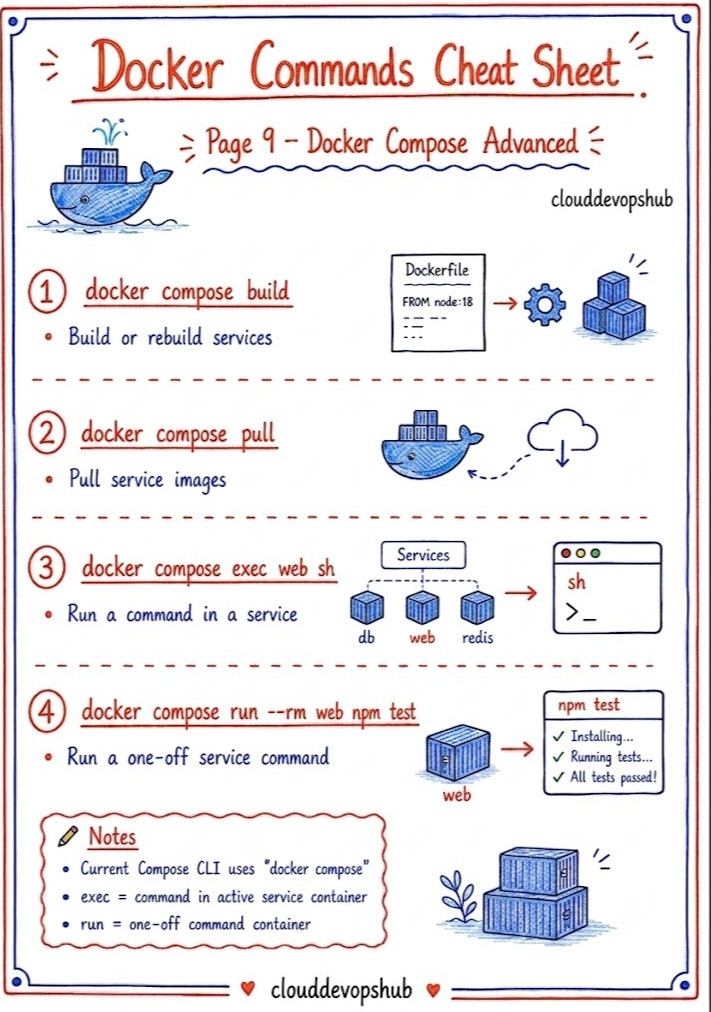
Maintain host disk hygiene by removing dangling resources and purging unused build caches:
# Check Docker disk allocation
docker system df

# Granular resource cleanup
docker container prune
docker image prune
docker volume prune

# Complete system purge (containers, images, networks, volumes)
docker system prune -a --volumes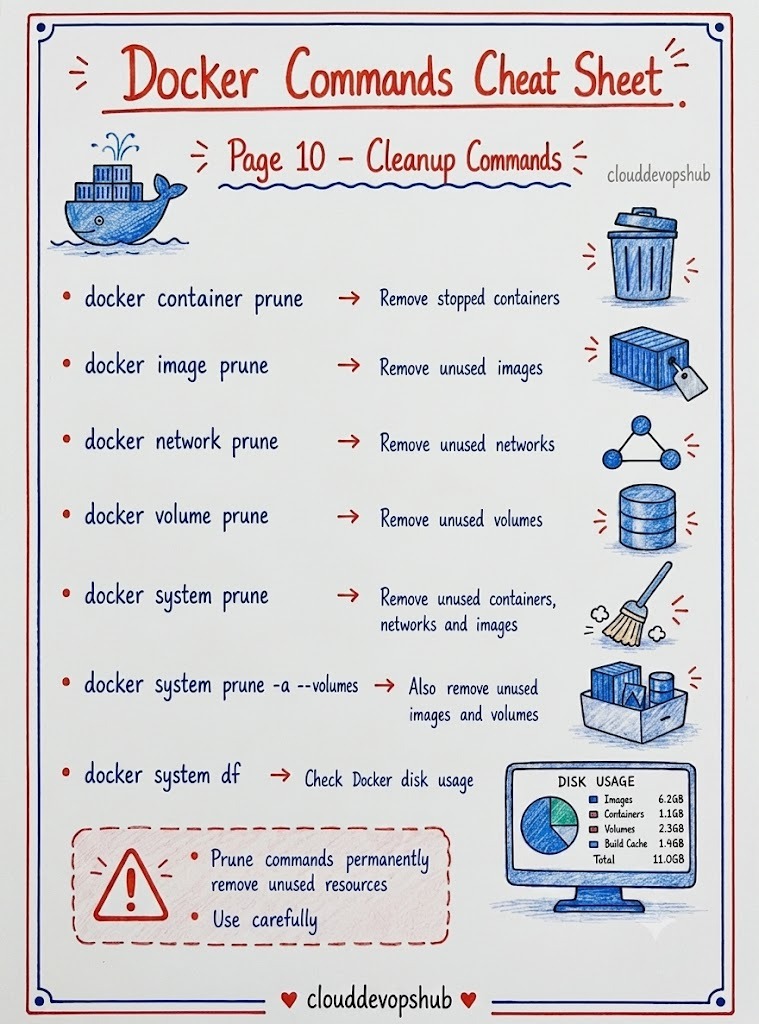
alpine or slim) to minimize attack surfaces and speed up builds.