Project-5: End-to-End Production MLOps Pipeline on AWS EKS

Architecting, Training, Containerizing & Deploying an IT Career Upskilling Prediction ML Model using Python, Scikit-Learn, FastAPI, Docker, Kubernetes & AWS EKS

Real-Time Production Project | MLOps & Kubernetes Infrastructure

🤖 Project Overview & MLOps Philosophy

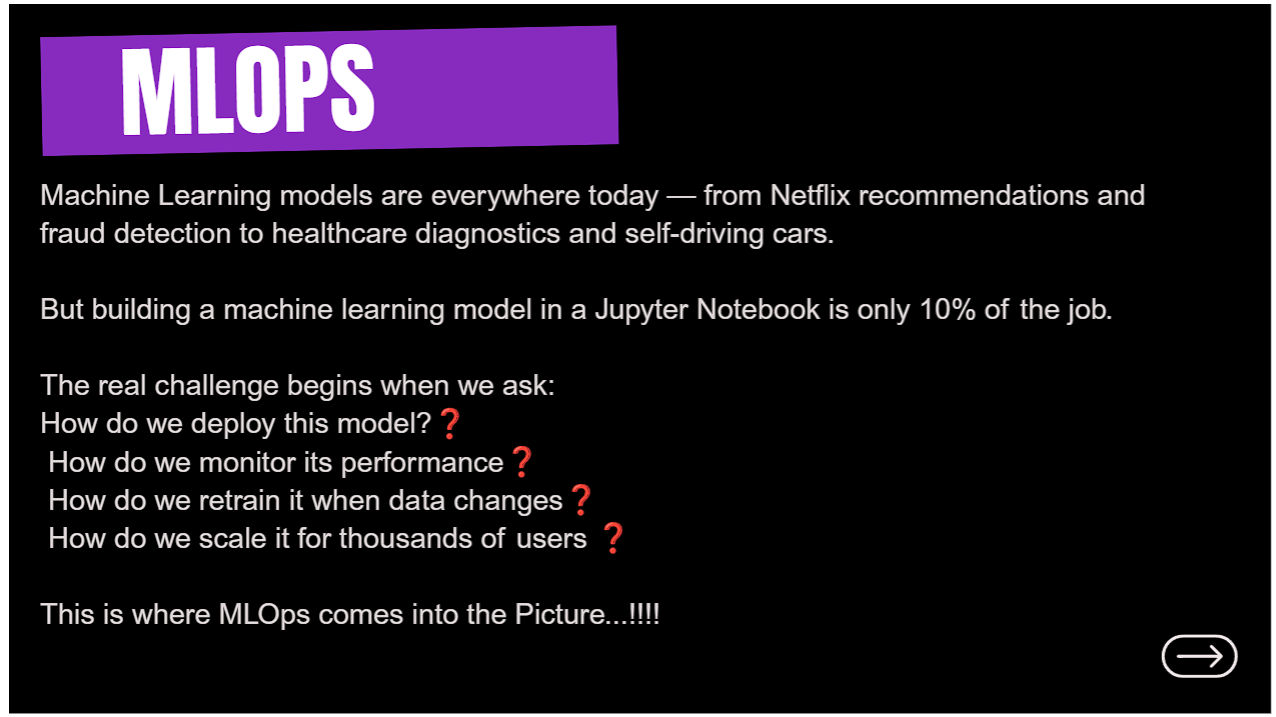
Building a machine learning model inside a Jupyter Notebook represents only 10% of the effort in real-world artificial intelligence projects. The remaining 90% involves operationalizing the model: data versioning, containerizing prediction APIs, orchestrating CI/CD pipelines, scaling deployments on managed Kubernetes clusters, and monitoring model performance against real-time data drift.
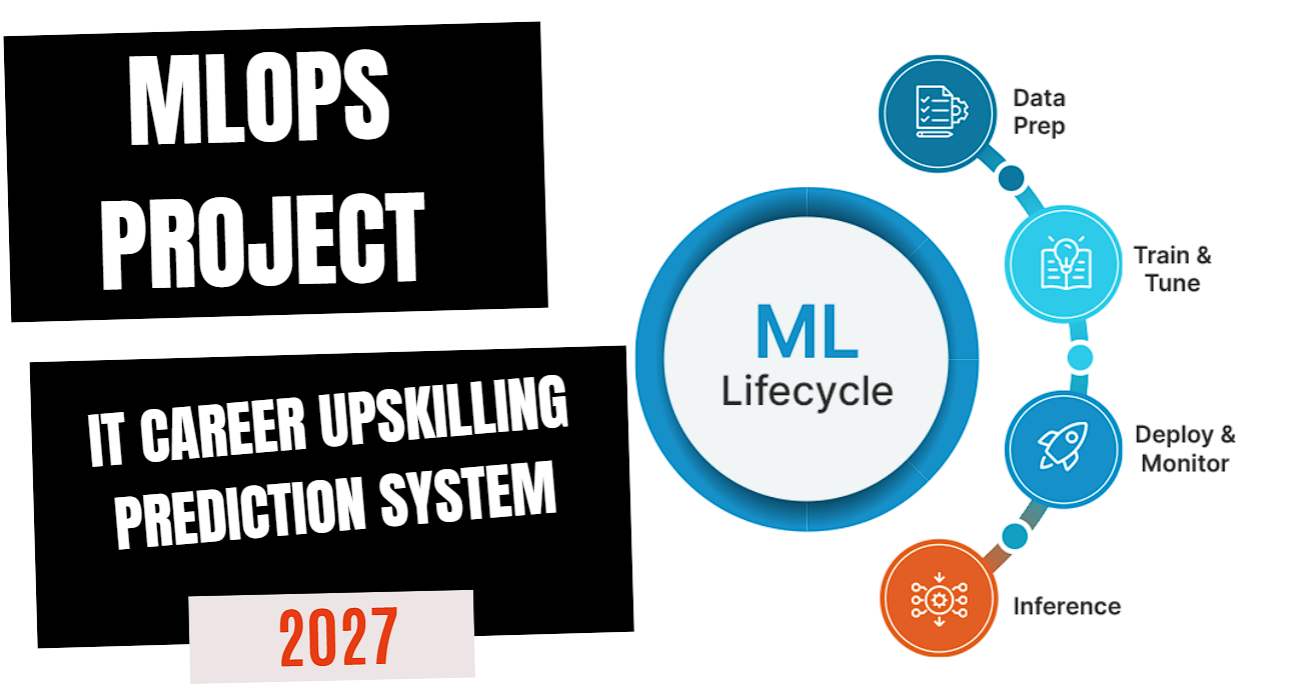
MLOps IT Career Upskilling Prediction Project Cover
Project 5 — MLOps Project: IT Career Upskilling Prediction System Lifecycle
Data Prep & Train
RandomForest Model (.pkl)
FastAPI REST Server
Docker Image
Docker Hub Registry
AWS EKS Cluster
MLOps Objective: Transform a standalone machine learning script into an enterprise-grade production REST service deployed on an AWS Elastic Kubernetes Service (EKS) cluster, accessible via public LoadBalancer endpoints with full resource teardown automation.

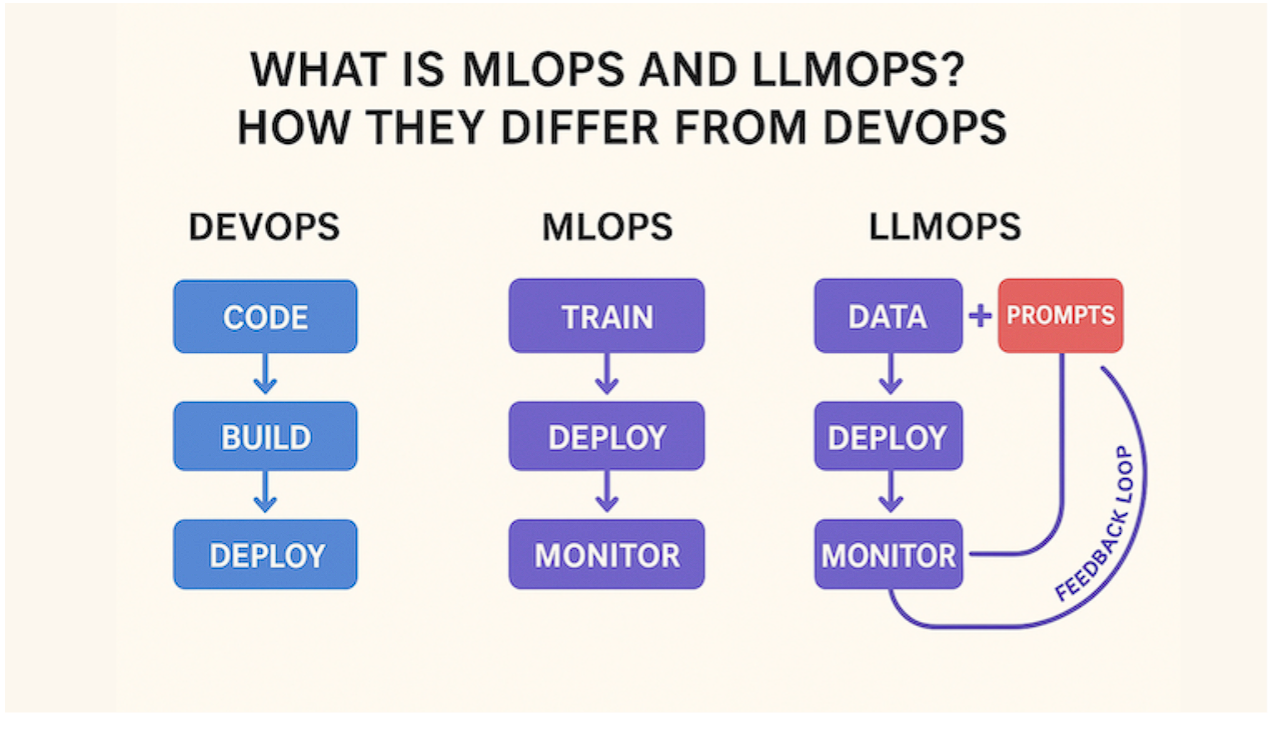
🧠 What is MLOps? DevOps vs. MLOps vs. LLMOps

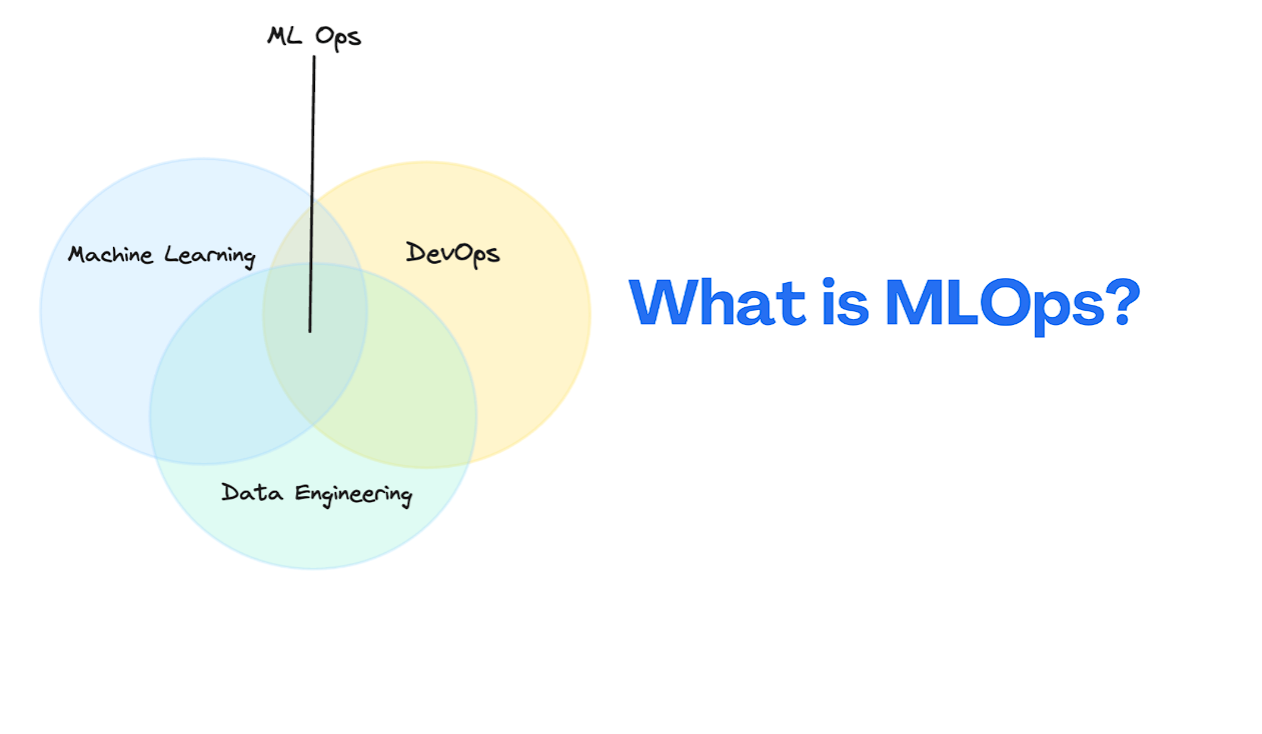
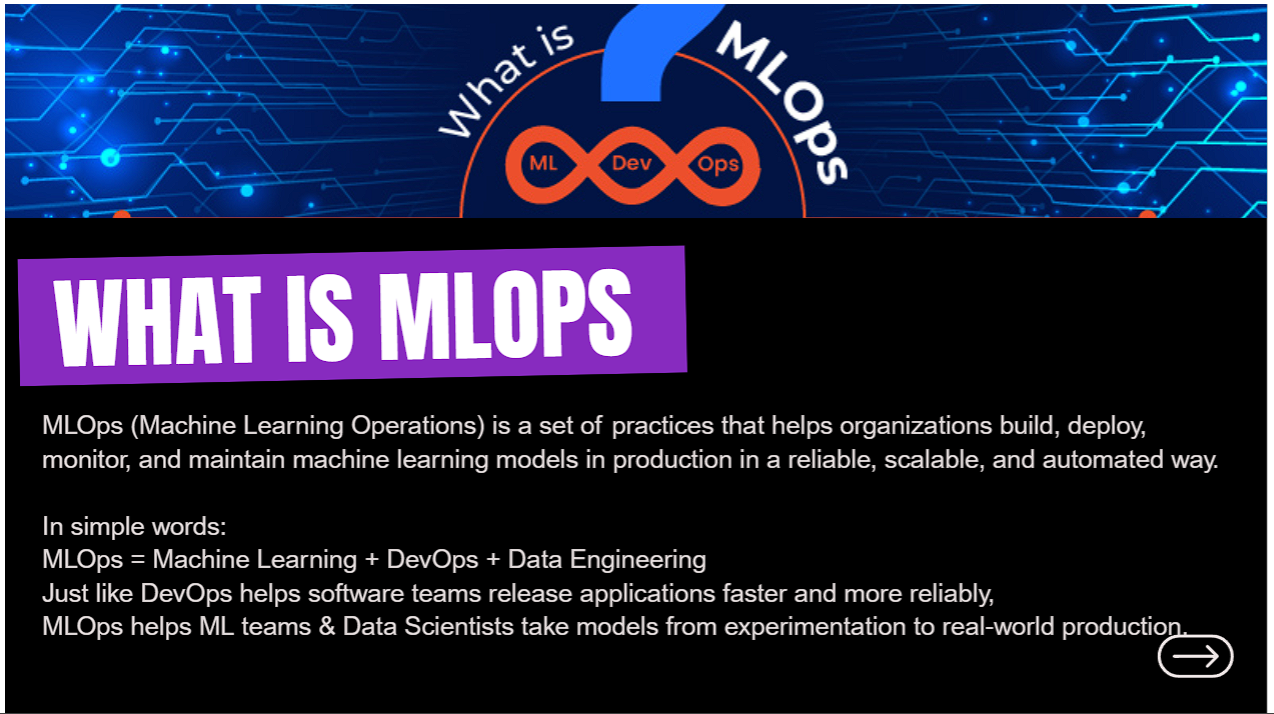
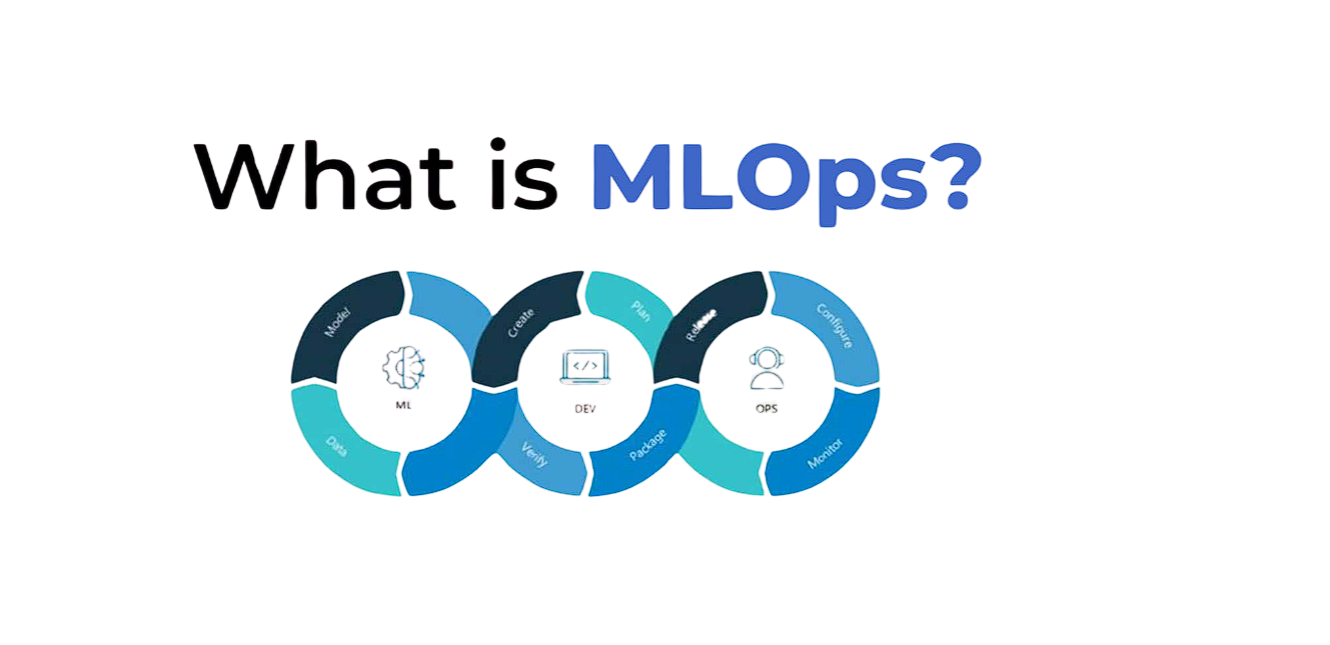
What is MLOps Definition
Understanding Machine Learning Operations (MLOps)
MLOps Architecture Concept
MLOps Core Architectural Concept
The MLOps Formula: MLOps = Machine Learning + DevOps + Data Engineering. Just as DevOps automates software delivery, MLOps automates the entire lifecycle of Machine Learning models from training to cloud deployment and monitoring.
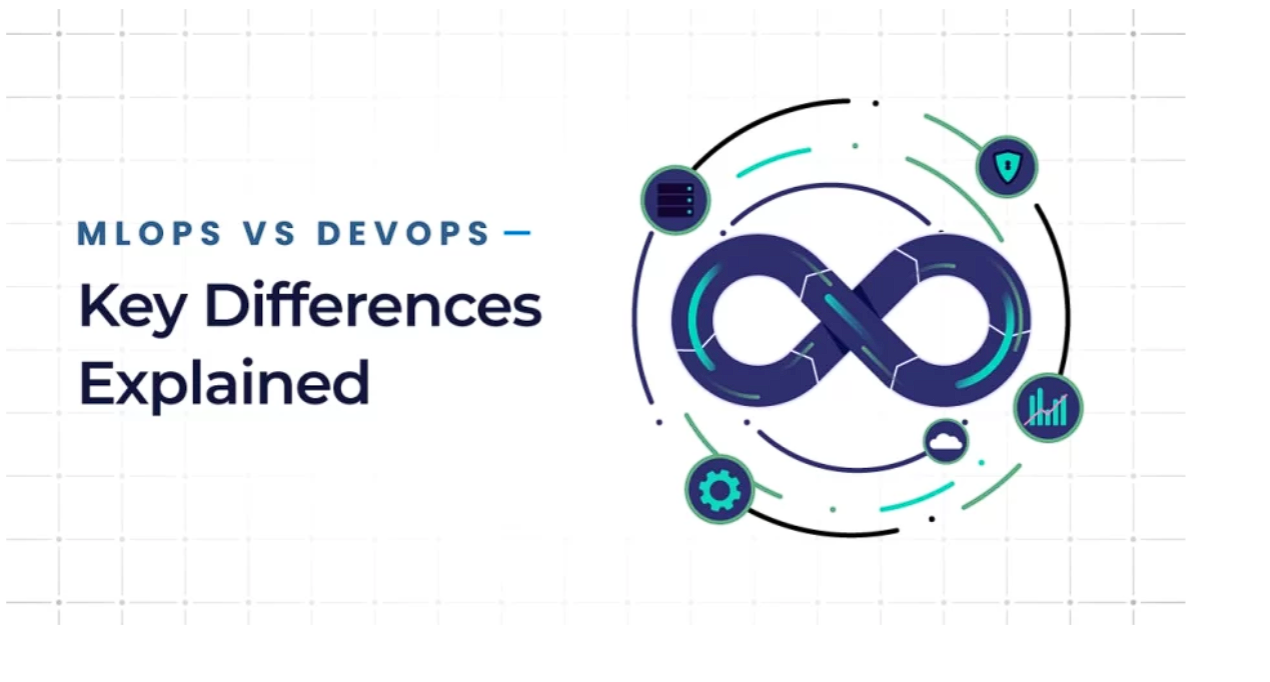
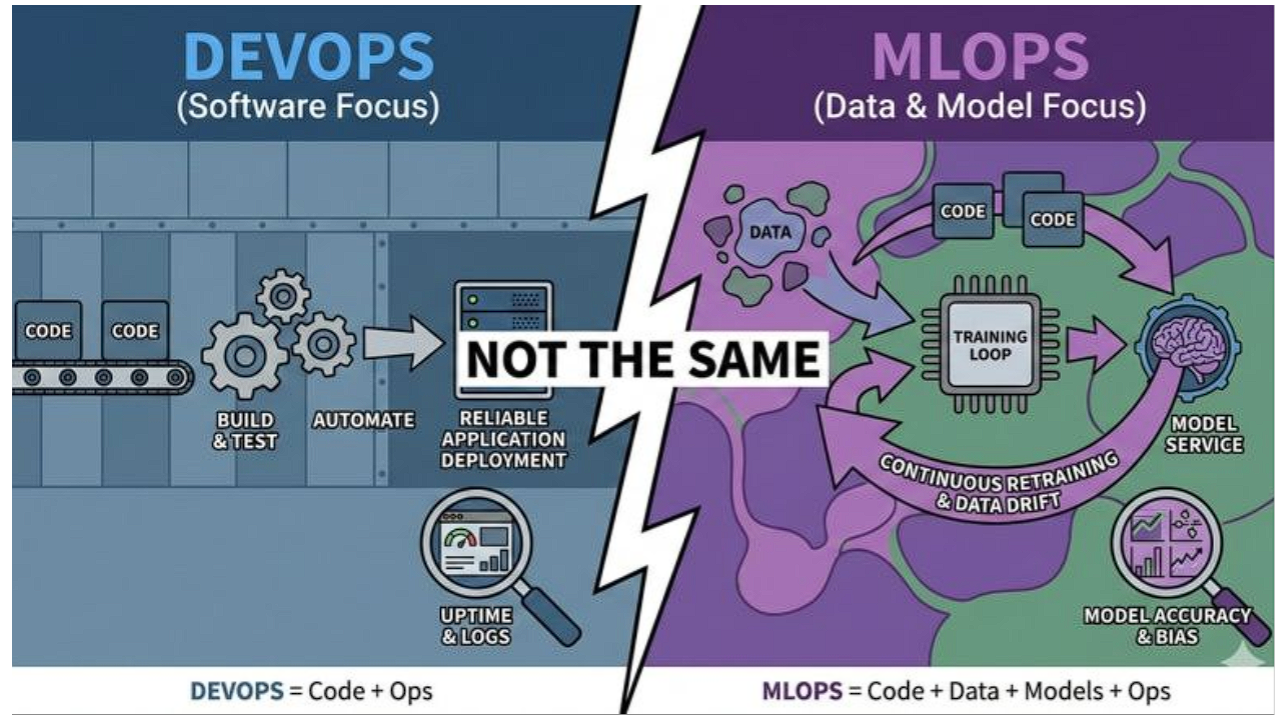
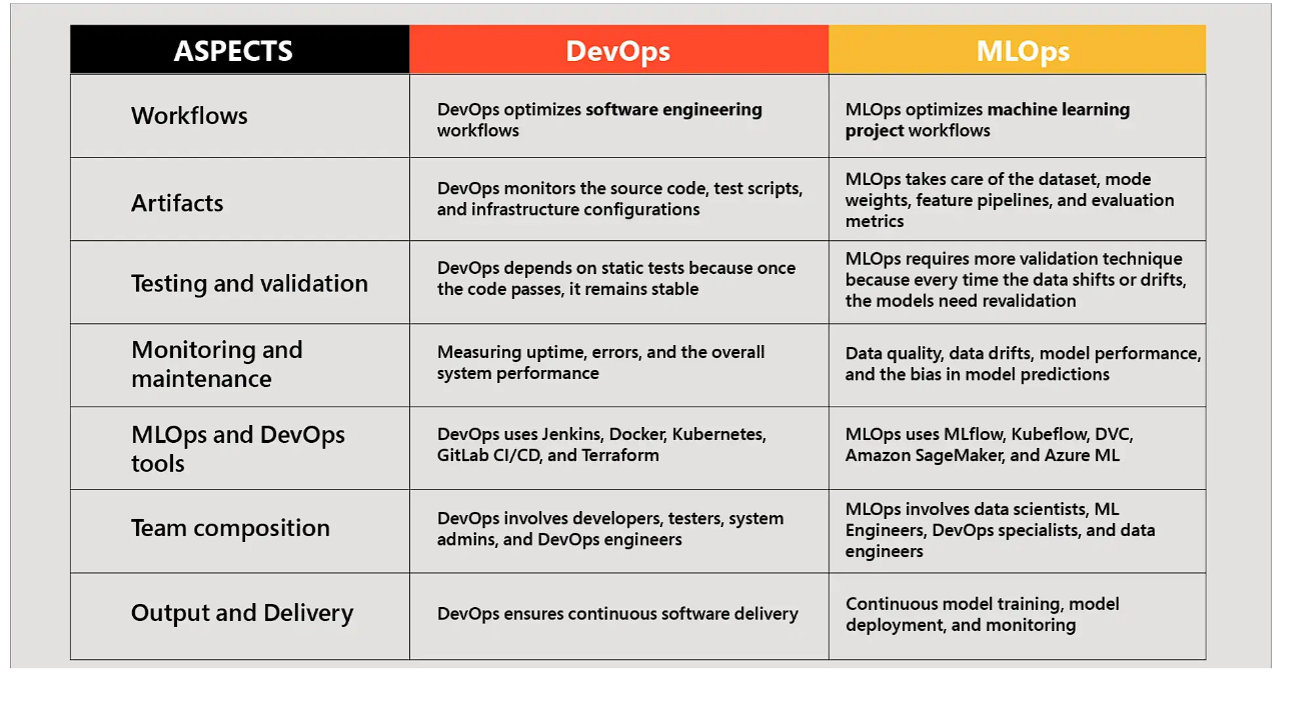
DevOps vs. MLOps: Key Differences

MLOps vs DevOps Key Differences Explained
MLOps vs DevOps — Key Engineering Differences Explained
DevOps Software vs MLOps Data & Model Focus
DevOps Code Loop vs. MLOps Code + Data + Model Retraining Loop
Aspect Comparison Matrix DevOps vs MLOps
Detailed Technical Comparison Matrix: DevOps vs. MLOps
Engineering Aspect Traditional DevOps Modern MLOps
Core Focus Source Code & Application Binaries Code + Data Datasets + ML Model Artifacts
Primary Artifacts Docker Containers, JARs, Executables Trained Model Binaries (.pkl, .onnx, .pt)
Testing & Validation Unit Tests, Integration Tests, Linting Model Accuracy, Precision/Recall, F1-Score, Bias
Production Monitoring CPU, Memory, Network I/O, Error Rates Data Drift, Concept Drift, Model Accuracy Decay

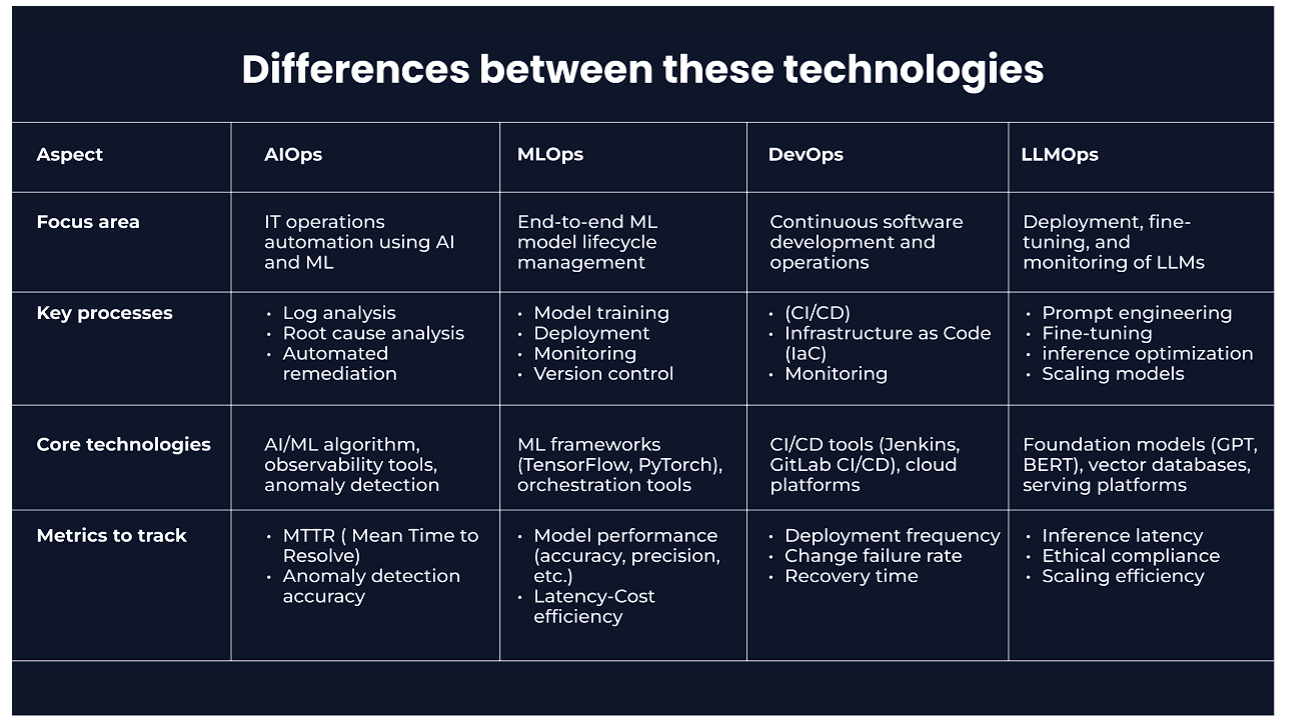
The Evolutionary Spectrum: DevOps ➔ MLOps ➔ LLMOps

AIOps vs MLOps vs LLMOps Differences
Comparing AIOps vs. MLOps vs. LLMOps
DevOps MLOps LLMOps Spectrum Diagram
The Technological Spectrum from DevOps to MLOps and LLMOps
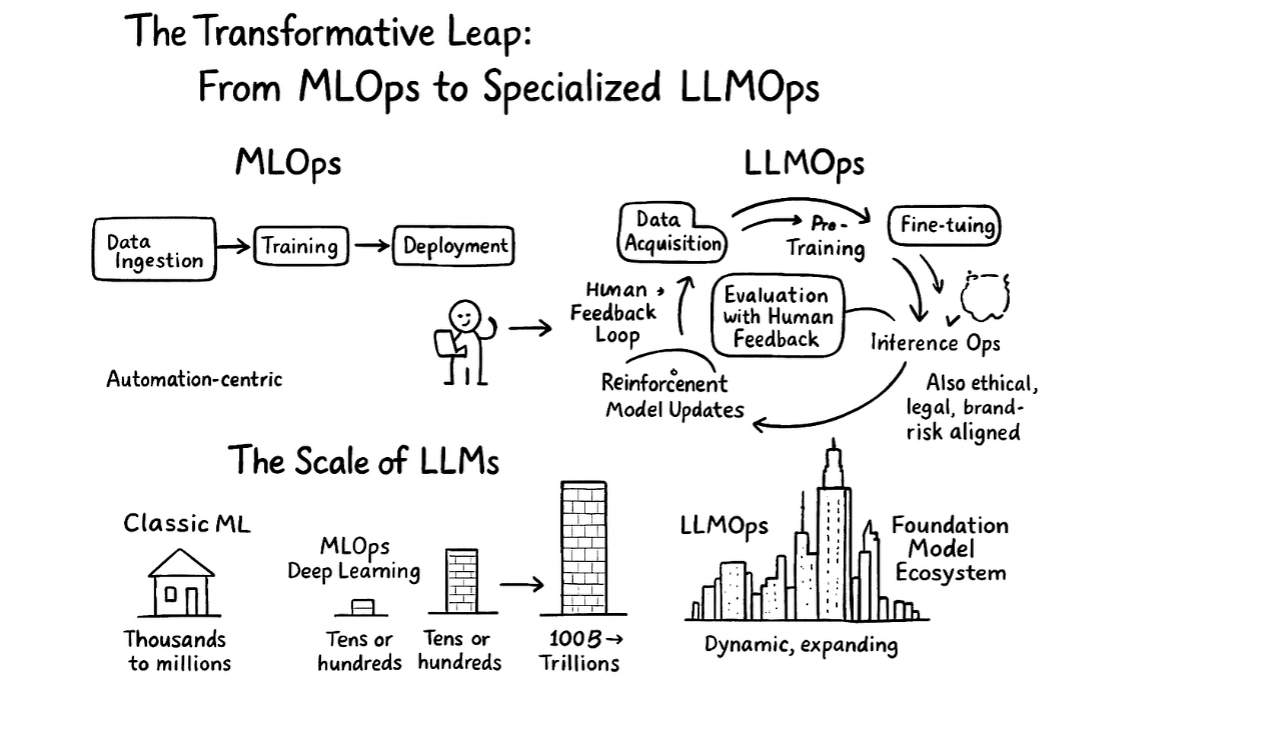
The Transformative Leap From MLOps to LLMOps
The Transformative Shift: From Traditional MLOps to Specialized LLMOps

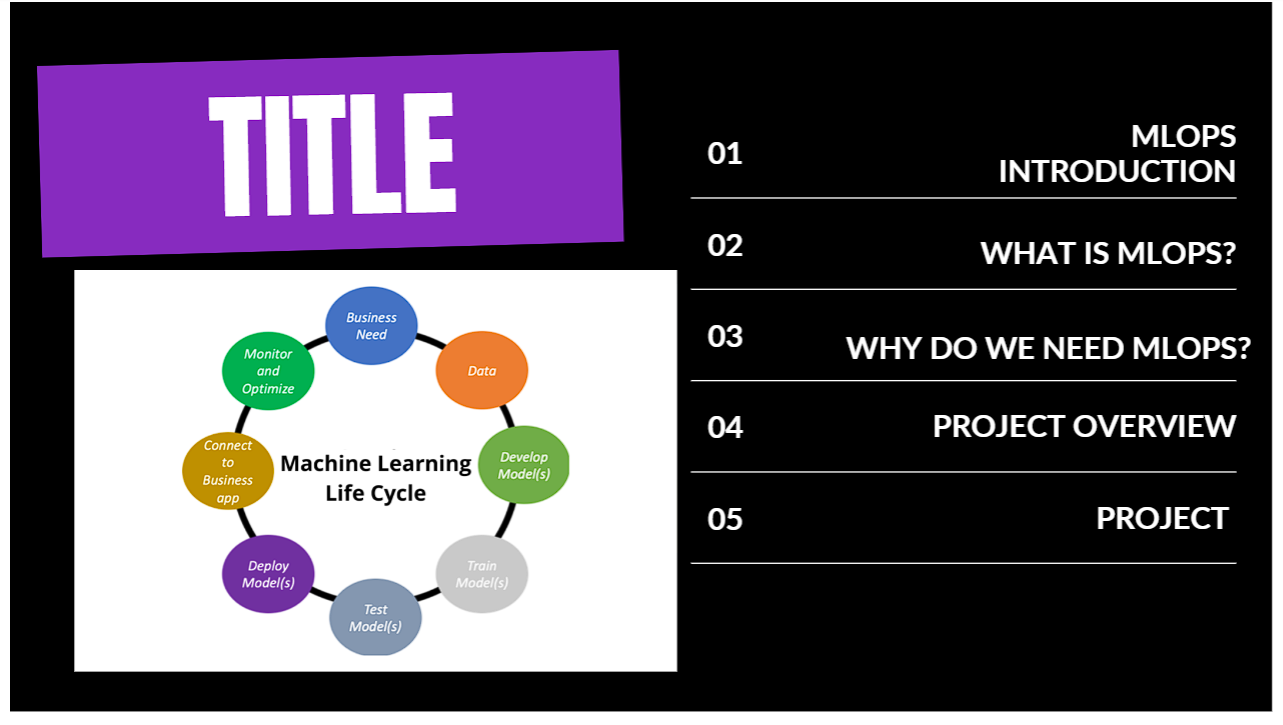
🔄 MLOps End-to-End Project Lifecycle

MLOps Project Lifecycle Agenda
The 5 Core Stages of the Production MLOps Project Lifecycle
Jupyter Notebook to Production Challenge
Overcoming the 10% Myth — Why Notebooks Fail in Production
MLOps Definition Formula
MLOps Formula: Machine Learning + DevOps + Data Engineering
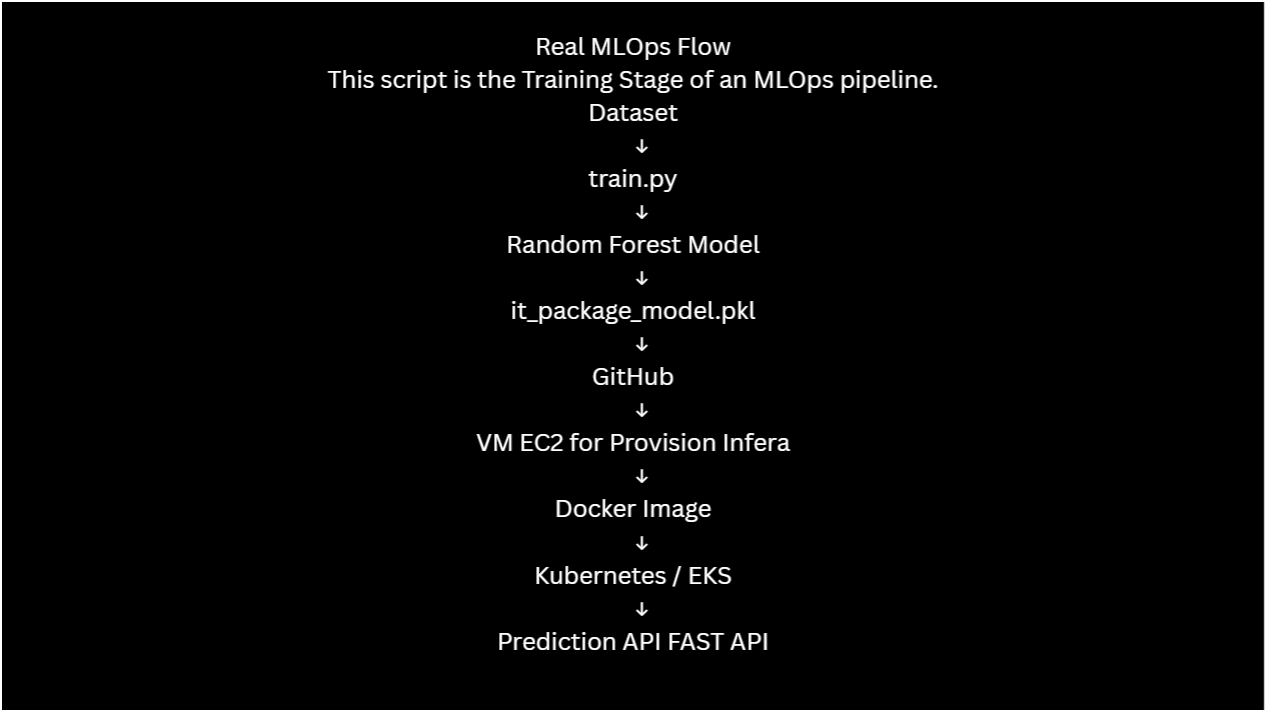
Real MLOps Pipeline Flow Diagram
Real-World Production MLOps Pipeline Architecture Flow
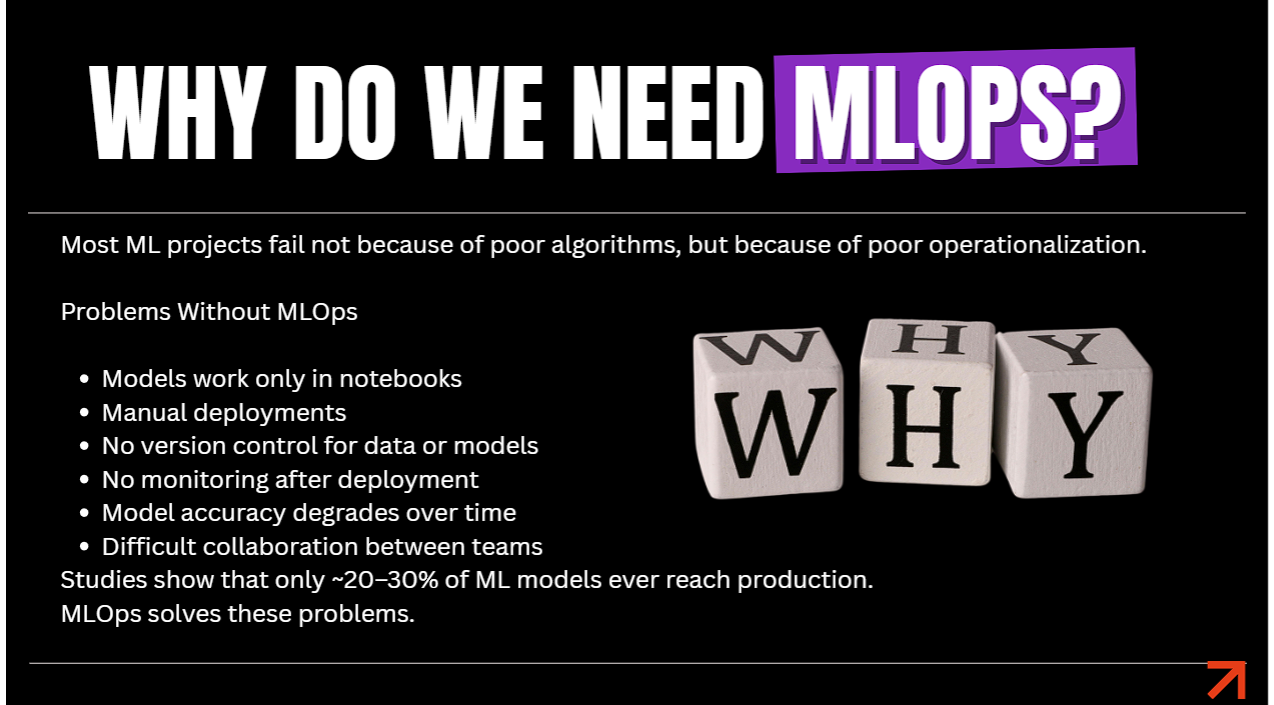
Why Do We Need MLOps Problems Solved
Why 80% of Data Science Projects Fail Without MLOps

🎯 Project Case Study: IT Career Upskilling Prediction System

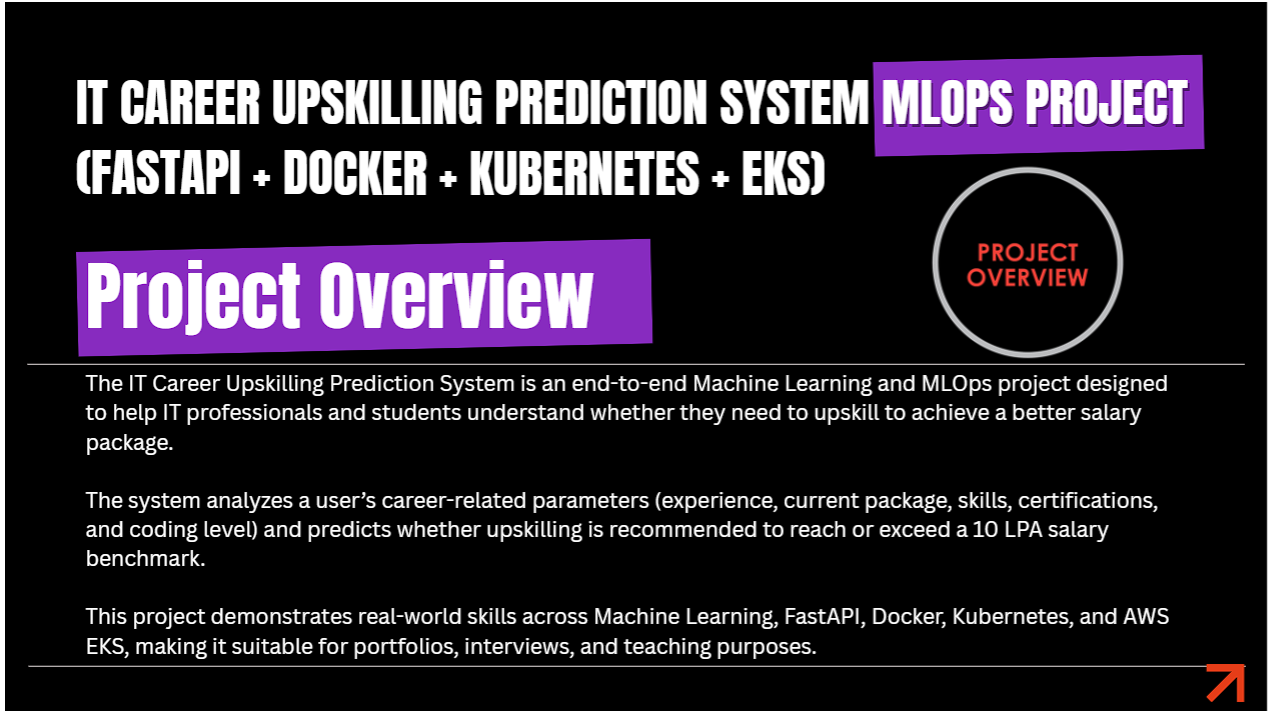
IT Career Upskilling Prediction System Project Overview
Project Overview: IT Career Upskilling Prediction System

Problem Statement & Business Value

Problem Statement Salary Benchmark
Problem Statement: Addressing IT Career Stagnation via Predictive AI

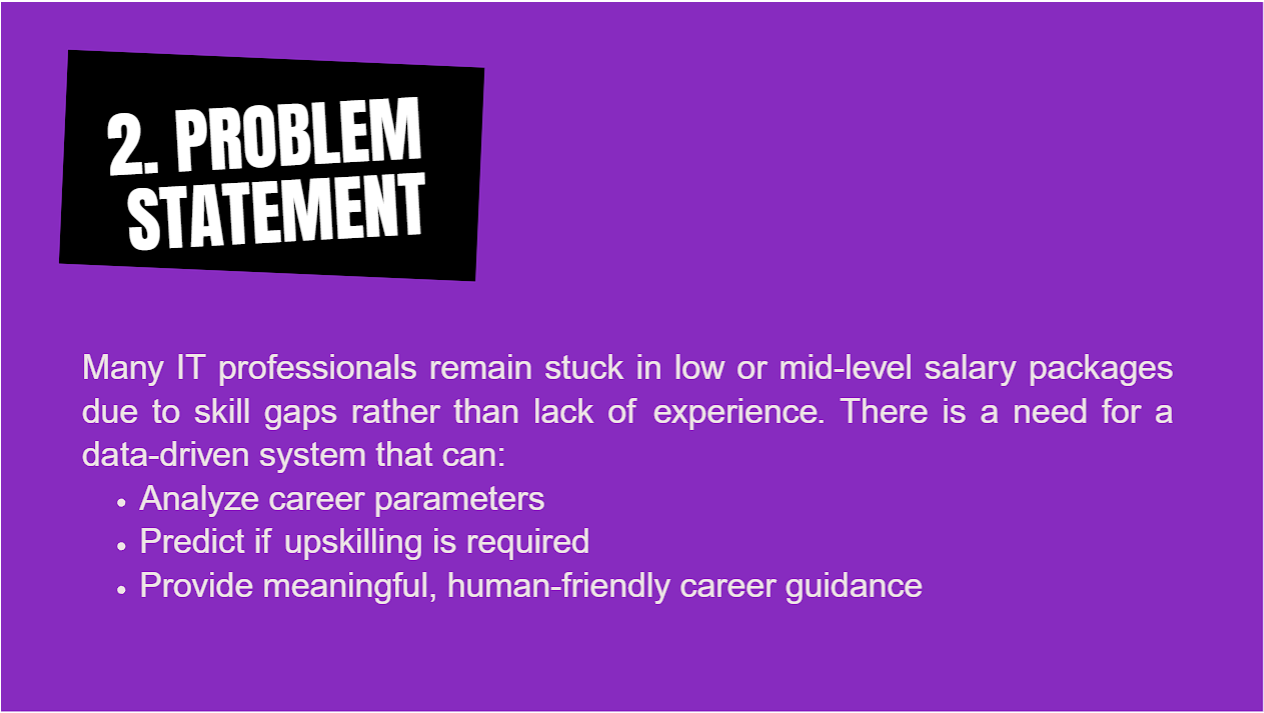
Many IT professionals remain stuck in lower salary bands due to skill gaps rather than lack of tenure. This machine learning application analyzes career parameters (experience, current LPA, technical skills, certifications, coding proficiency) and predicts whether upskilling is required to cross the 10 LPA salary benchmark.
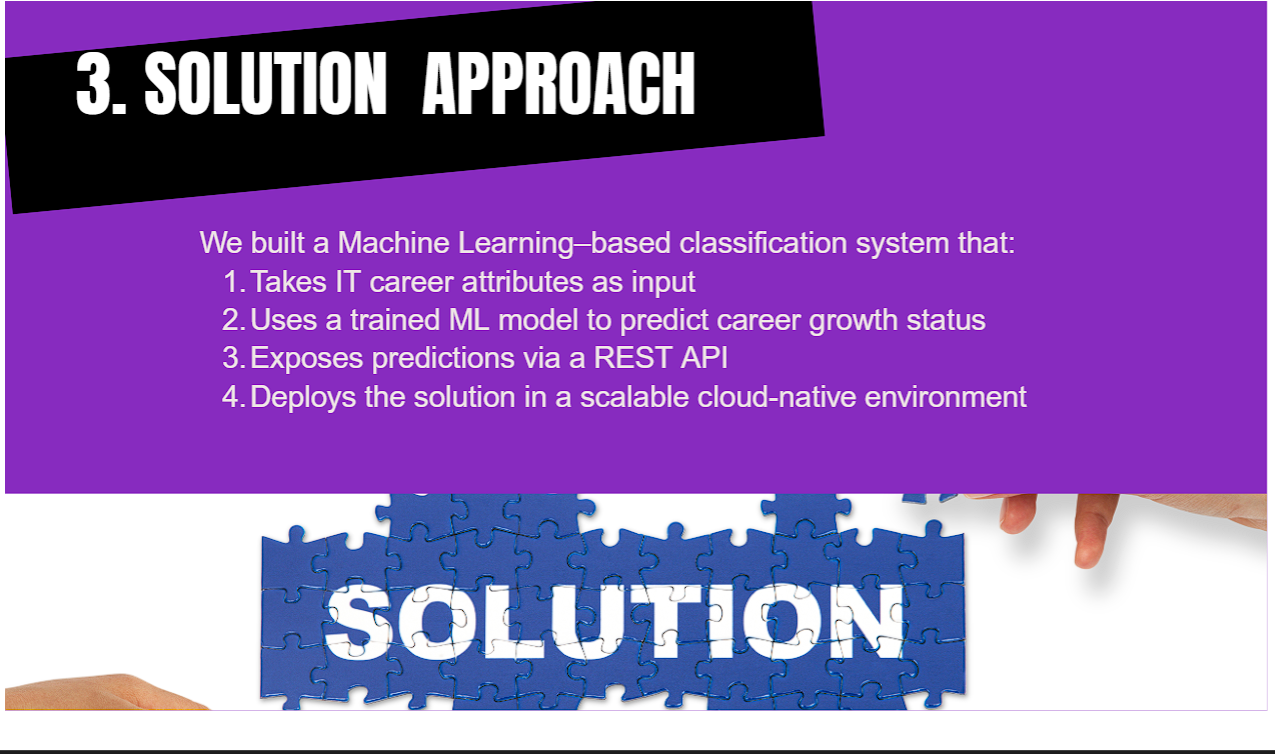
Solution Architecture

Solution Architecture Machine Learning Classification
Solution Architecture: ML Classifier ➔ REST API ➔ Cloud Container

Machine Learning Algorithm Selection

Random Forest Model Architecture Details
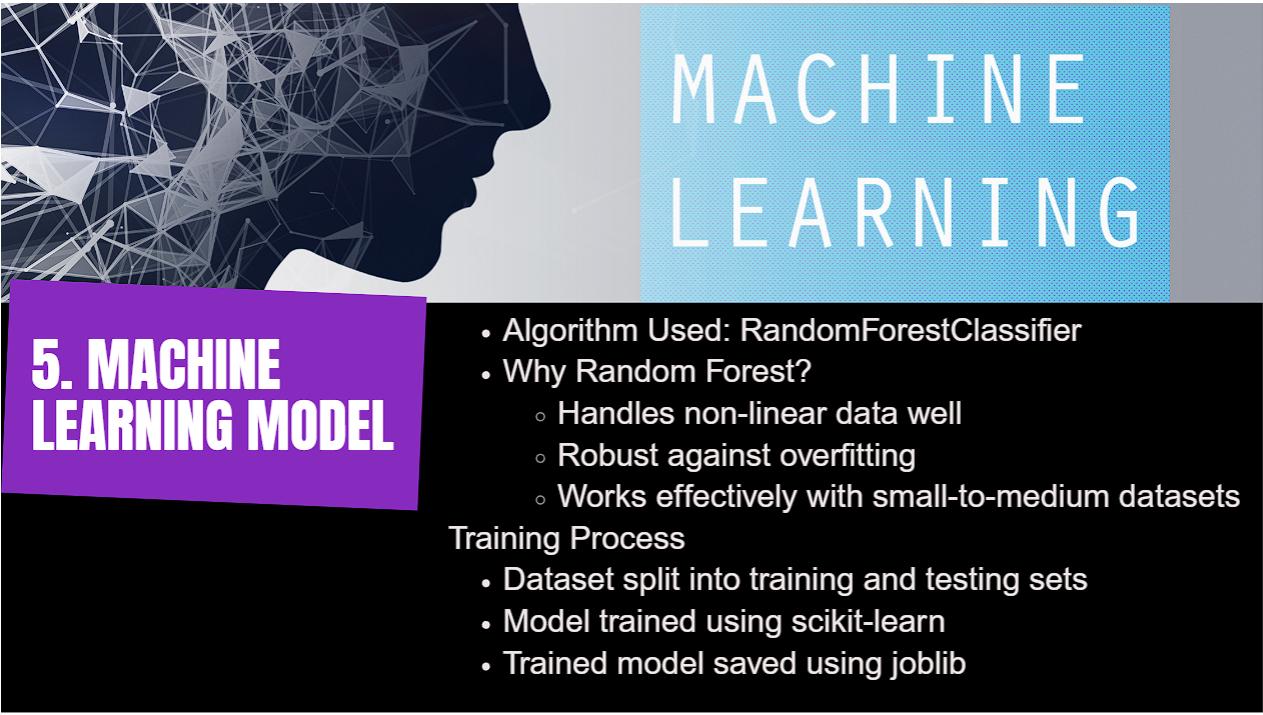
Machine Learning Model: RandomForestClassifier with Scikit-Learn
  • Algorithm Used: RandomForestClassifier (Scikit-Learn).
  • Why Random Forest? Handles non-linear feature interaction well, robust against overfitting, works exceptionally with tabular datasets.
  • Artifact Storage: Model serialized and saved as it_package_model.pkl using joblib.

Hands-On Guide Step-by-Step EKS Deployment Walkthrough

Step 1: Launch AWS EC2 Host Instance

Step 1 Create EC2 Instance on AWS
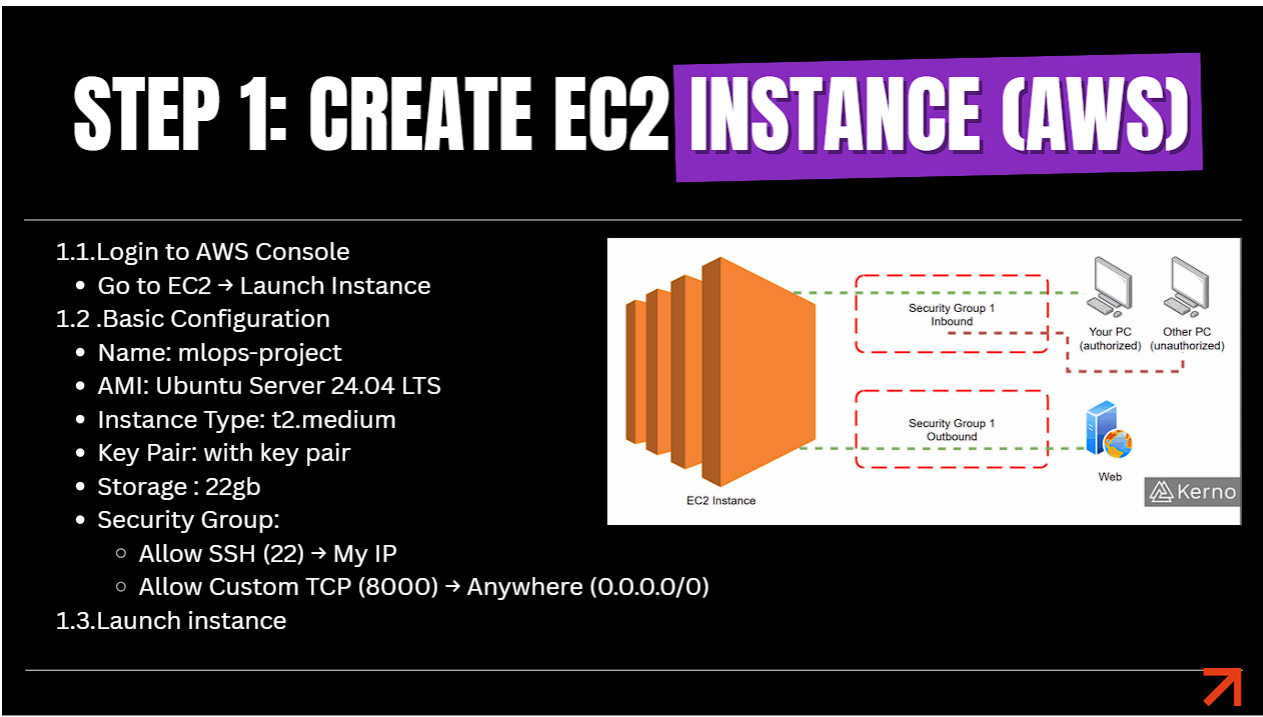
Step 1: Launching AWS EC2 Ubuntu Host (`mlops-project`)
  • Instance Name: mlops-project
  • AMI: Ubuntu Server 24.04 LTS
  • Instance Type: t2.medium / t3.medium (2 vCPUs & 4 GB RAM)
  • Storage: 22 GB GP3 EBS Volume
  • Security Group Ports: Allow SSH (22), Custom TCP Port 8000 (FastAPI API)

Step 2 & 3: Connect to Server & Install Python Environment

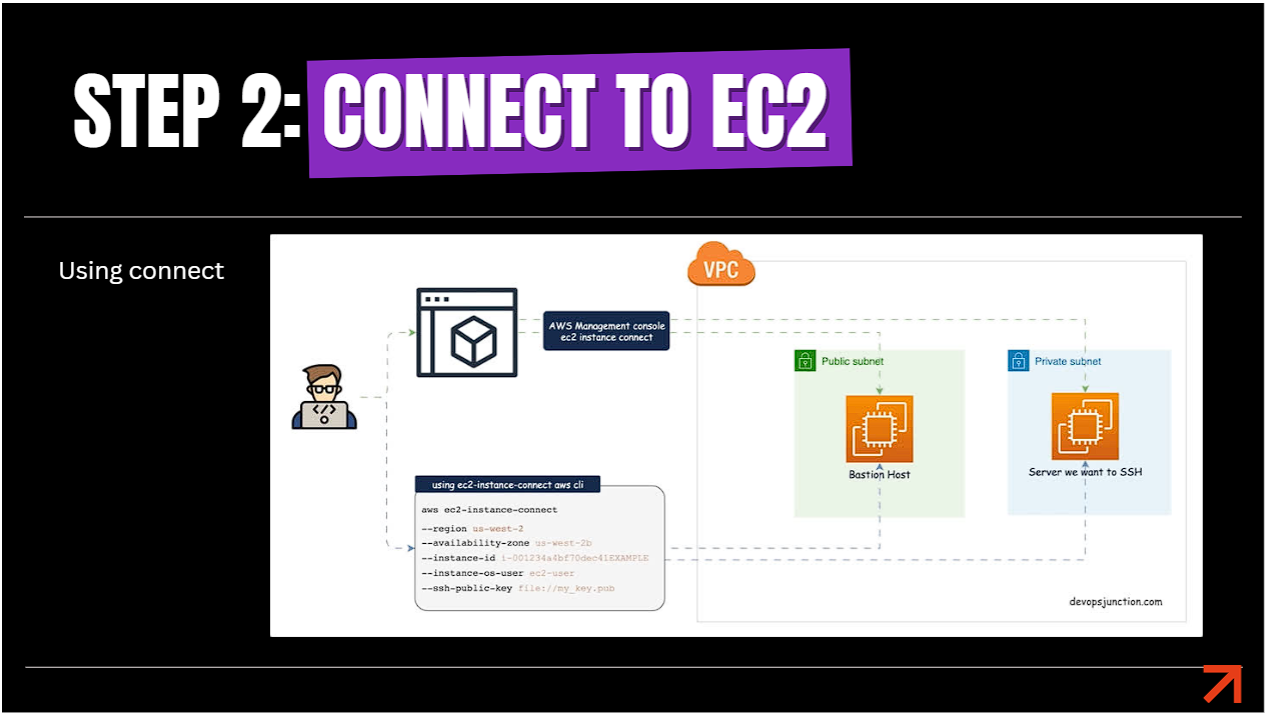
Step 2 SSH Connection to Host Server
Step 2: Connecting to EC2 Instance via SSH
Step 3 Update Server and Install Python 3
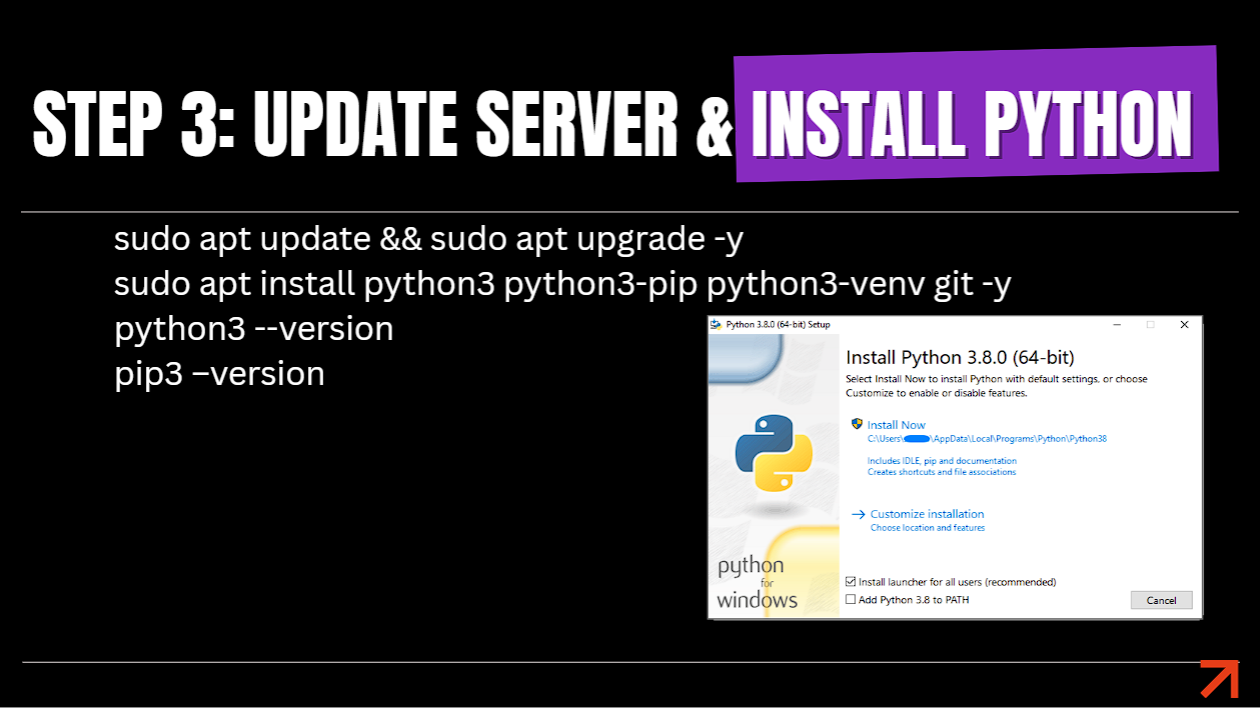
Step 3: Installing Python3, Pip, Venv & Git
Terminal Command
sudo apt update && sudo apt upgrade -y
sudo apt install python3 python3-pip python3-venv git -y
Step 4 & 5: Clone GitHub Repository & Virtual Environment Setup

Step 4 and 5 Clone GitHub Repo and Virtual Environment
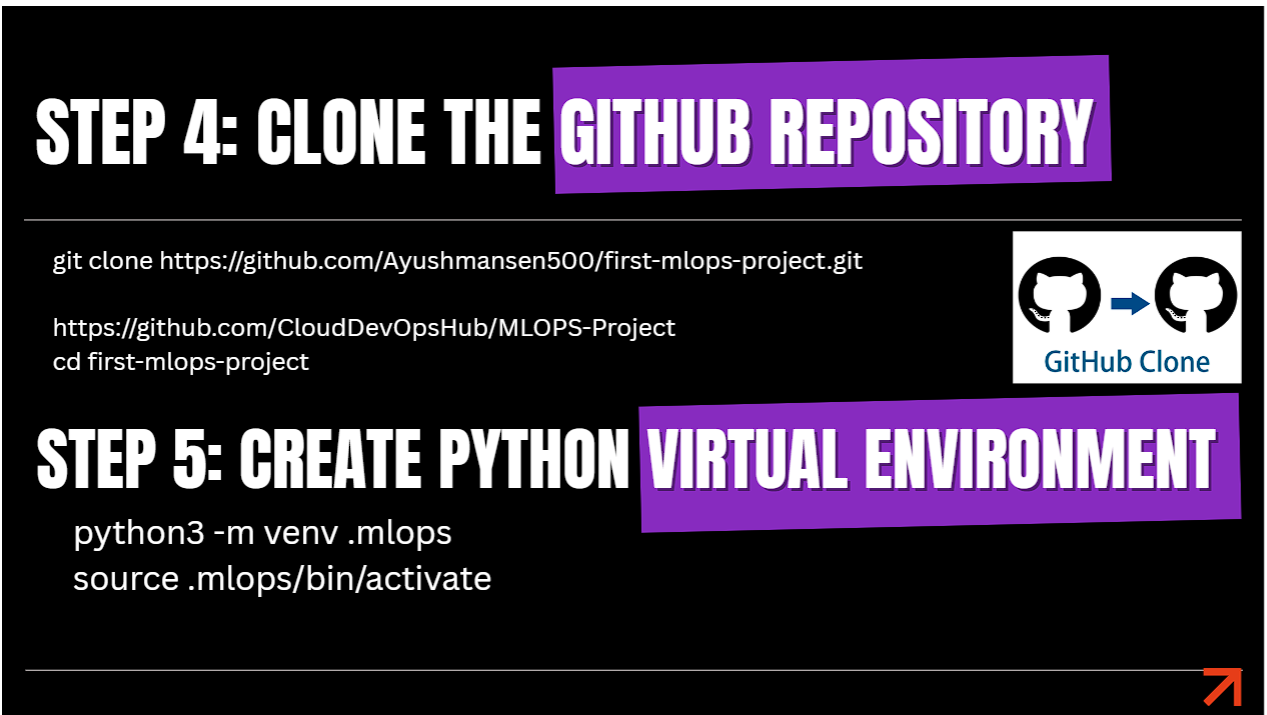
Step 4 & 5: Cloning Repository & Activating Virtual Environment (`.mlops`)
Terminal Command
# Clone project source repository
git clone https://github.com/CloudDevOpsHub/MLOPS-Project.git
cd MLOPS-Project

# Create & Activate Virtual Environment
python3 -m venv .mlops
source .mlops/bin/activate
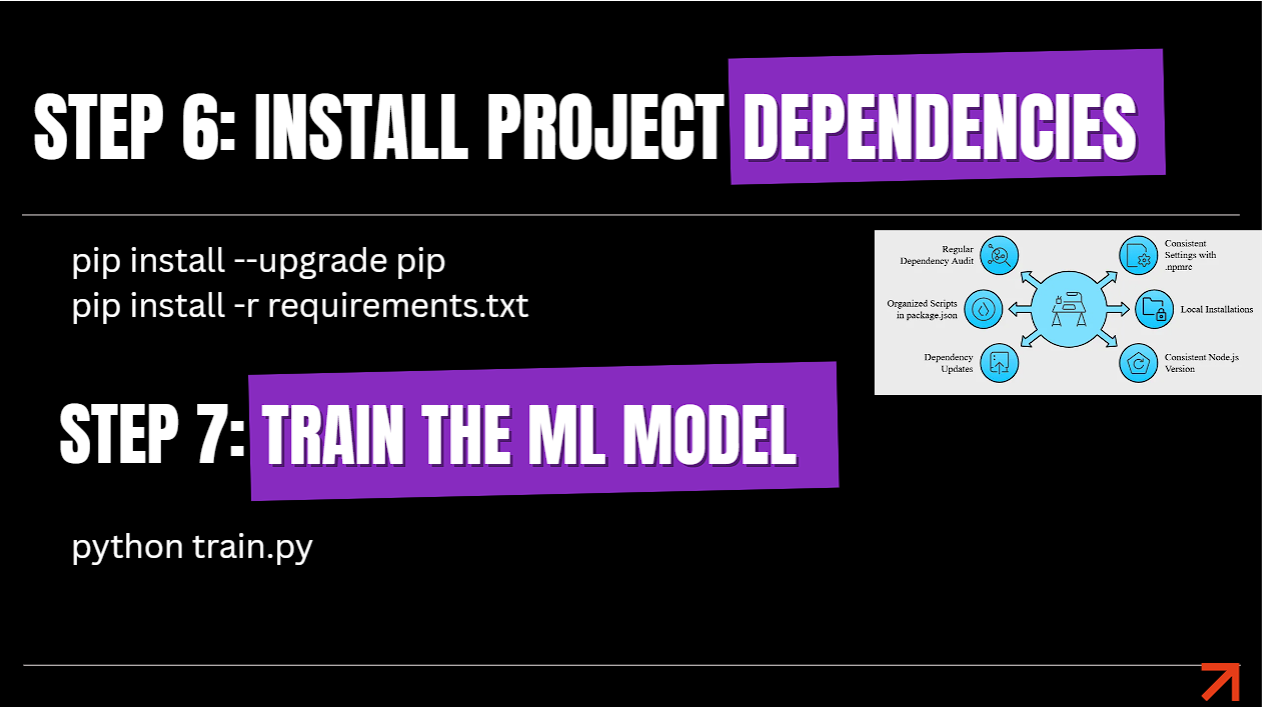
Step 6 & 7: Install Requirements & Train Machine Learning Model

Step 6 and 7 Install Dependencies and Train Model
Step 6 & 7: Installing Requirements & Executing `python train.py`
Terminal Command
pip install --upgrade pip
pip install -r requirements.txt

# Train model & save it_package_model.pkl
python train.py
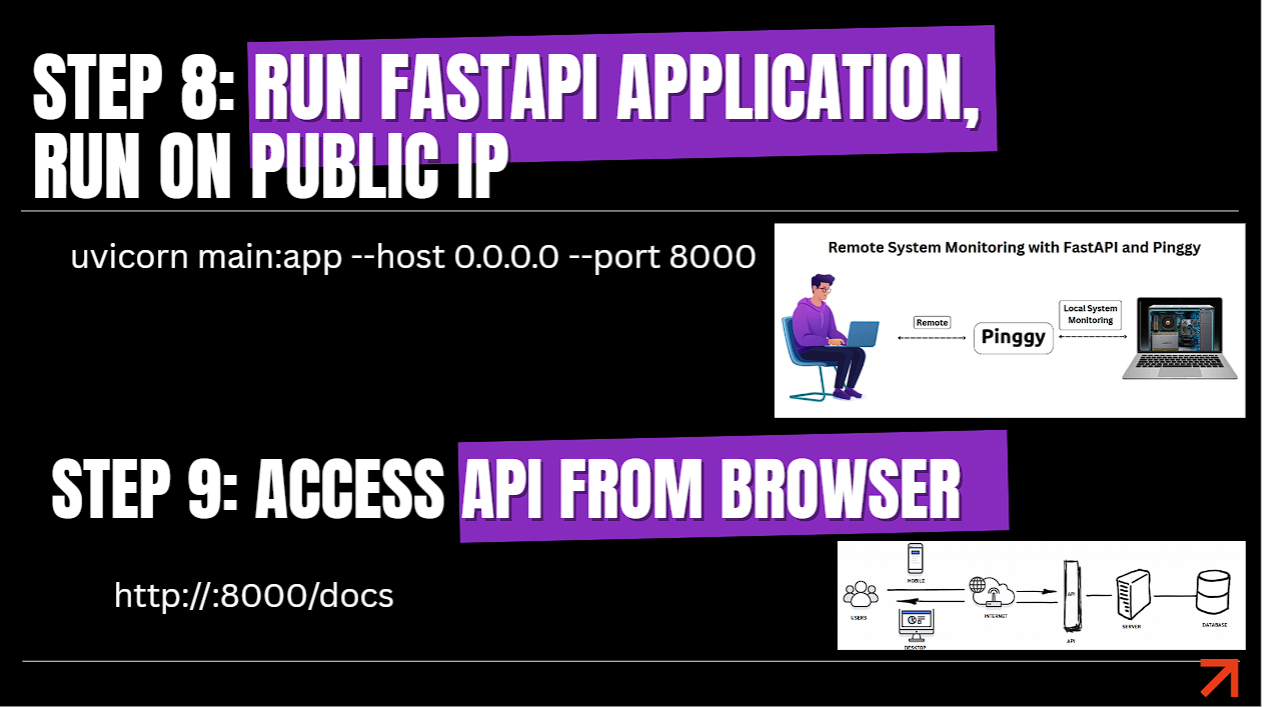
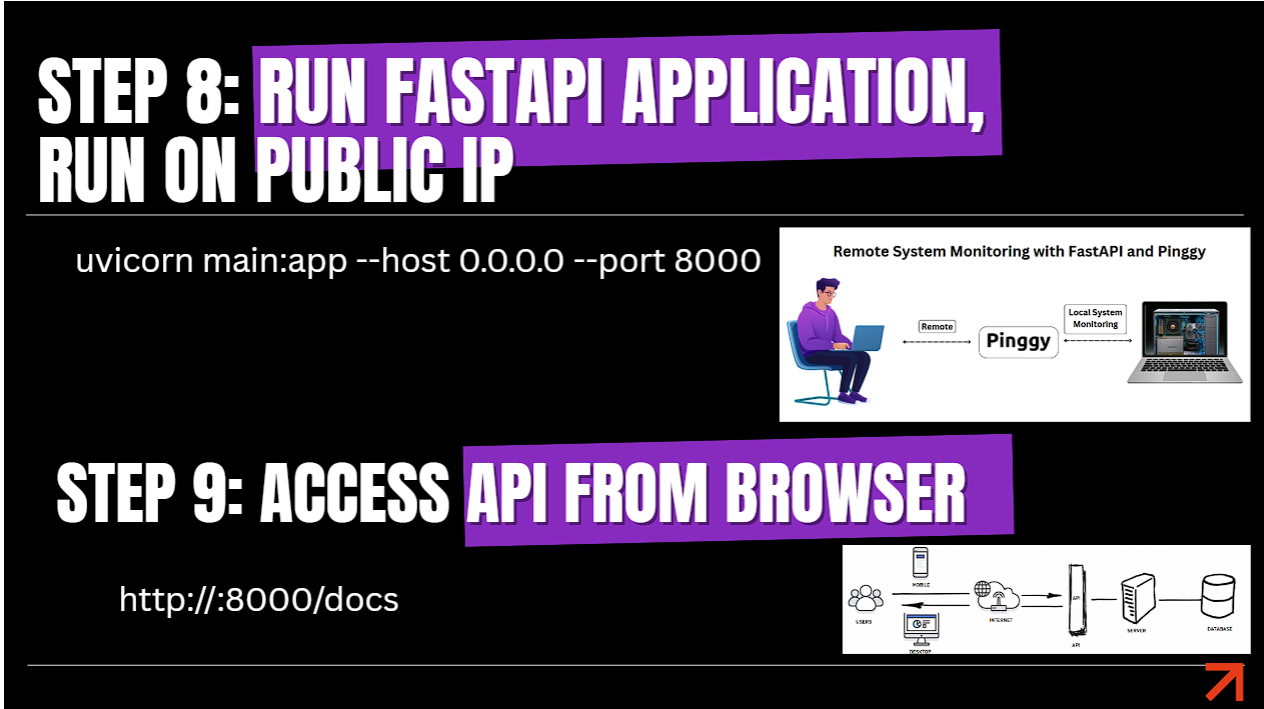
Step 8 & 9: Run FastAPI Prediction Server & Swagger Docs

Step 8 Run FastAPI Application via Uvicorn
Step 8: Launching FastAPI Application via Uvicorn on Port 8000
Step 9 Access OpenAPI Swagger Interface
Step 9: Testing Interactive Swagger Docs (`http://:8000/docs`)
Terminal Command
uvicorn main:app --host 0.0.0.0 --port 8000
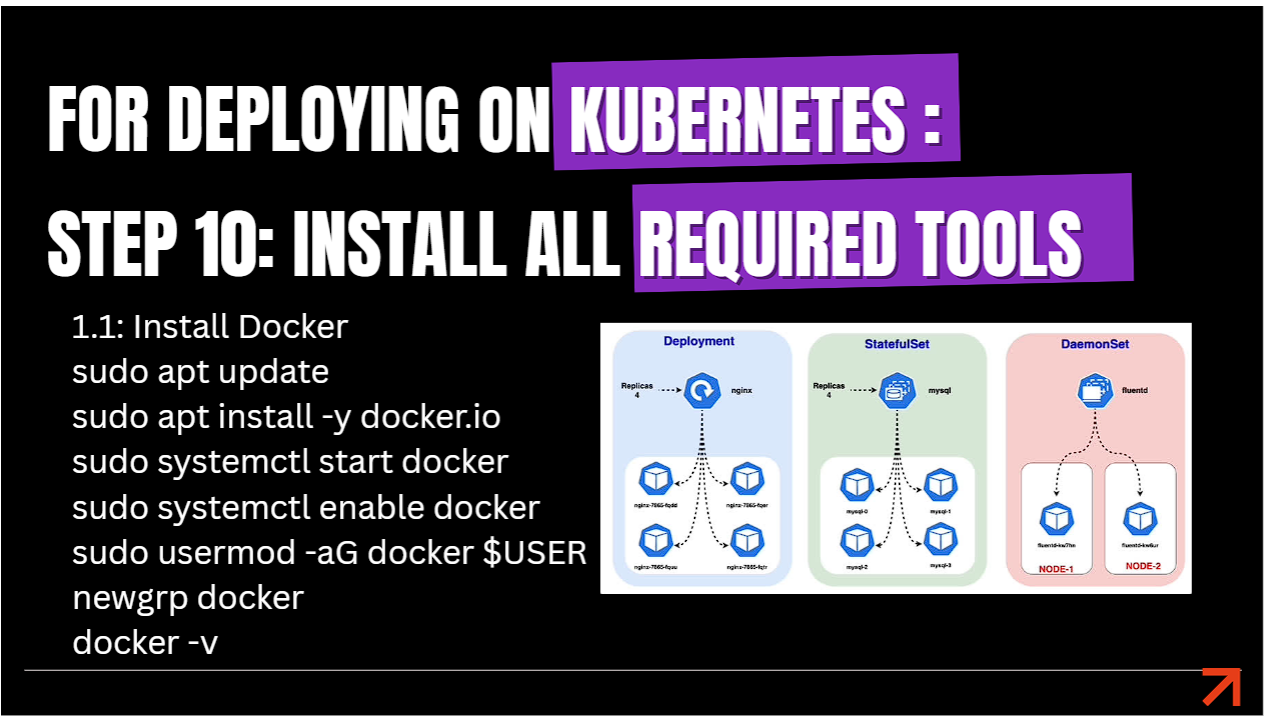
Step 10: Installing DevOps & Cloud Tools (Docker, Kubectl, AWS CLI, EKSCTL)

Step 10.1 Install Docker Engine
Step 10.1: Installing Docker Engine
Install Docker
sudo apt update
sudo apt install -y docker.io
sudo systemctl enable --now docker
sudo usermod -aG docker $USER
newgrp docker
docker --version
Step 10.2 Install Kubectl CLI
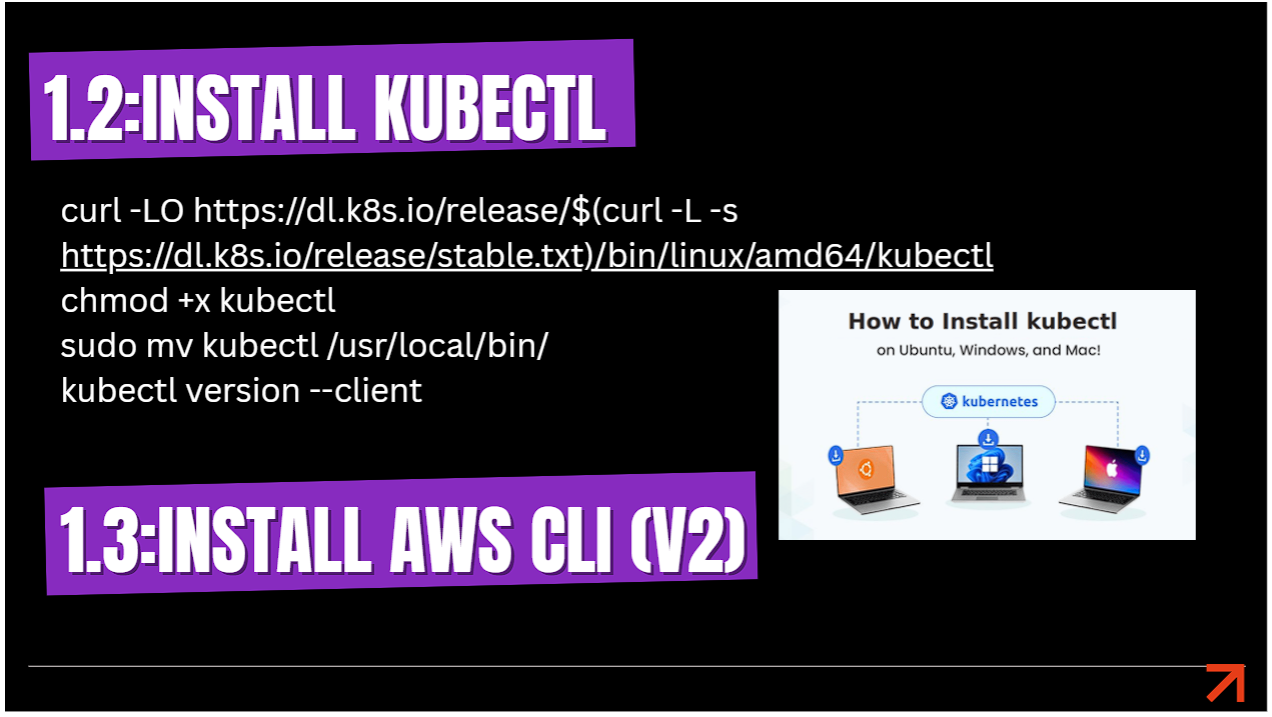
Step 10.2: Installing Kubectl CLI
Step 10.3 Install AWS CLI v2
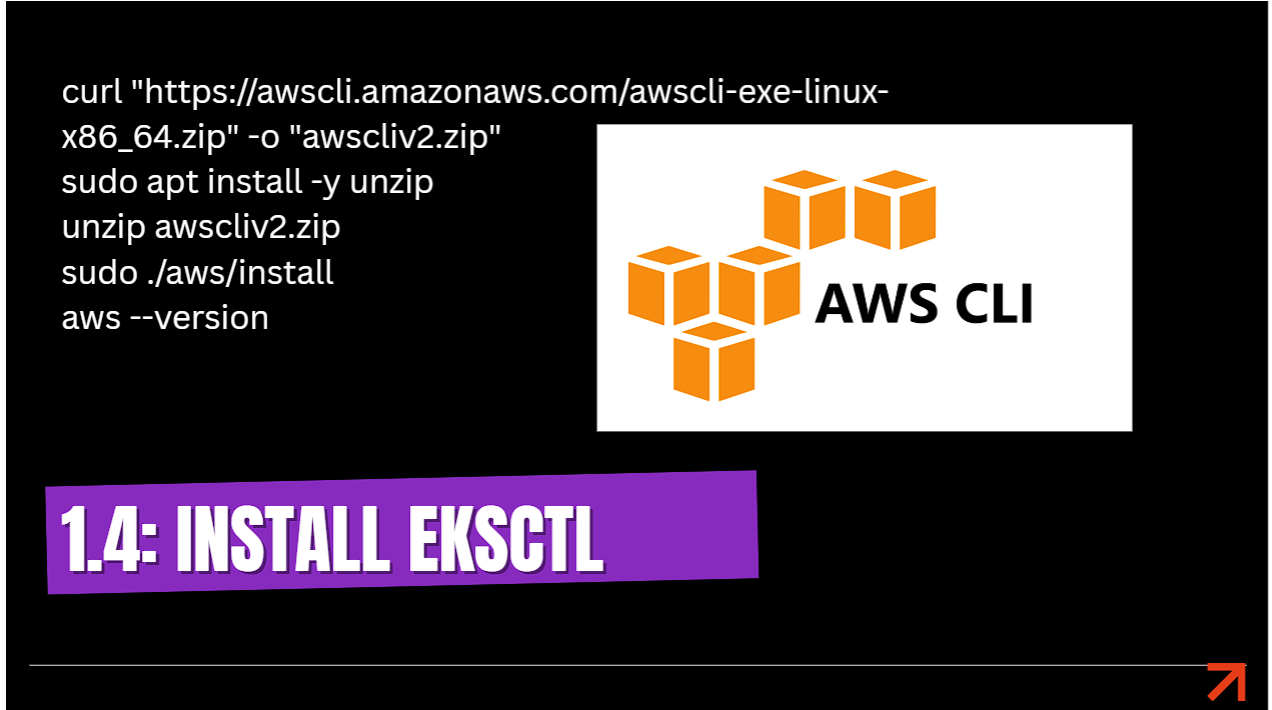
Step 10.3: Installing AWS CLI v2
Step 10.4 Install EKSCTL CLI
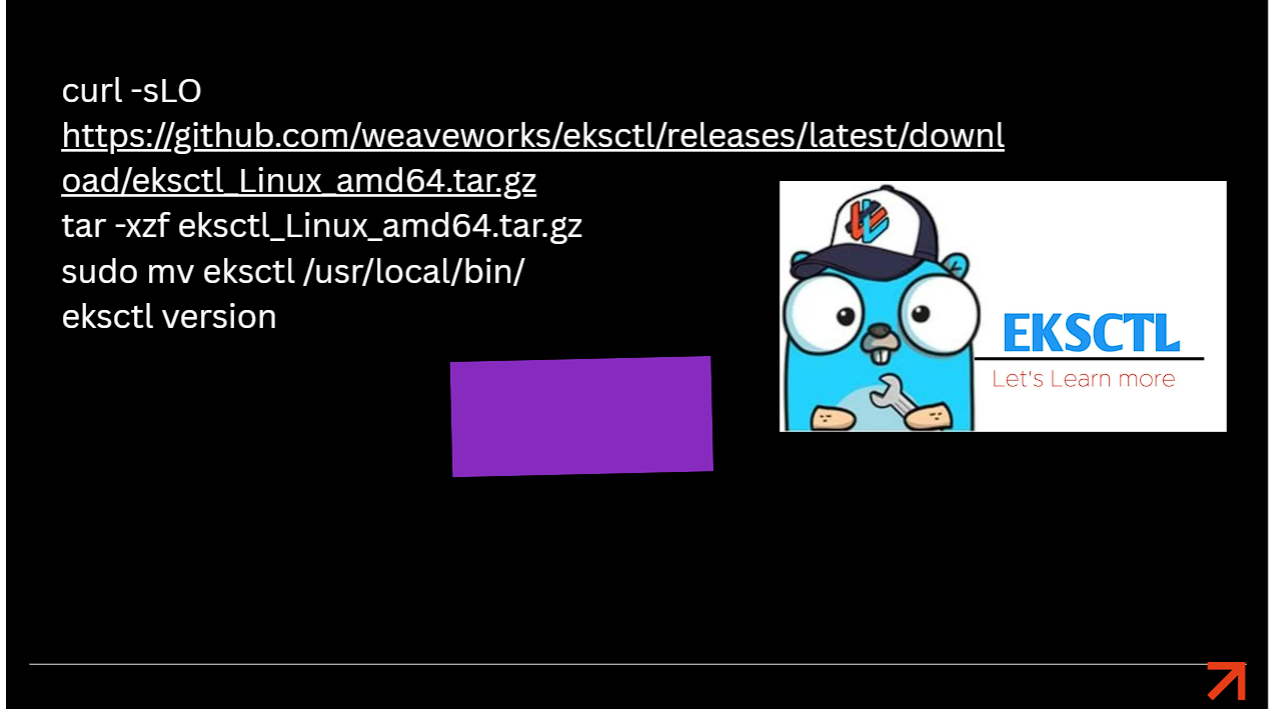
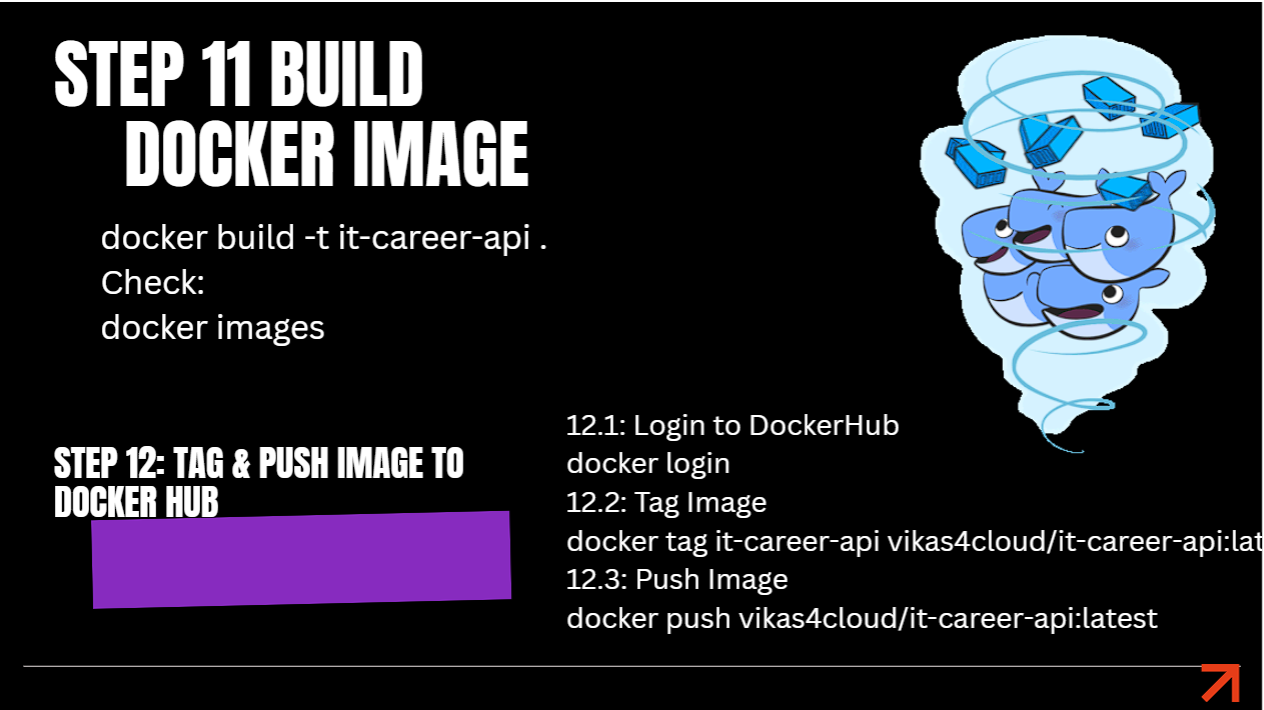
Step 10.4: Installing EKSCTL CLI for EKS Management
Install Kubectl, AWS CLI & EKSCTL
# Install kubectl
curl -LO "https://dl.k8s.io/release/$(curl -L -s https://dl.k8s.io/release/stable.txt)/bin/linux/amd64/kubectl"
chmod +x kubectl
sudo mv kubectl /usr/local/bin/

# Install AWS CLI v2
curl "https://awscli.amazonaws.com/awscli-exe-linux-x86_64.zip" -o "awscliv2.zip"
unzip awscliv2.zip
sudo ./aws/install

# Install eksctl
curl -sLO "https://github.com/weaveworks/eksctl/releases/latest/download/eksctl_Linux_amd64.tar.gz"
tar -xzf eksctl_Linux_amd64.tar.gz
sudo mv eksctl /usr/local/bin/
Step 11 & 12: Build, Tag & Push Docker Image to Docker Hub

Step 11 and 12 Docker Build Tag and Push
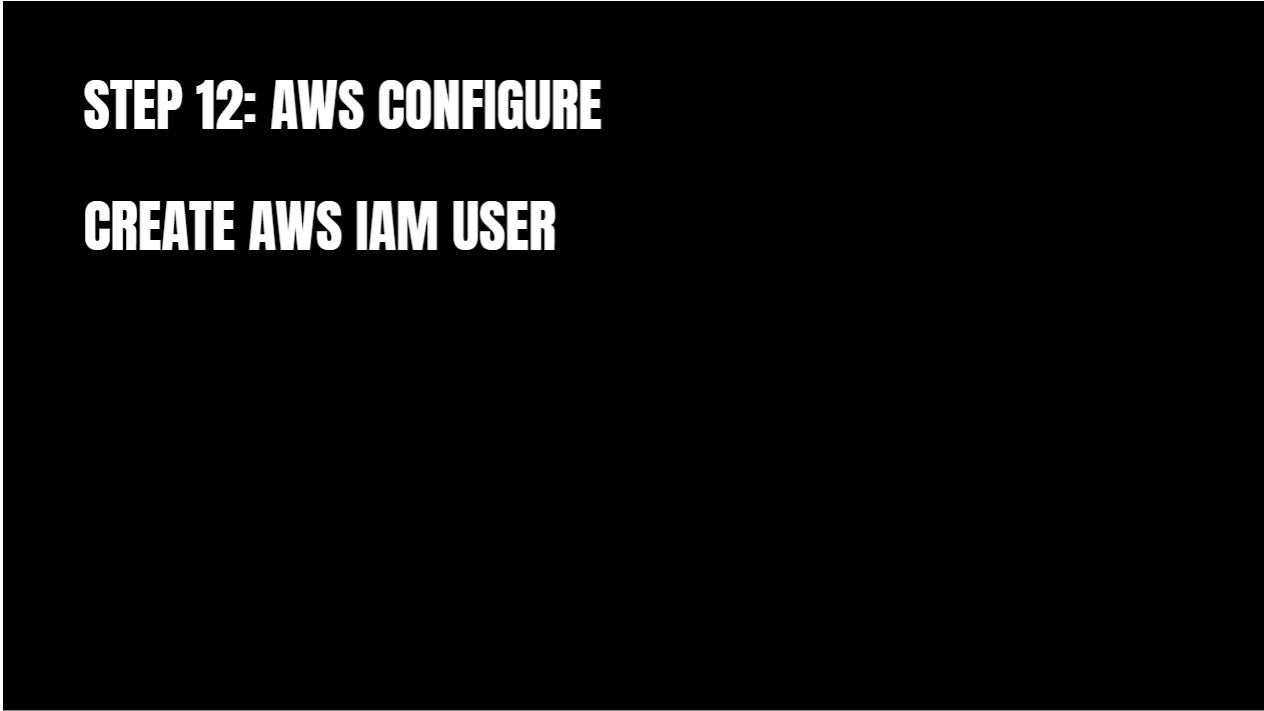
Step 11 & 12: Containerizing ML Prediction API & Pushing to Docker Hub
Terminal Command
# Build Docker image
docker build -t it-career-api .

# Login to Docker Hub
docker login

# Tag & Push Container Image
docker tag it-career-api vikas4cloud/it-career-api:latest
docker push vikas4cloud/it-career-api:latest
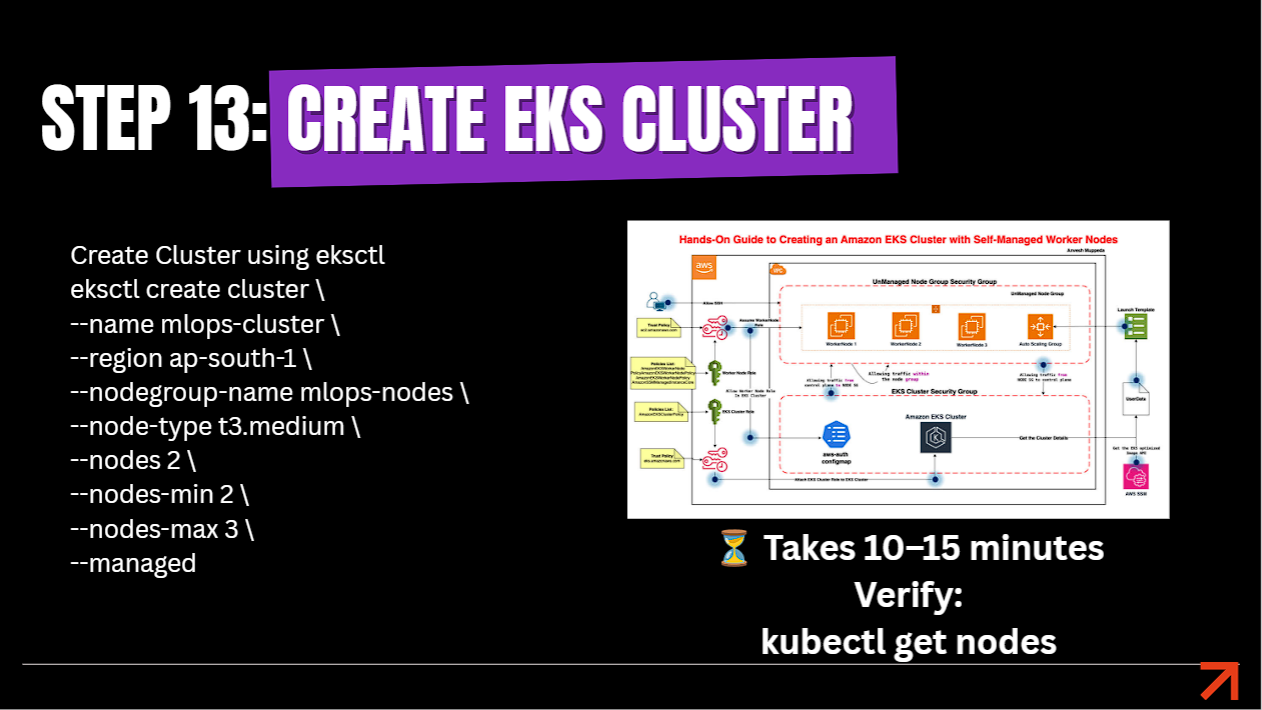
Step 13: Provision AWS EKS Managed Kubernetes Cluster

AWS Configure Credentials
Configuring AWS IAM Credentials (`aws configure`)
Step 13 Create EKS Cluster via EKSCTL
Step 13: Provisioning AWS EKS Managed Cluster (`mlops-cluster`)
EKSCTL Cluster Creation
eksctl create cluster \
  --name mlops-cluster \
  --region ap-south-1 \
  --nodegroup-name mlops-nodes \
  --node-type t3.medium \
  --nodes 2 \
  --nodes-min 2 \
  --nodes-max 3 \
  --managed

# Verify cluster nodes
kubectl get nodes
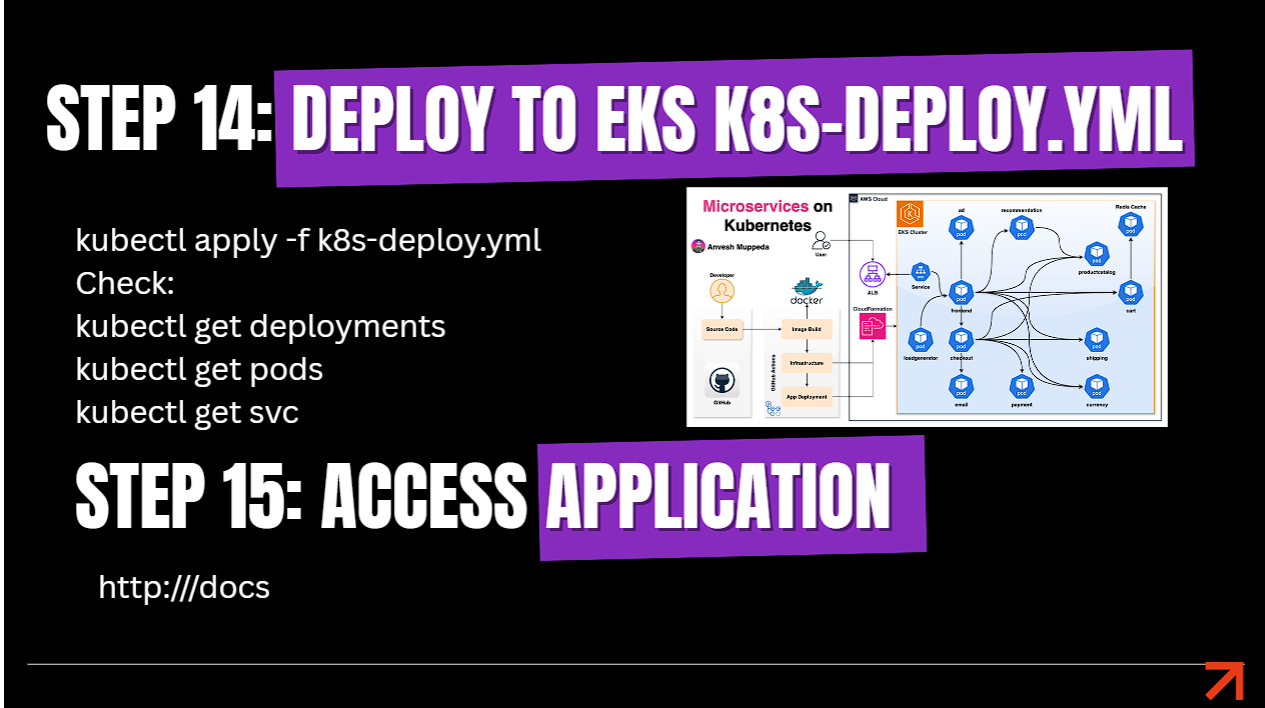
Step 14 & 15: Deploy Model Service to EKS & Public Endpoint Verification

Step 14 Deploy to EKS and Step 15 Access Application
Step 14 & 15: Applying Kubernetes Manifests & Accessing API via LoadBalancer IP
Kubectl Deploy
kubectl apply -f k8s-deploy.yml

# Verify pods & service external IP
kubectl get deployments
kubectl get pods -w
kubectl get svc
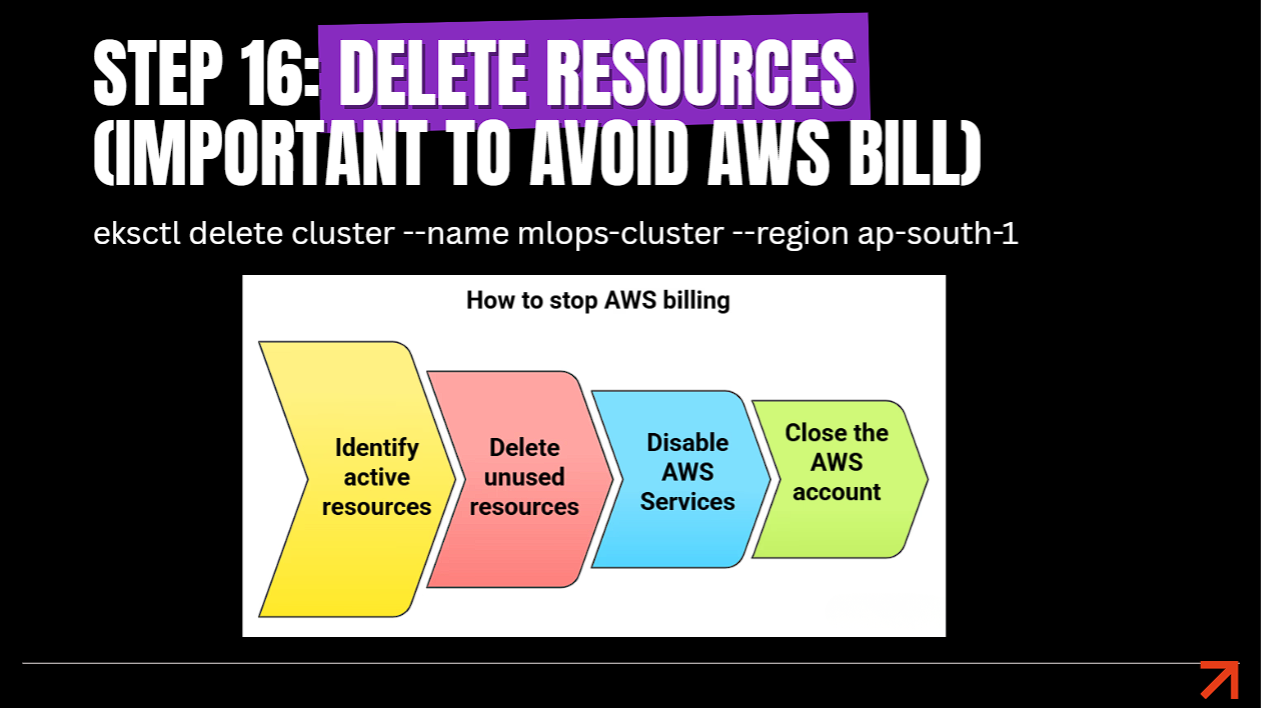
Step 16: Infrastructure Teardown (`eksctl delete cluster`)

Step 16 Delete Resources EKS Teardown
Step 16: Resource Teardown — Deleting EKS Cluster to Prevent Billing
EKS Cluster Teardown
eksctl delete cluster --name mlops-cluster --region ap-south-1

⚠️ Cloud Cost Best Practice:

AWS EKS clusters charge hourly for control plane management and worker nodes. Always execute eksctl delete cluster after finishing testing to prevent unexpected AWS cloud charges!

💼 Resume Bullet Points & MLOps Engineer Responsibilities

You can add these high-impact production bullet points to your resume based on this project:

  • Architected and operationalized an end-to-end Production MLOps Pipeline on AWS EKS to deploy predictive Machine Learning models as containerized REST microservices.
  • Trained and evaluated a RandomForest Classifier model using Scikit-Learn, exporting model artifacts (it_package_model.pkl) for low-latency inference.
  • Containerized ML inference APIs using FastAPI, Uvicorn, and Docker, publishing multi-arch images to Docker Hub.
  • Provisioned a multi-node AWS EKS Managed Kubernetes Cluster using eksctl and kubectl, configuring LoadBalancer Service endpoints for external traffic.
  • Authored Kubernetes declarative manifests (Deployments, Services, ConfigMaps) enforcing rolling updates and container resource limits.
  • Implemented automated teardown scripts ensuring zero cloud cost accumulation after testing iterations.
  • Managed end-to-end MLOps lifecycle from data ingestion to model deployment, API serving, and cloud infrastructure management.

❓ Frequently Asked Questions (FAQ) & Interview Guide

Common real-time production & interview questions on MLOps pipeline deployment:

Q1: What is the main difference between DevOps and MLOps?

Answer: DevOps focuses on continuous integration and deployment of source code. MLOps extends DevOps to handle Code + Data + Machine Learning Models. In addition to software CI/CD, MLOps automates data versioning, model training, accuracy evaluation, continuous retraining, and monitoring for data/concept drift.

Q2: Why use FastAPI instead of Flask or Django for ML Model Serving?

Answer: FastAPI is built on ASGI (Asynchronous Server Gateway Interface) using Starlette and Pydantic. It provides high performance matching NodeJS/Go, auto-generates OpenAPI interactive Swagger documentation, and enforces data type validation out of the box, making it ideal for high-throughput ML inference APIs.

Q3: How do you handle Model Versioning in production MLOps?

Answer: Model versioning tracks trained model artifacts (.pkl, .onnx) alongside dataset versions and hyperparameters. Tools like MLflow Model Registry, DVC (Data Version Control), or S3 bucket versioning tag each model binary with commit hashes, allowing instant rollbacks if a newly deployed model exhibits accuracy degradation.

Q4: What is Data Drift vs. Concept Drift in Machine Learning Monitoring?

Answer: Data Drift: Occurs when incoming production input data distribution changes compared to training data (e.g., user demographic shift).
Concept Drift: Occurs when the statistical relationship between input features and target labels changes over time (e.g. consumer purchasing habits post-pandemic). Monitoring tools like Evidently AI or Prometheus trigger pipeline retraining when drift is detected.

Q5: Why deploy ML models on Kubernetes (EKS) instead of a simple VM?

Answer: Kubernetes provides horizontal pod autoscaling (HPA) to handle traffic spikes during peak inference hours, self-healing pod restarts if an API worker crashes, zero-downtime rolling deployments for model updates, and declarative resource management across multi-AZ clusters.

Q6: How do you containerize ML models cleanly using Docker?

Answer: A production Dockerfile copies the serialized model file (it_package_model.pkl) and API server code into a lightweight base image (e.g. python:3.10-slim), installs pinned dependencies via requirements.txt, exposes prediction ports (e.g. 8000), and runs uvicorn main:app --host 0.0.0.0 --port 8000.

🤖
Cloud DevOps Hub Production MLOps Pipeline & AWS EKS Implementation Guide