There are no items in your cart
Add More
Add More
| Item Details | Price | ||
|---|---|---|---|

Create FREE Microsoft Azure Trial Account: Easy Steps Explained for Beginners
Get $200 Free Credit & Access 50+ Popular Services — Complete Step-by-Step Guide
Published: Wed Jul 29, 2026
Are you looking to get started with Microsoft Azure Cloud? Setting up a Microsoft Azure Free Account is the best way to get hands-on experience with cloud computing, DevOps, virtual machines, containers, and AI services. Microsoft provides $200 in free credits for the first 30 days, along with 12 months of popular free services and 40+ services that are always free.
With your Azure Free Account, you unlock:
Whether you are preparing for Azure certifications (AZ-900, AZ-104, AZ-400) or deploying your first cloud project, this trial provides everything you need to start building.
Before you begin the registration process, ensure you have the following ready:
If you are a student without a credit card, you can sign up for an Azure for Students account using your university/college email ID. If accepted by Microsoft, no credit or debit card is required!
Open your browser and navigate to the official Microsoft Azure portal page or search for Microsoft Azure Free Account.
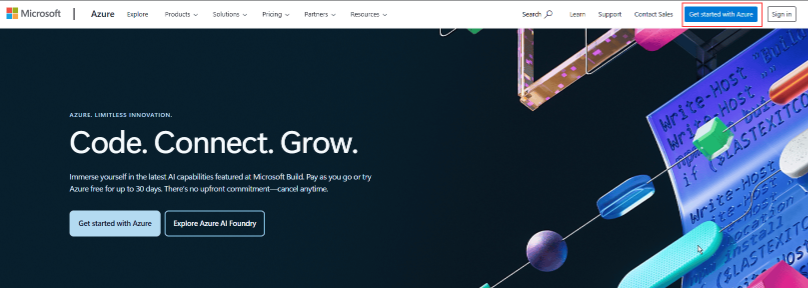
On the top-right corner of the Azure landing page, click the Get started with Azure button.
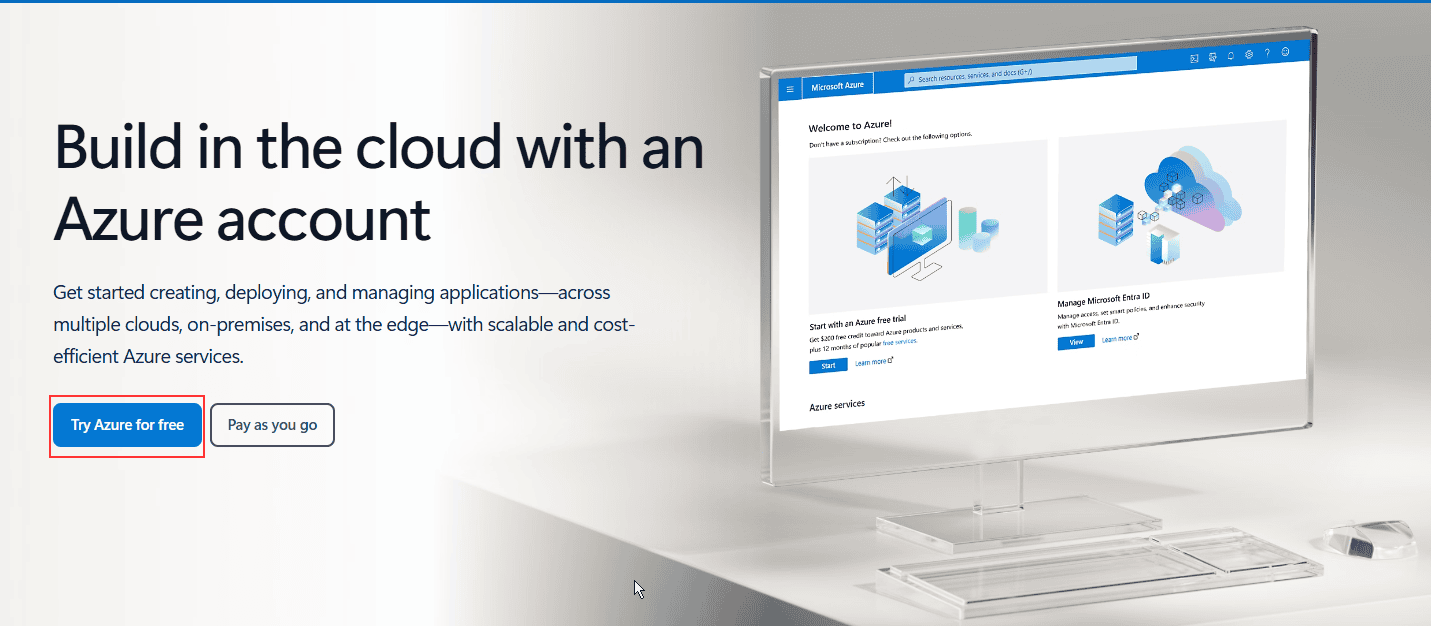
Click on the Try Azure for Free (or "Start Free") button to initiate the subscription process.
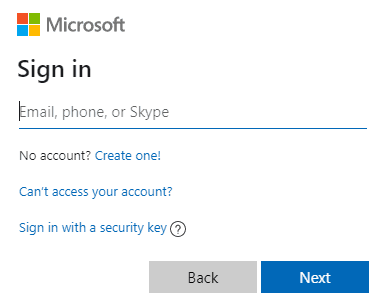
Sign in using your existing Microsoft account (email and password). If you don't have one, click Create one! to register a new account.
Select your Country/Region, enter your Date of Birth, and click Next.
Check your email inbox for a verification code sent by Microsoft. Enter the code on the screen and click Next.
Solve the captcha displayed on the screen to verify you are a real user, then click Next.
You will be redirected to the Azure Sign-up form. Provide your Profile Information:
Click Text me or Call me to verify your phone number. Enter the verification code received via SMS or call.
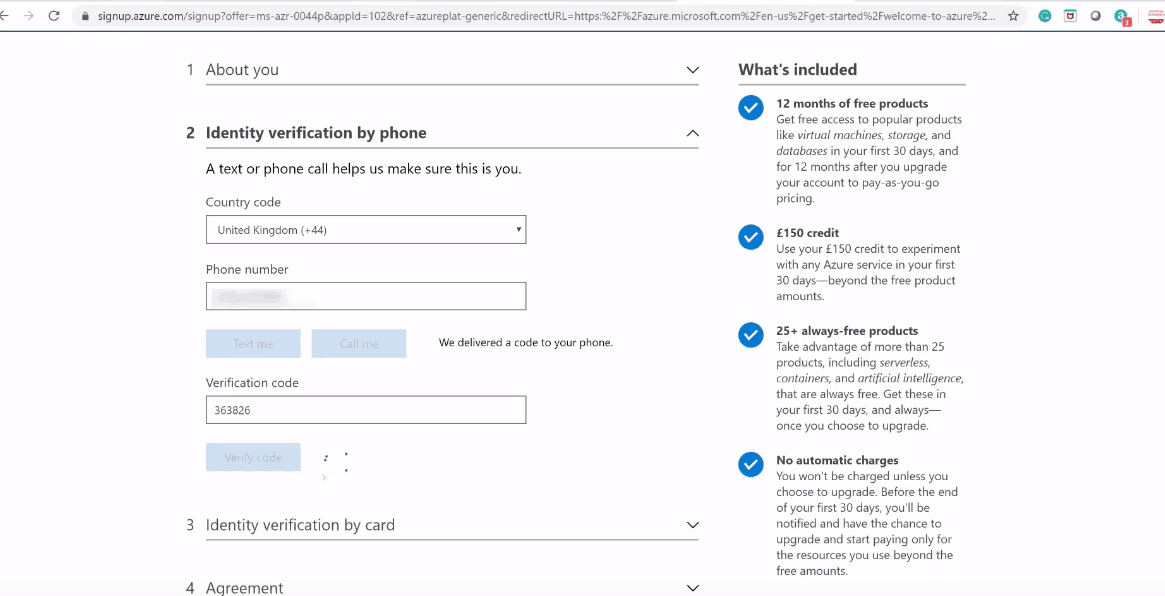
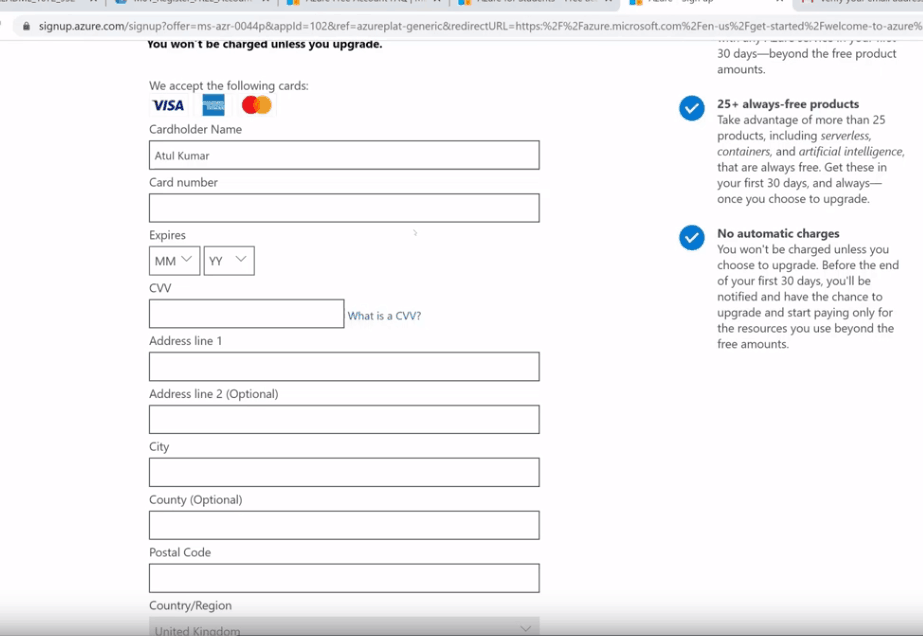
Enter your credit card details for identity verification. Ensure international transactions are enabled on your card.
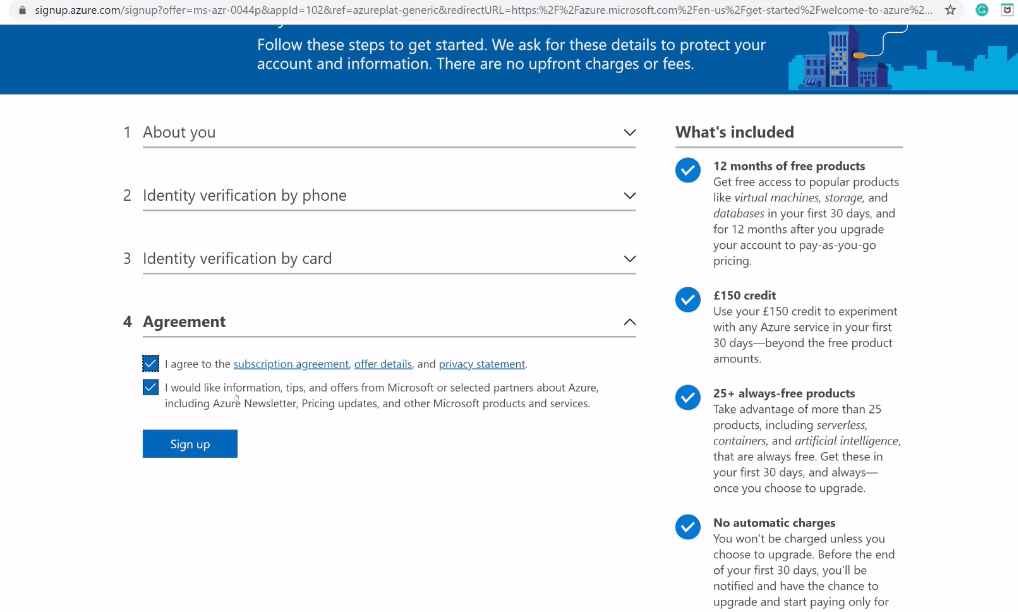
Review the Customer Agreement and Privacy Statement, check the agreement box, and click Sign up.
Congratulations! You have successfully created your Microsoft Azure free account. Your account will now be loaded with $200 USD free credits valid for 30 days.
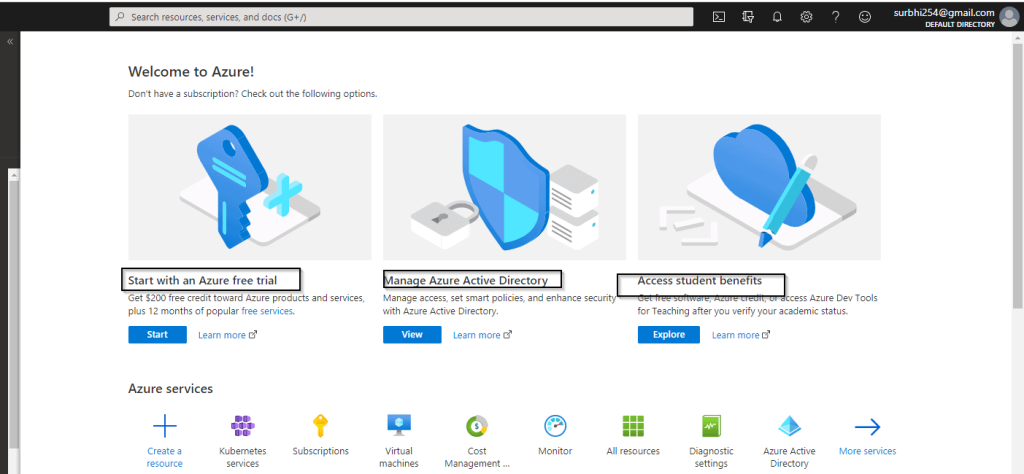
Click on Go to Azure Portal in the top-right corner to access the central management dashboard (portal.azure.com).
During your first 12 months, Microsoft Azure offers generous monthly allowances on popular cloud services:
Even after 12 months, you can continue to use over 40+ Azure services for free, up to designated limits:
By default, Microsoft Azure Free Trial accounts come with a Spending Limit set to $0 after credit exhaustion. This safeguards you from unexpected billing.
When your usage reaches the $200 credit limit or 30 days expire:
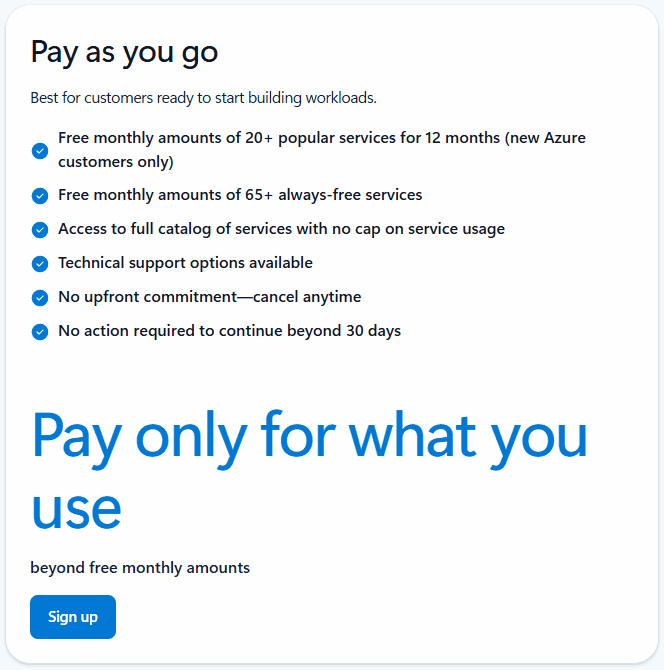
If you want to continue using Azure services beyond the free limits, you can manually upgrade to a Pay-As-You-Go subscription. You will only pay for what you consume beyond the free quotas.
If you wish to cancel your subscription after exhausting your free credits:
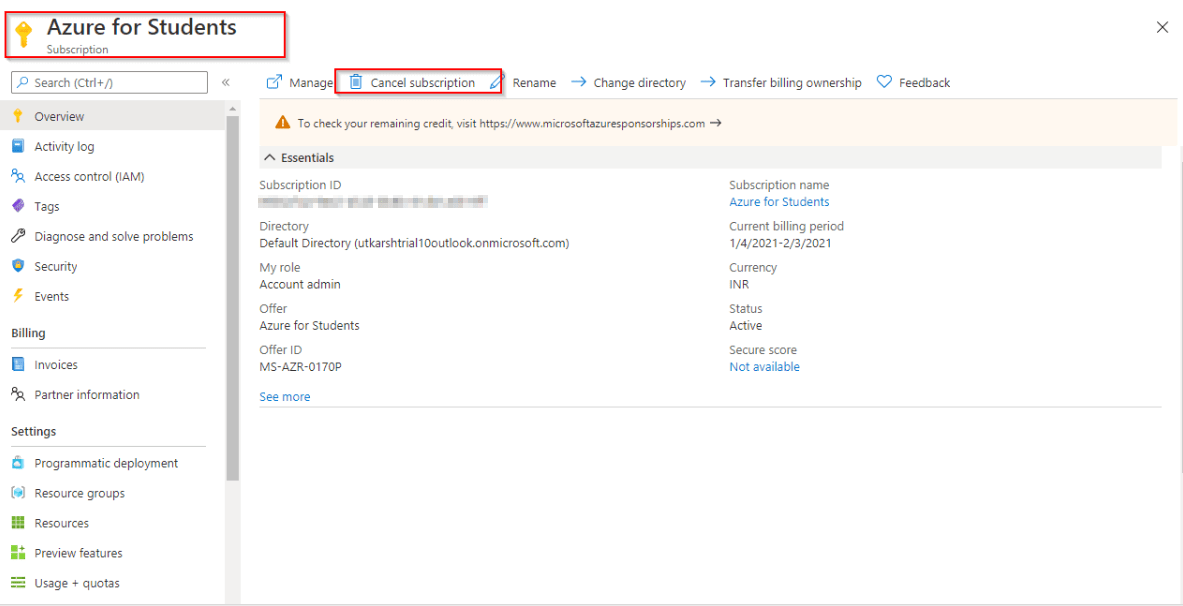
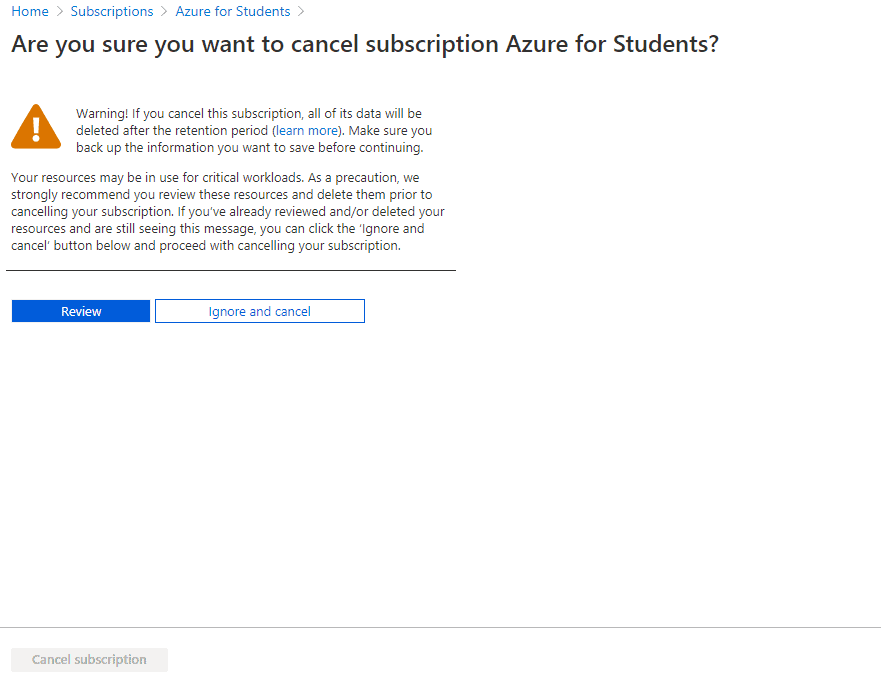
Microsoft allows only one free trial account per individual credit card and phone number. To create a second account, another individual who has not previously registered must sign up using their own card and email details.
Common reasons include using a debit card that is not supported for international transactions, using credentials (card/phone/email) already registered with Azure, or fraud prevention flags. Ensure international usage is enabled on your credit card.
Yes! Students can sign up for Azure for Students using a valid institution email ID without needing a credit or debit card, getting $100 annual credit and free services.
Some debit cards (like specific Visa/MasterCard debit cards with international transactions enabled) work, but support varies by bank. Credit cards are recommended for smooth registration.
Azure is not completely free for a lifetime, but it offers 40+ services that remain Always Free within monthly limits, alongside 12 months of popular free tier services.