There are no items in your cart
Add More
Add More
| Item Details | Price | ||
|---|---|---|---|
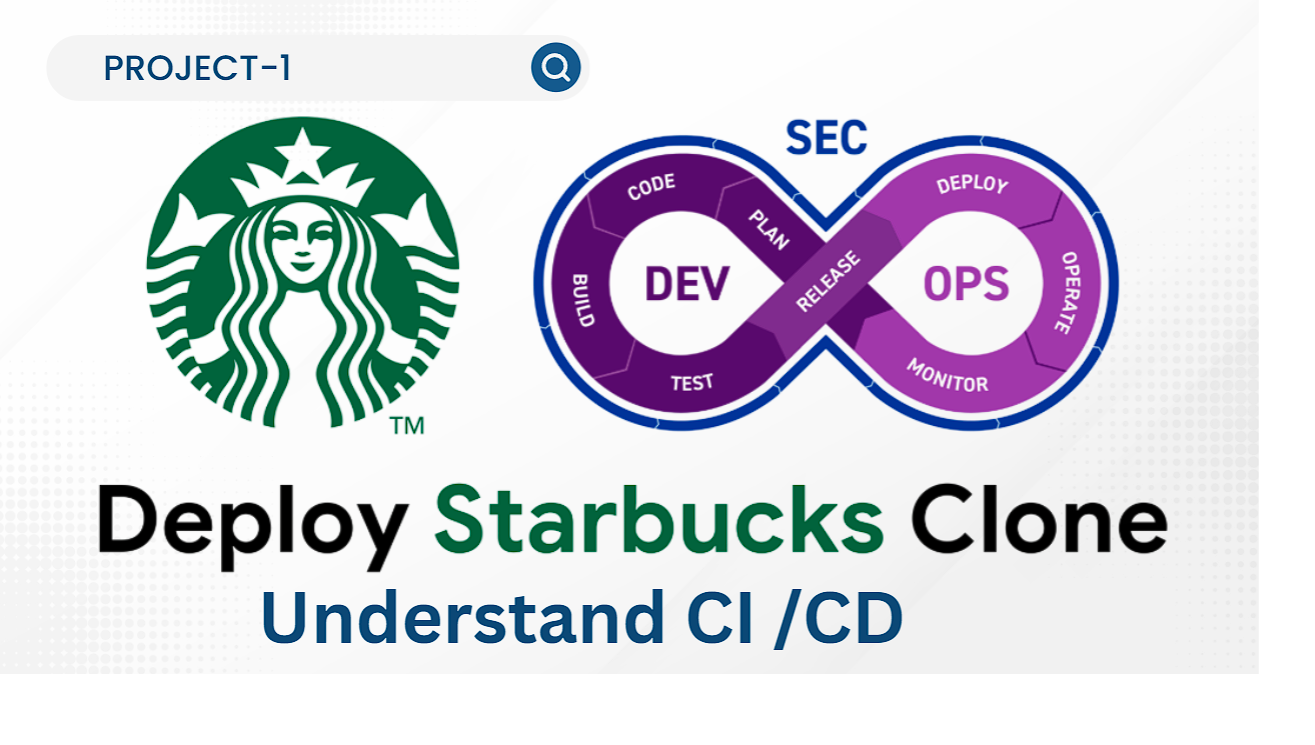
Project-1: Starbucks Web Application CI/CD Pipeline
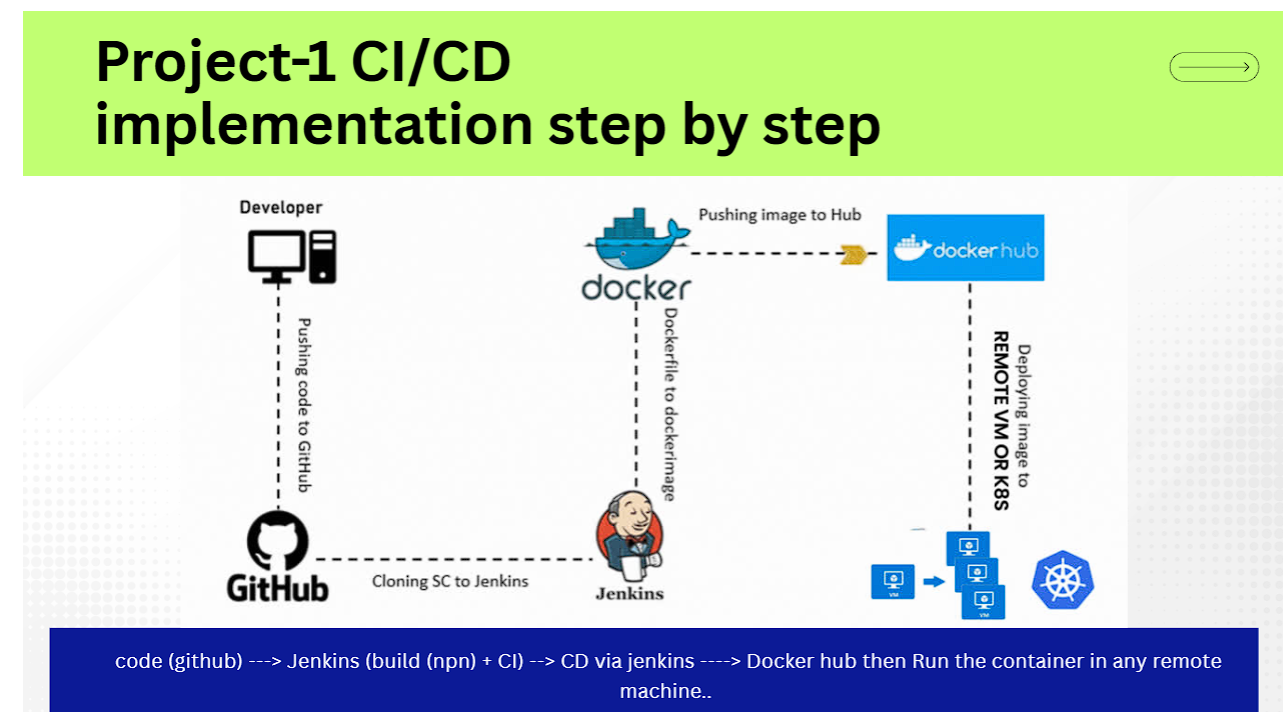
Automated Continuous Integration & Continuous Deployment using Node.js, Jenkins, Docker, and AWS EC2
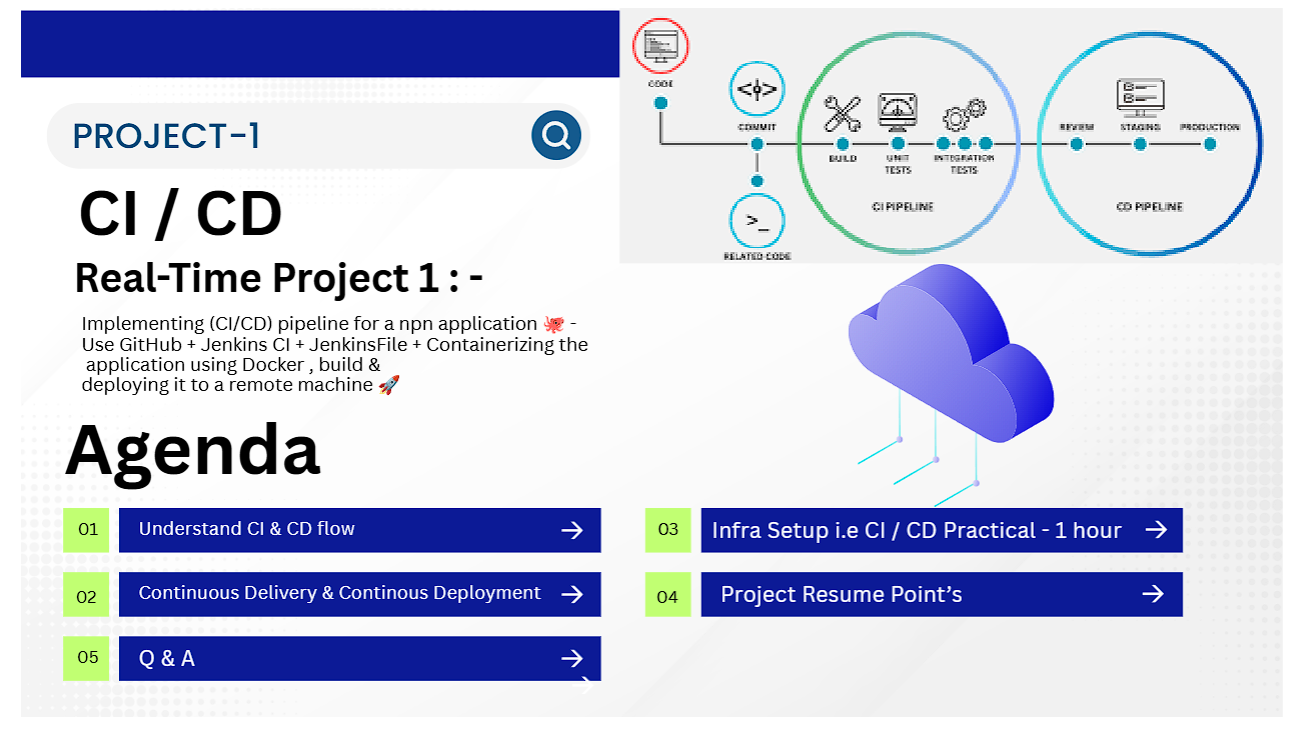
This project demonstrates a production-grade Continuous Integration (CI) and Continuous Deployment (CD) pipeline for a high-traffic Node.js application (Starbucks Clone). The workflow seamlessly integrates source control, automated docker containerization, image registry pushing, and automated target deployment.
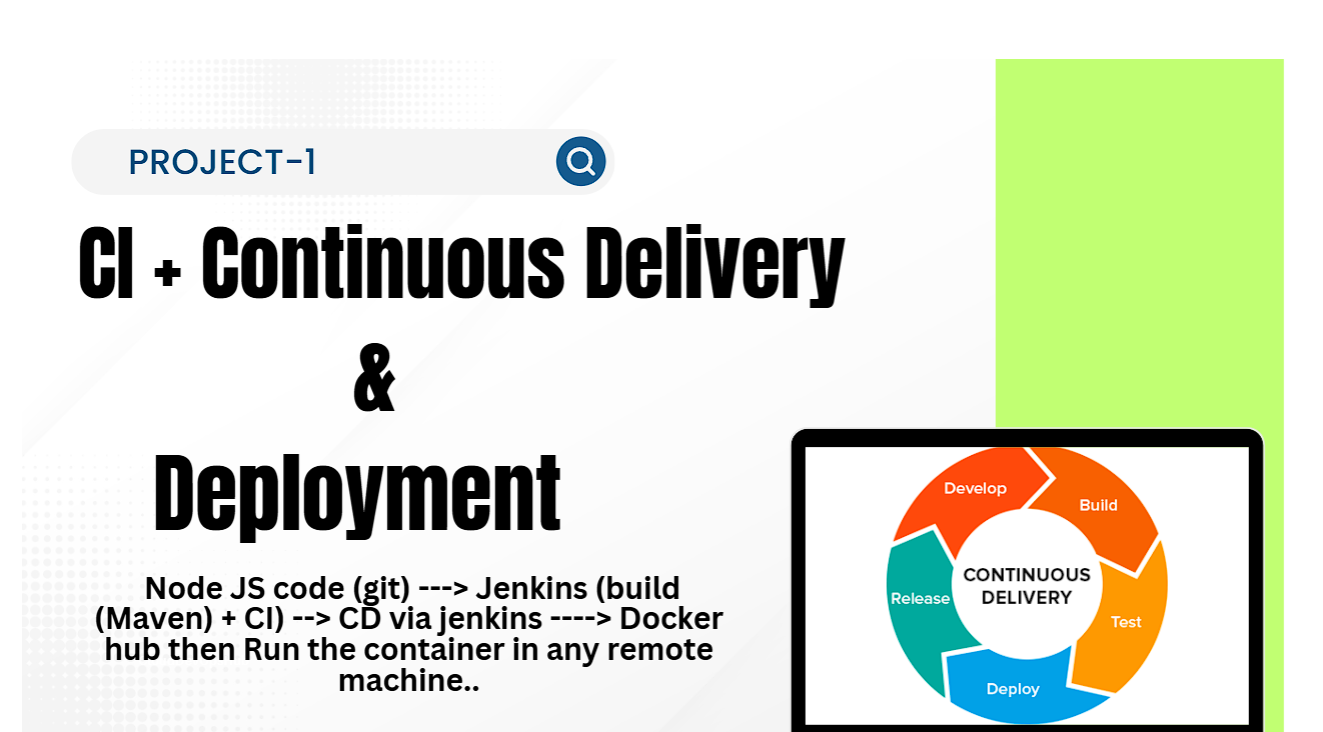
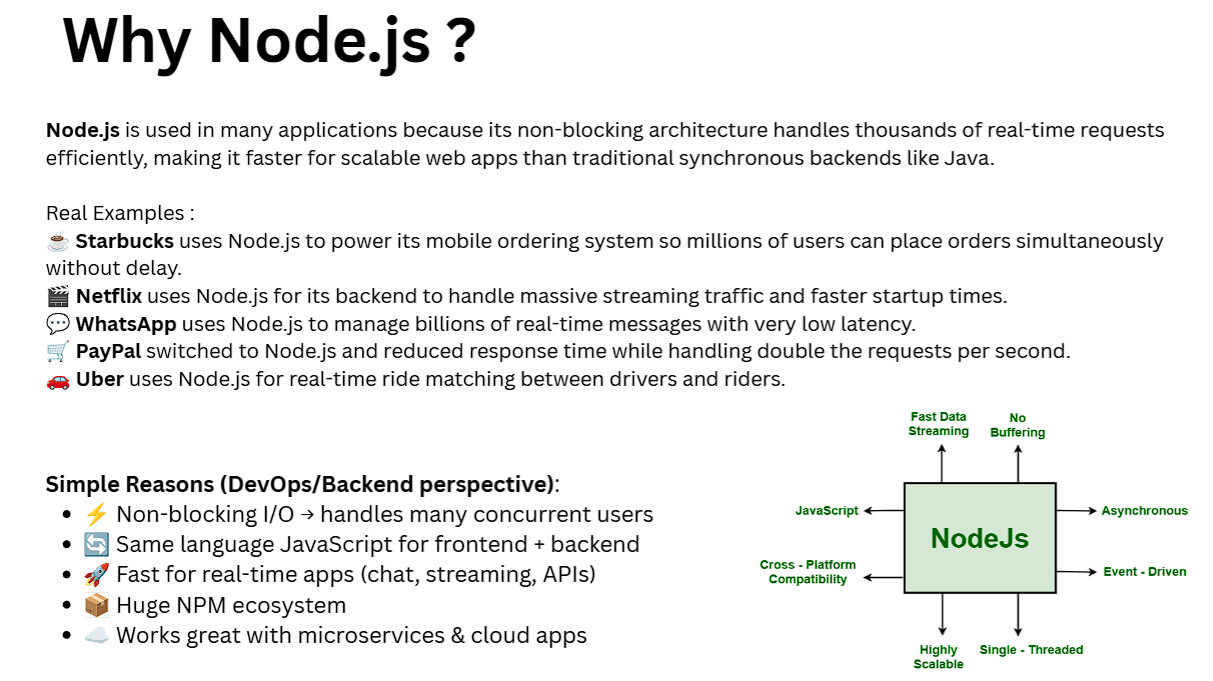
Node.js is powered by an asynchronous, non-blocking I/O event-driven model. It efficiently processes thousands of concurrent real-time requests with low overhead compared to legacy thread-per-request backends.
It is vital to distinguish between the three stages of modern software release automation:
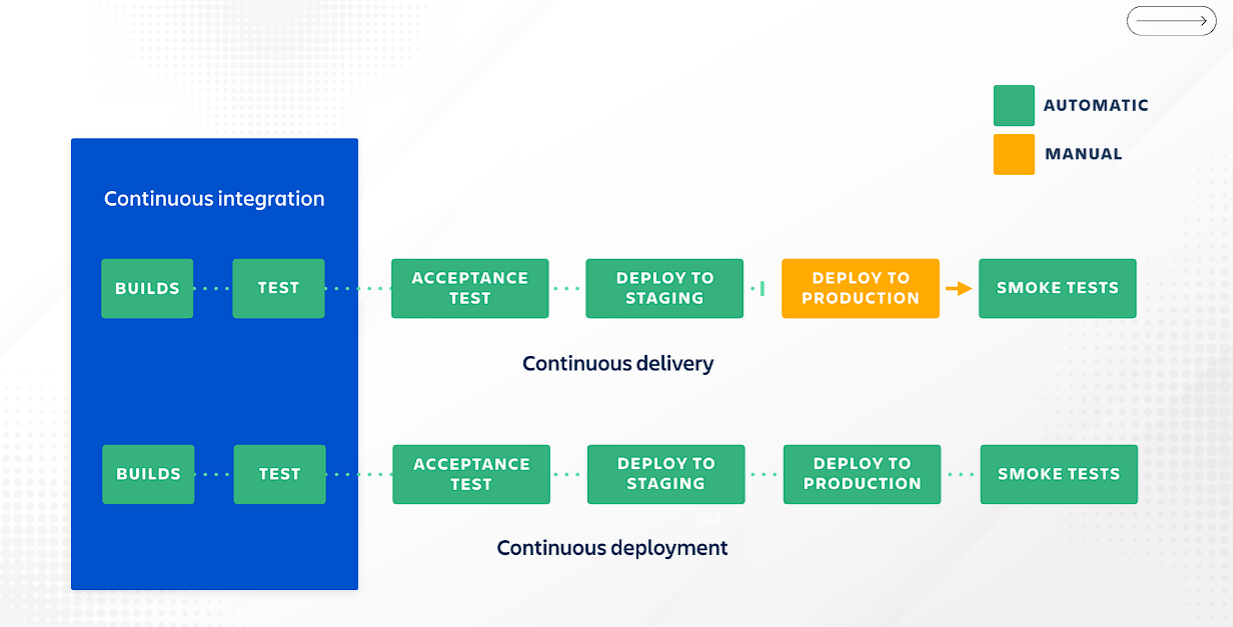
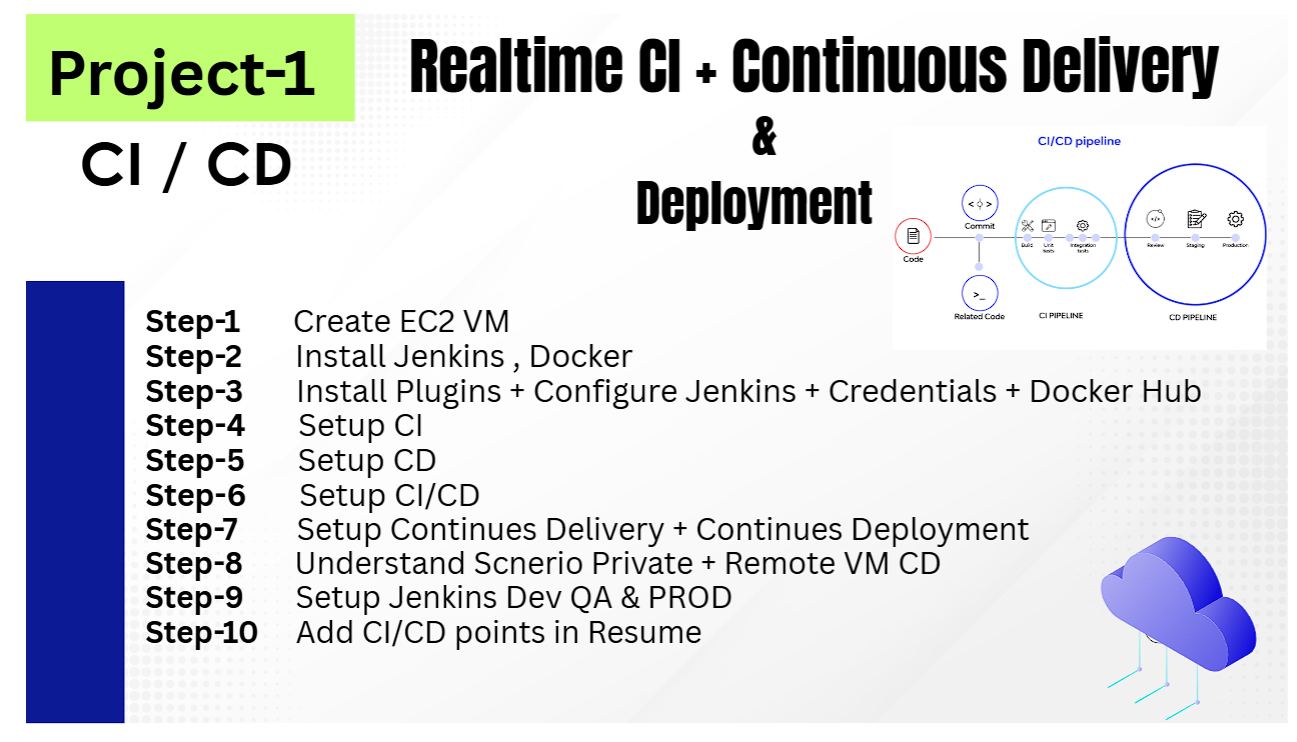
Builds, tests, and deploys automatically up to the Staging environment. Deployment to Production requires a Manual Gate / Approval.
Fully automated pipeline with zero manual intervention. Passes smoke tests and deploys directly to Production automatically upon code push.
Continuous Integration : Builds ➔ Unit Tests
Continuous Delivery    : Builds ➔ Unit Tests ➔ Acceptance Test ➔ Staging ➔ [MANUAL APPROVAL] ➔ Production ➔ Smoke Tests
Continuous Deployment : Builds ➔ Unit Tests ➔ Acceptance Test ➔ Staging ➔ [AUTOMATED PUSH] ➔ Production ➔ Smoke TestsLaunch an AWS EC2 instance with the following specifications to run Jenkins and Docker workloads:
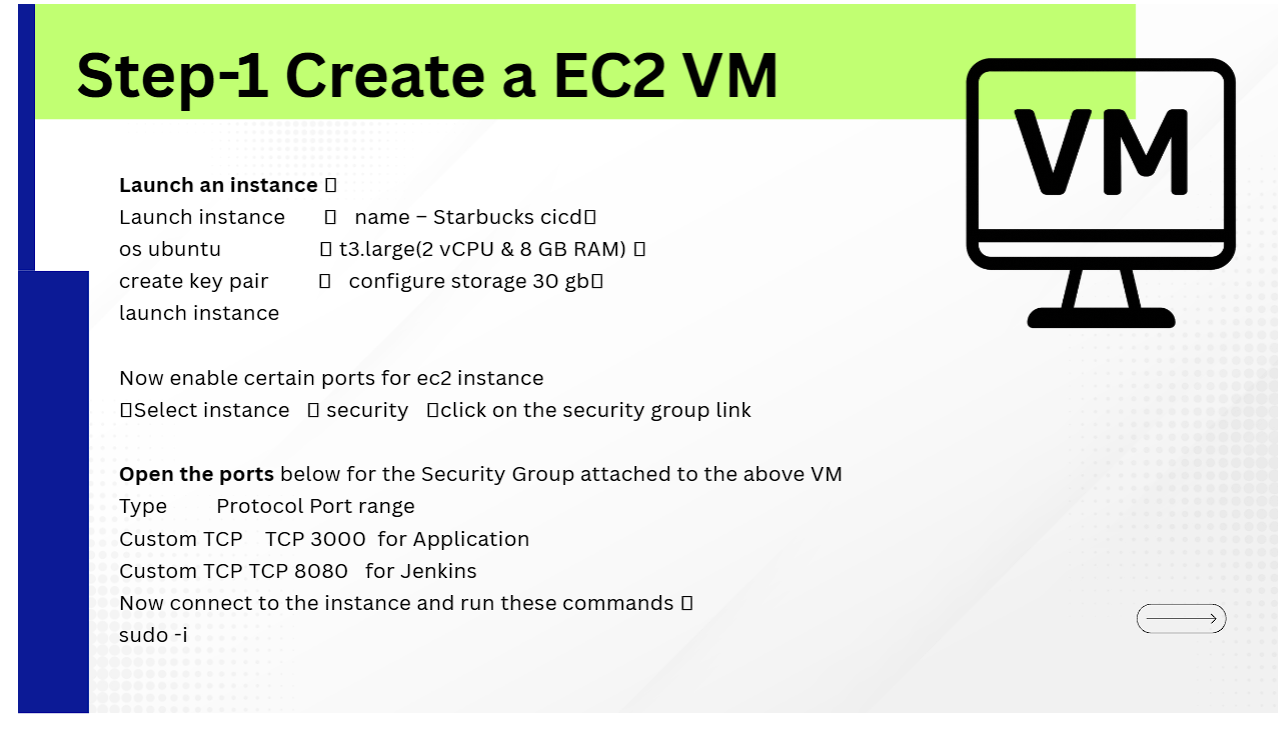
Starbucks cicdt3.large (2 vCPUs & 8 GB RAM)| Type | Port Range | Purpose |
|---|---|---|
| Custom TCP | 8080 |
Jenkins Web Dashboard Access |
| Custom TCP | 3000 |
Starbucks Web Application Container Port |
| SSH | 22 |
Remote Shell Management |
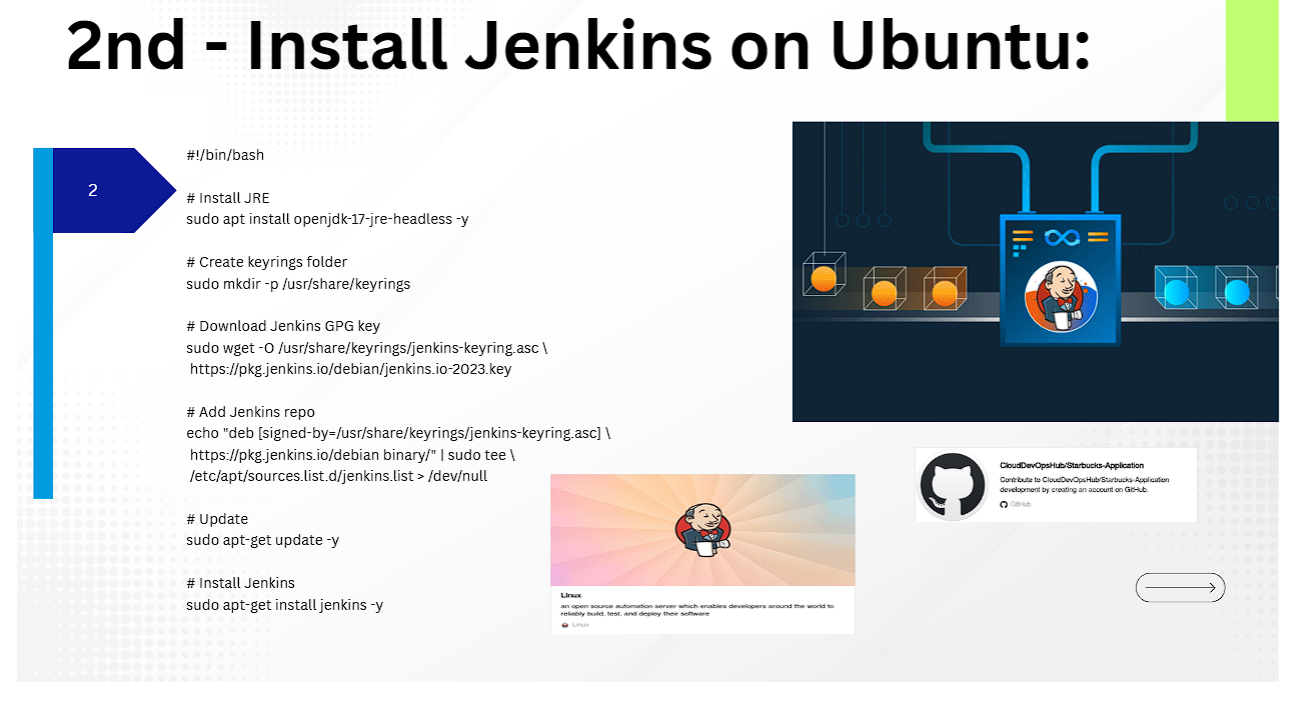
#!/bin/bash
# Install JRE 17 Headless
sudo apt update && sudo apt install openjdk-17-jre-headless -y

# Download Jenkins GPG Key & Repo
sudo mkdir -p /usr/share/keyrings
sudo wget -O /usr/share/keyrings/jenkins-keyring.asc https://pkg.jenkins.io/debian/jenkins.io-2023.key
echo "deb [signed-by=/usr/share/keyrings/jenkins-keyring.asc] https://pkg.jenkins.io/debian binary/" | sudo tee /etc/apt/sources.list.d/jenkins.list > /dev/null

# Update & Install Jenkins
sudo apt-get update -y
sudo apt-get install jenkins -y
sudo systemctl enable --now jenkins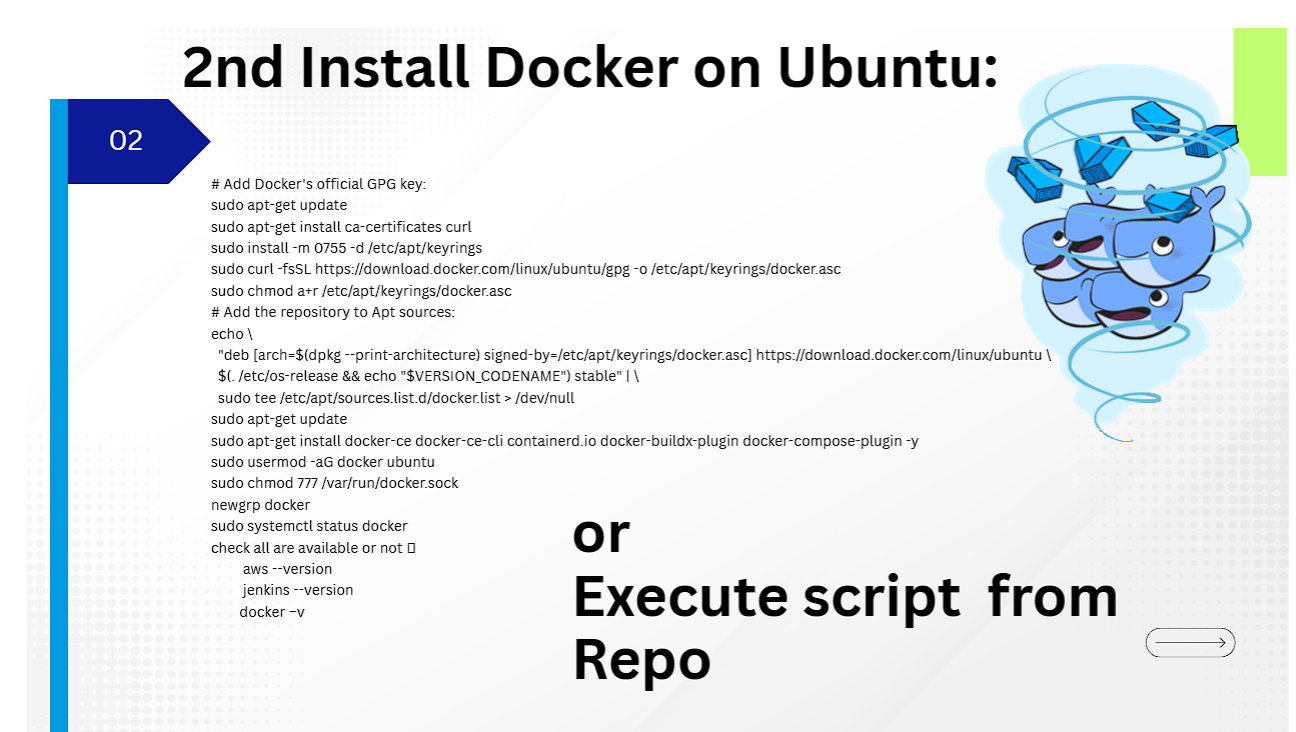
# Add Docker GPG key & Repository
sudo apt-get update
sudo apt-get install ca-certificates curl -y
sudo install -m 0755 -d /etc/apt/keyrings
sudo curl -fsSL https://download.docker.com/linux/ubuntu/gpg -o /etc/apt/keyrings/docker.asc
sudo chmod a+r /etc/apt/keyrings/docker.asc

echo "deb [arch=$(dpkg --print-architecture) signed-by=/etc/apt/keyrings/docker.asc] https://download.docker.com/linux/ubuntu $(. /etc/os-release && echo "$VERSION_CODENAME") stable" | sudo tee /etc/apt/sources.list.d/docker.list > /dev/null

# Install Docker CE & Compose
sudo apt-get update -y
sudo apt-get install docker-ce docker-ce-cli containerd.io docker-buildx-plugin docker-compose-plugin -y

# Configure User Privileges
sudo usermod -aG docker ubuntu
sudo chmod 777 /var/run/docker.sock
newgrp docker

# Verify Installation
aws --version
jenkins --version
docker -v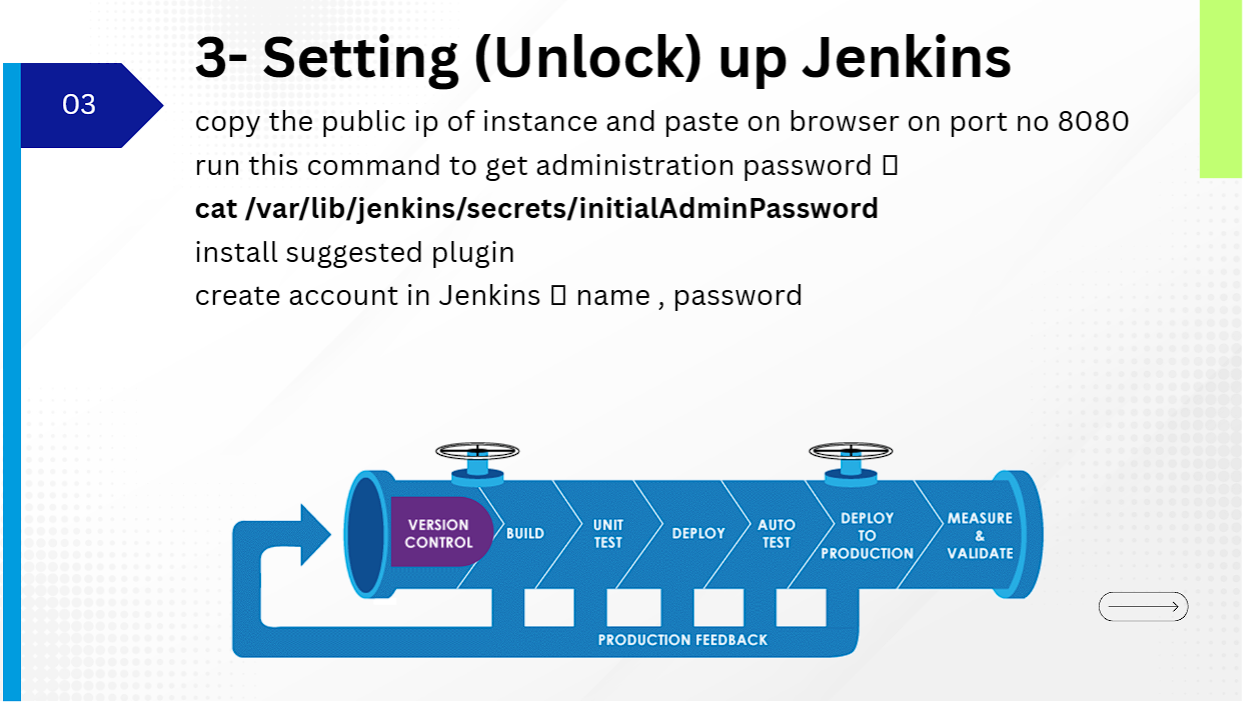
Unlock Jenkins by fetching the initial administrator secret:
cat /var/lib/jenkins/secrets/initialAdminPassword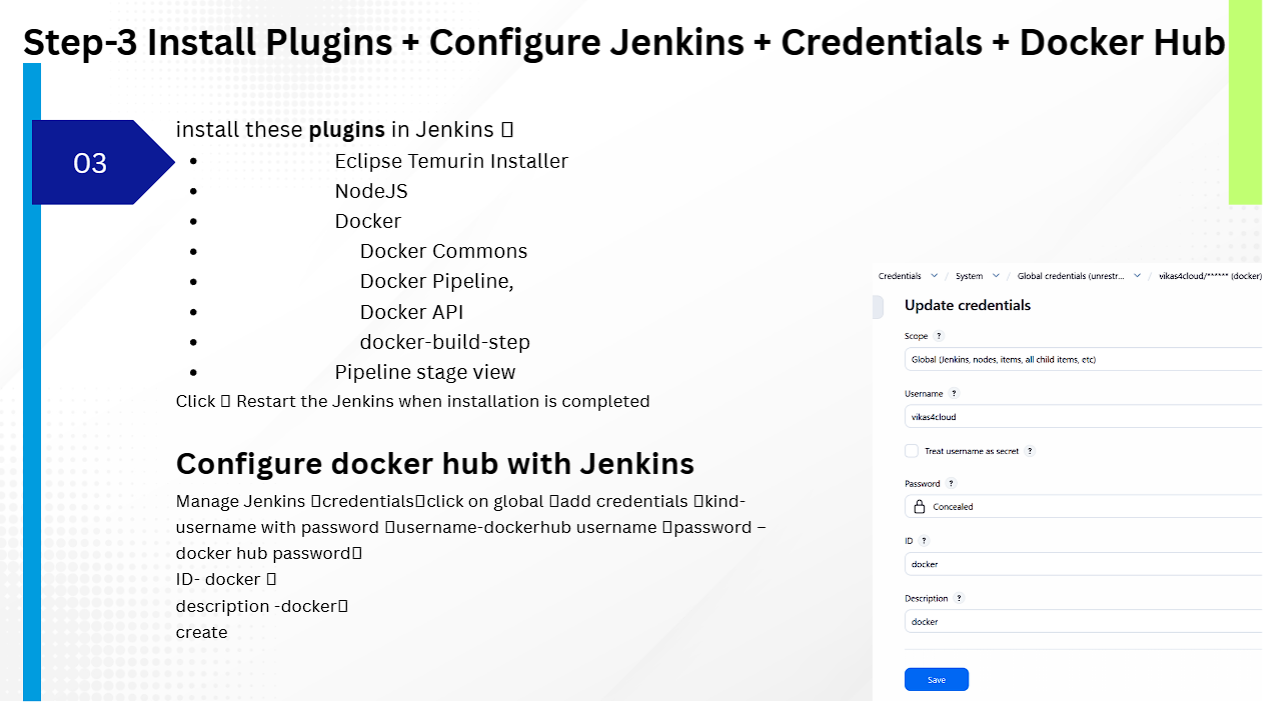
Navigate to Manage Jenkins ➔ Plugins ➔ Available Plugins and install:
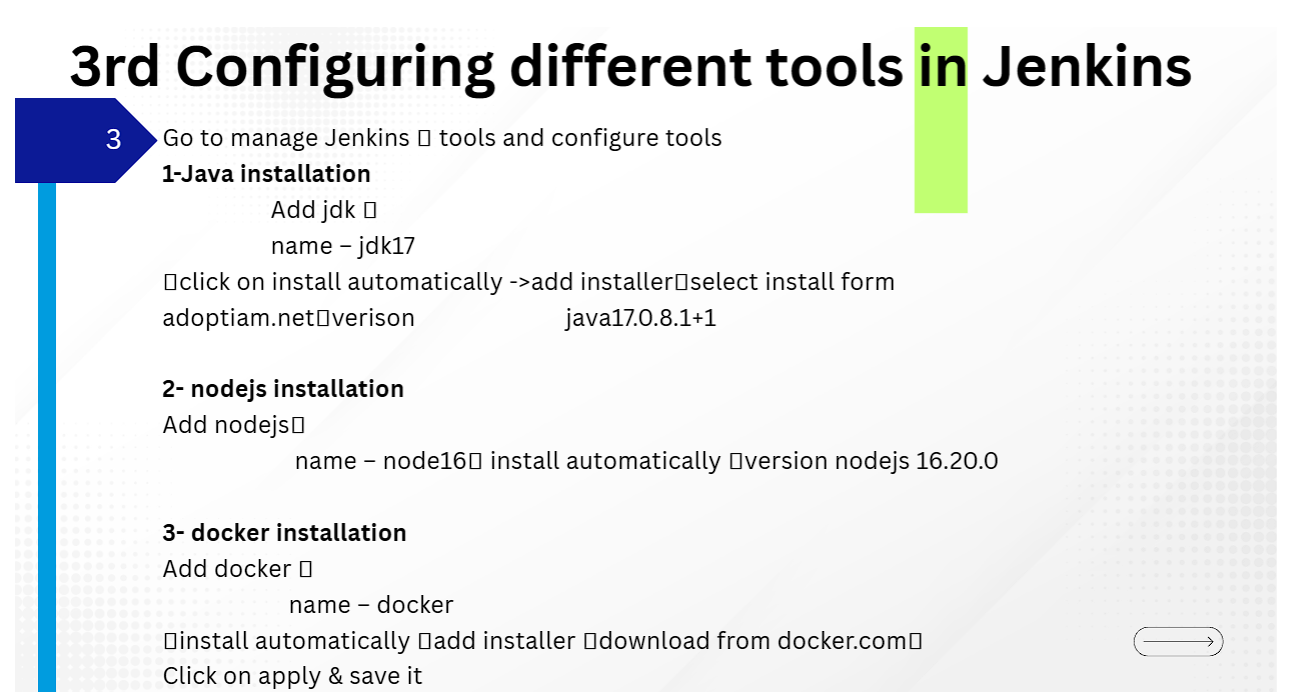
Under Manage Jenkins ➔ Tools configure the following auto-installers:
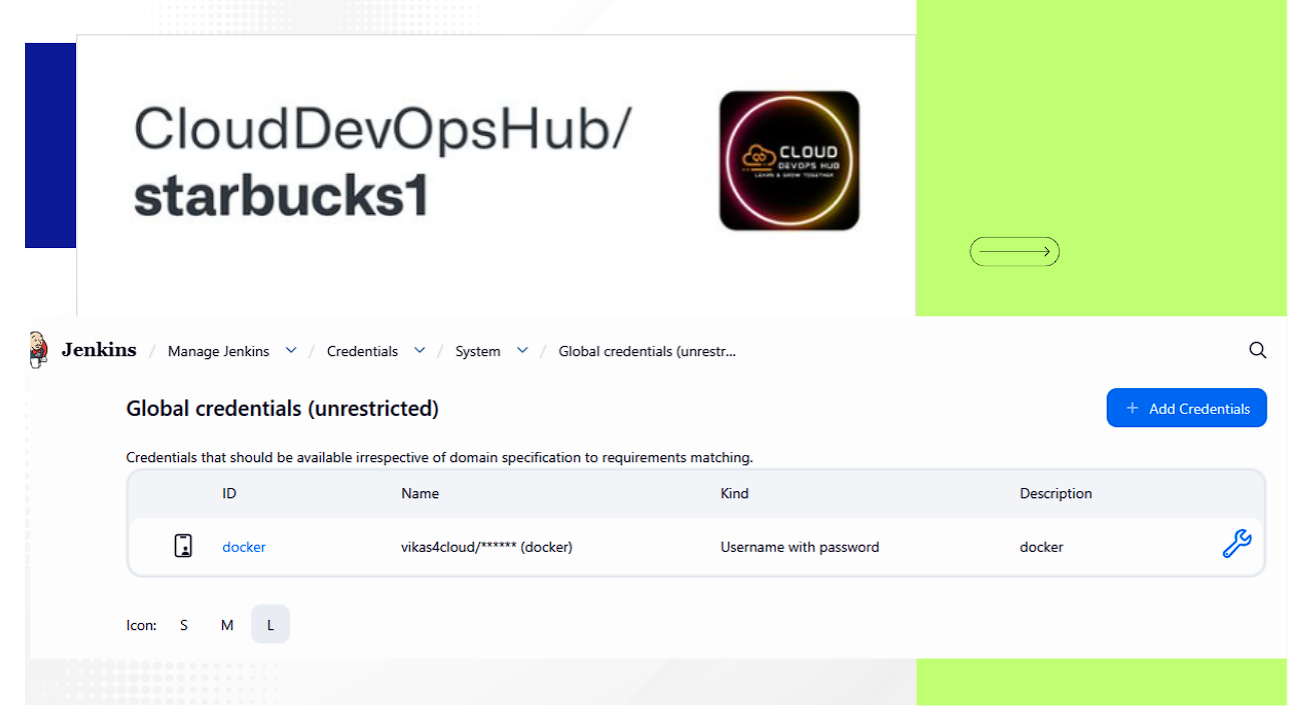
jdk17 | Install automatically from Adoptium.net (version java17.0.8.1+1).node16 | Install automatically (version nodejs 16.20.0).docker | Install automatically from docker.com.Go to Manage Jenkins ➔ Credentials ➔ System ➔ Global credentials ➔ Add Credentials:
docker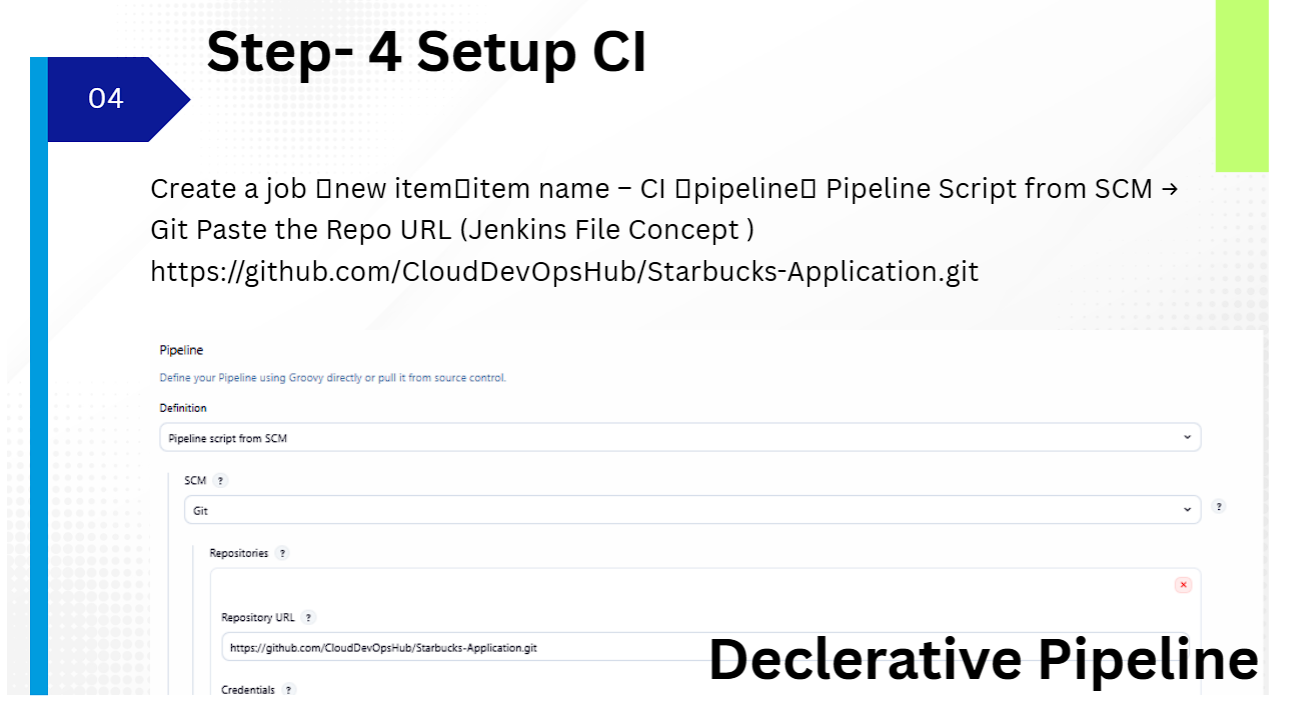
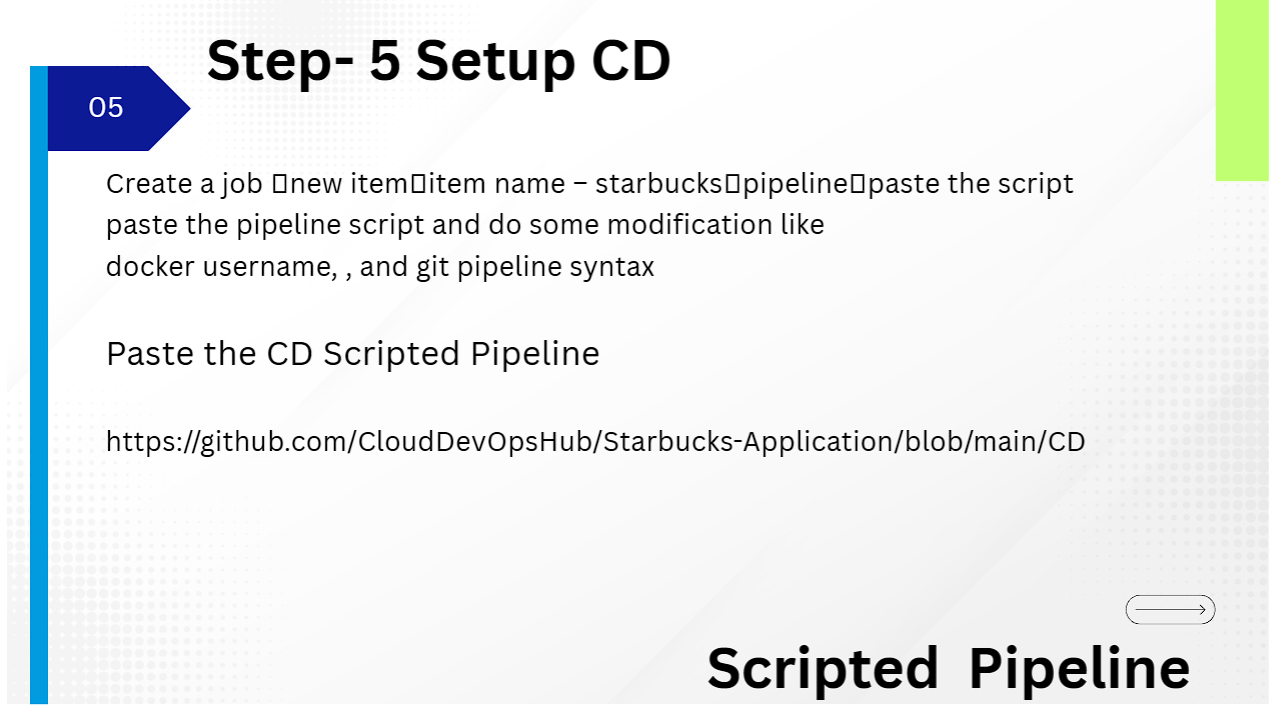
Create a Pipeline job named CI pointing to GitHub Repository: https://github.com/CloudDevOpsHub/Starbucks-Application.git using Declarative Pipeline script from SCM (Jenkinsfile).
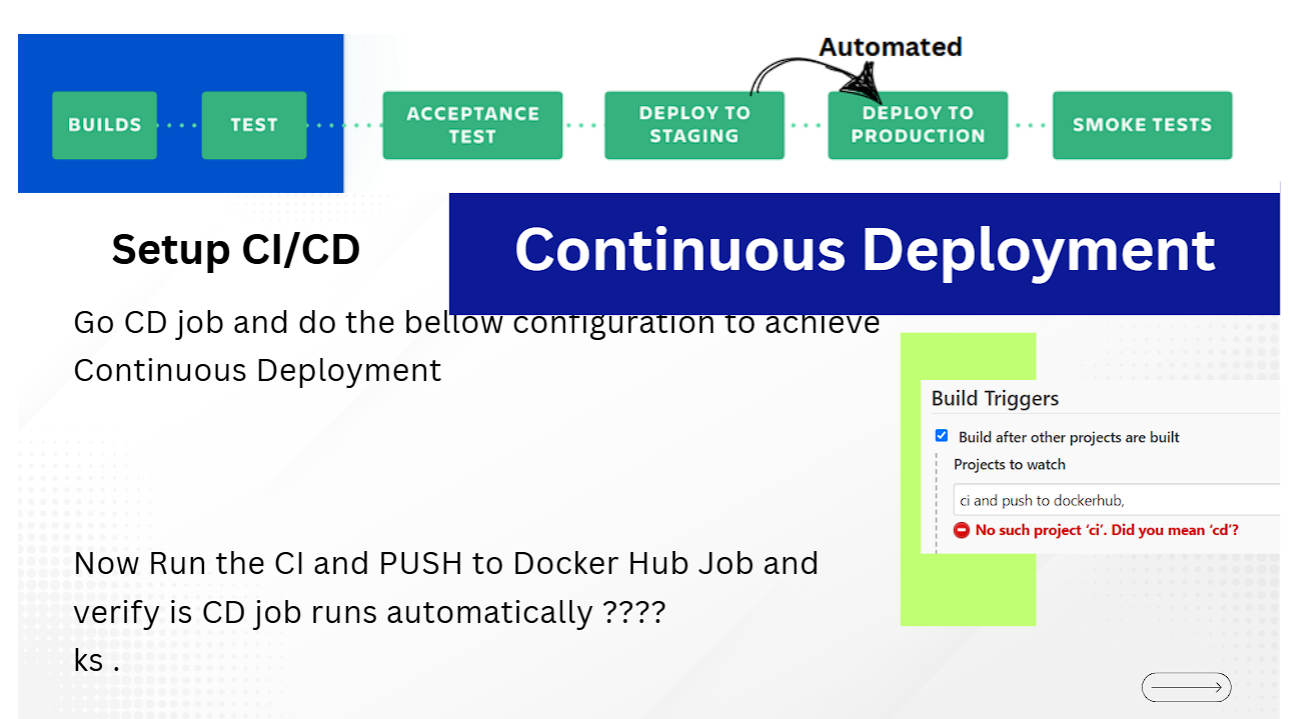
Create a Pipeline job named starbucks with Scripted Pipeline code:
node {
    stage('Deploy Starbucks App') {
        // Pull latest docker container image & run on target port 3000
        sh '''
            docker stop starbucks || true
            docker rm starbucks || true
            docker run -d --name starbucks -p 3000:3000 vikas4cloud/starbucks:latest
        '''
    }
}
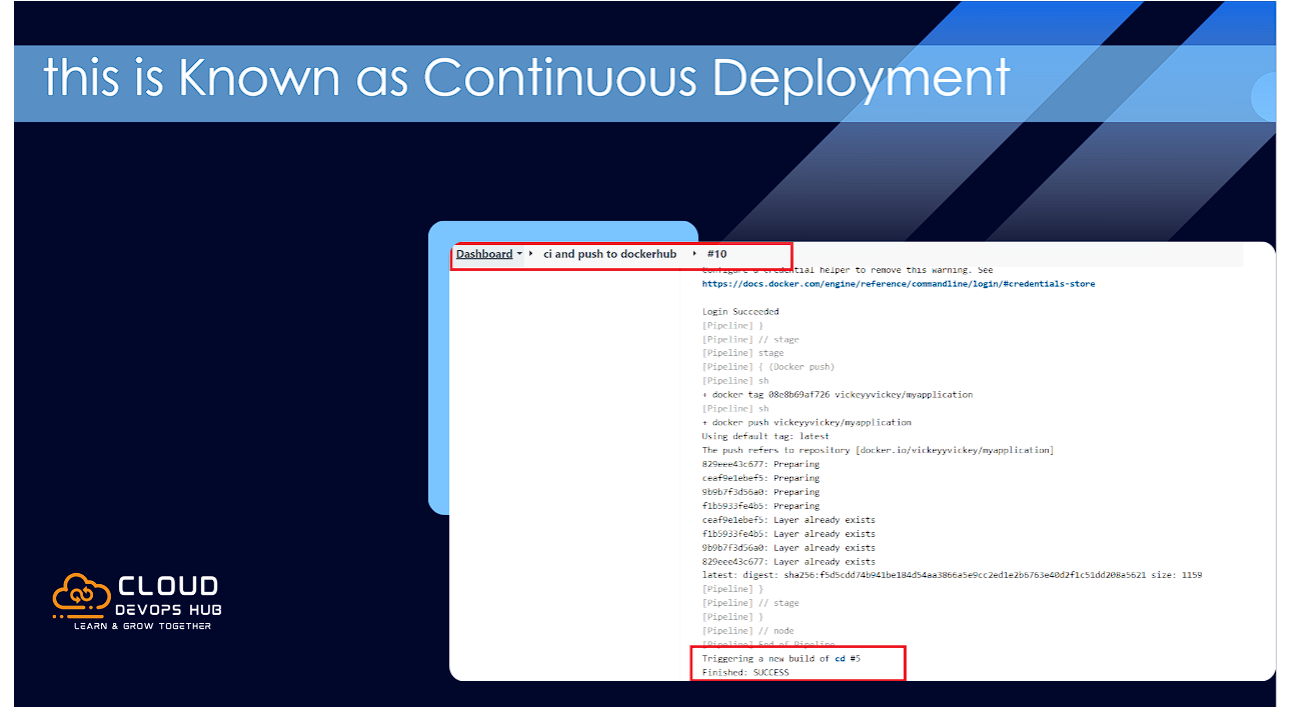
To enable automated trigger, go to the starbucks CD job configuration ➔ Build Triggers ➔ check "Build after other projects are built" ➔ Projects to watch: CI. Now, every successful CI push automatically triggers deployment!
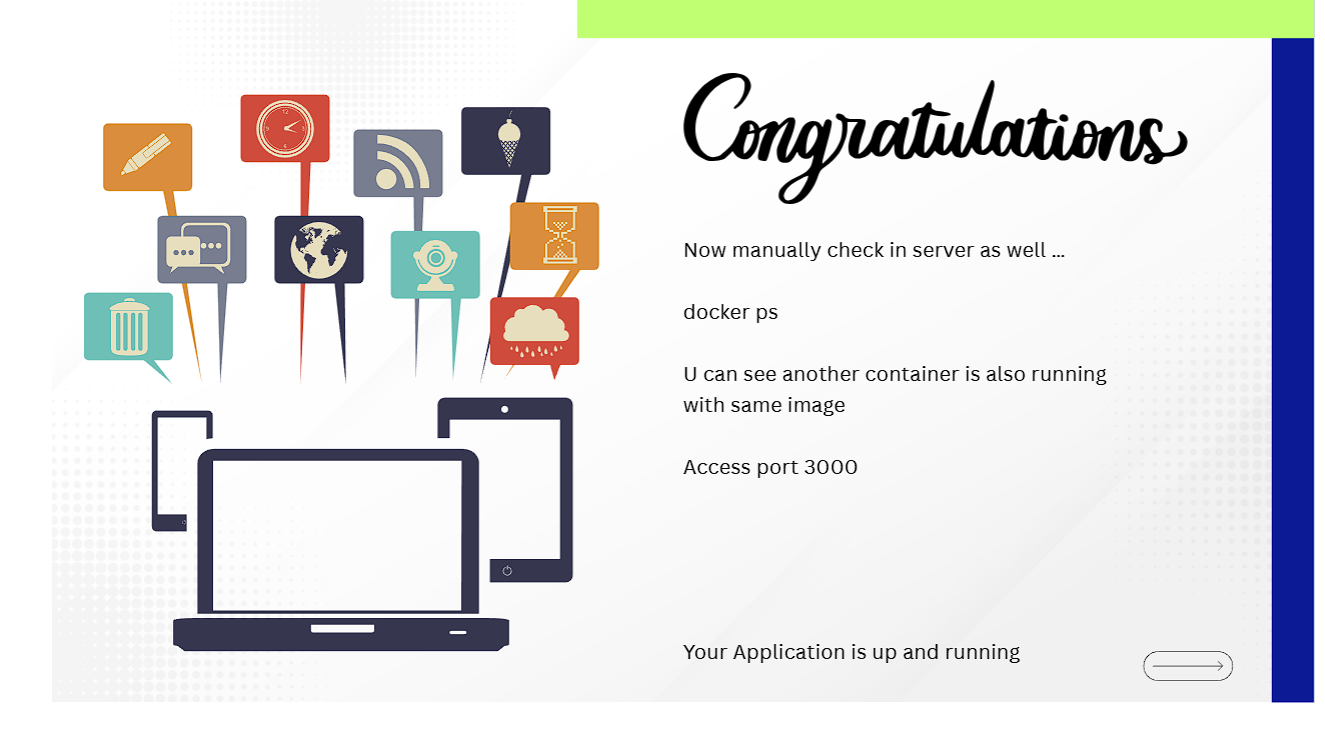
docker ps) Showing Starbucks Container Running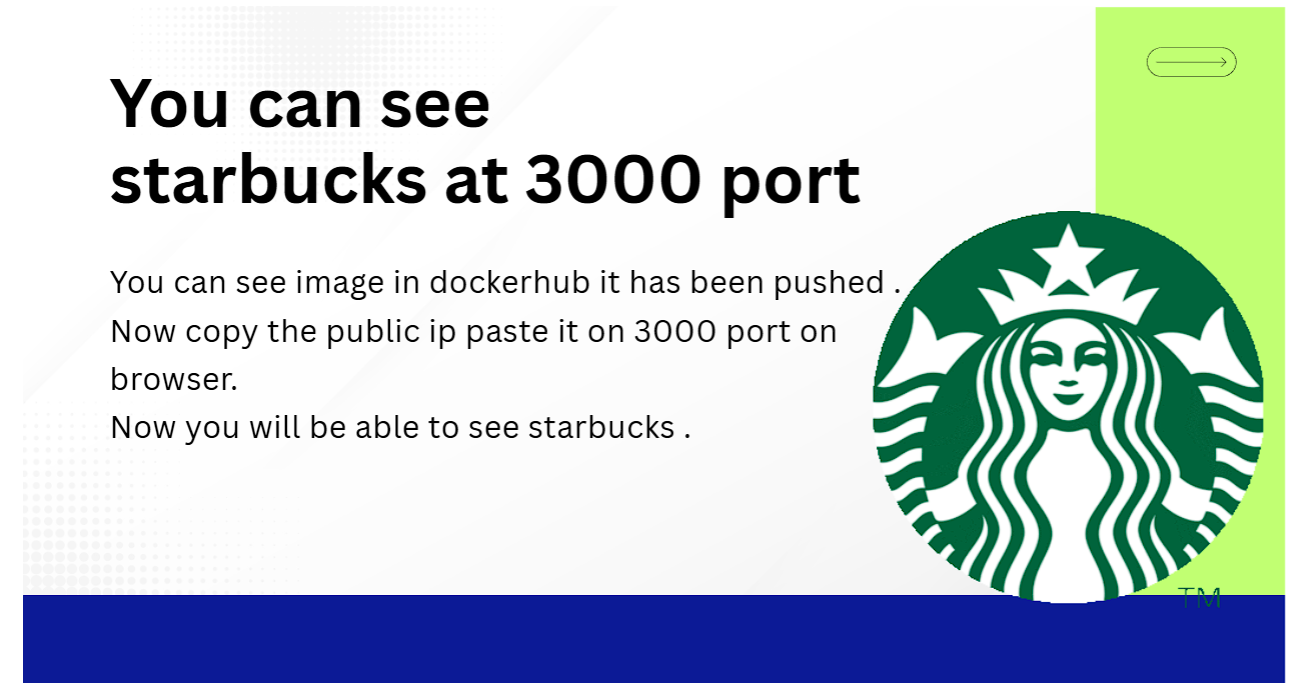
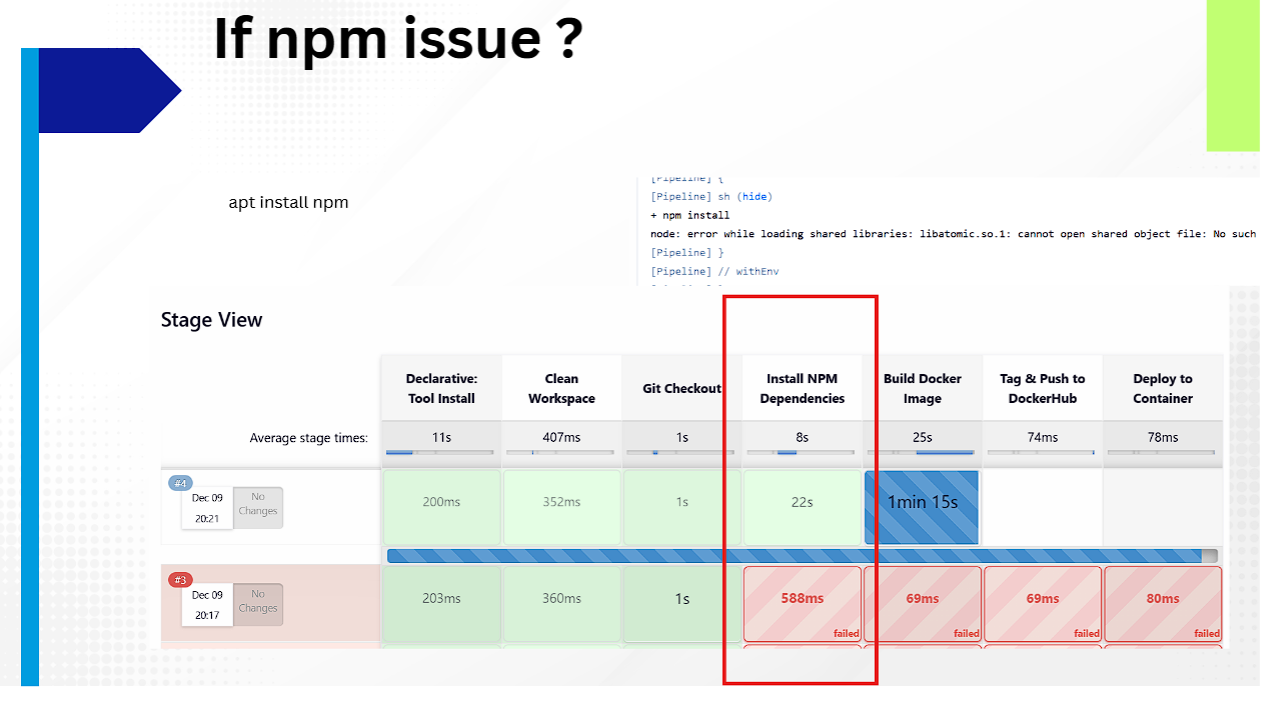
libatomic.so.1) FixSymptom: Jenkins pipeline fails during Install NPM Dependencies stage with error:
node: error while loading shared libraries: libatomic.so.1: cannot open shared object file: No such file or directory
Solution: Install npm package directly on the Ubuntu host server:
sudo apt-get install npm -y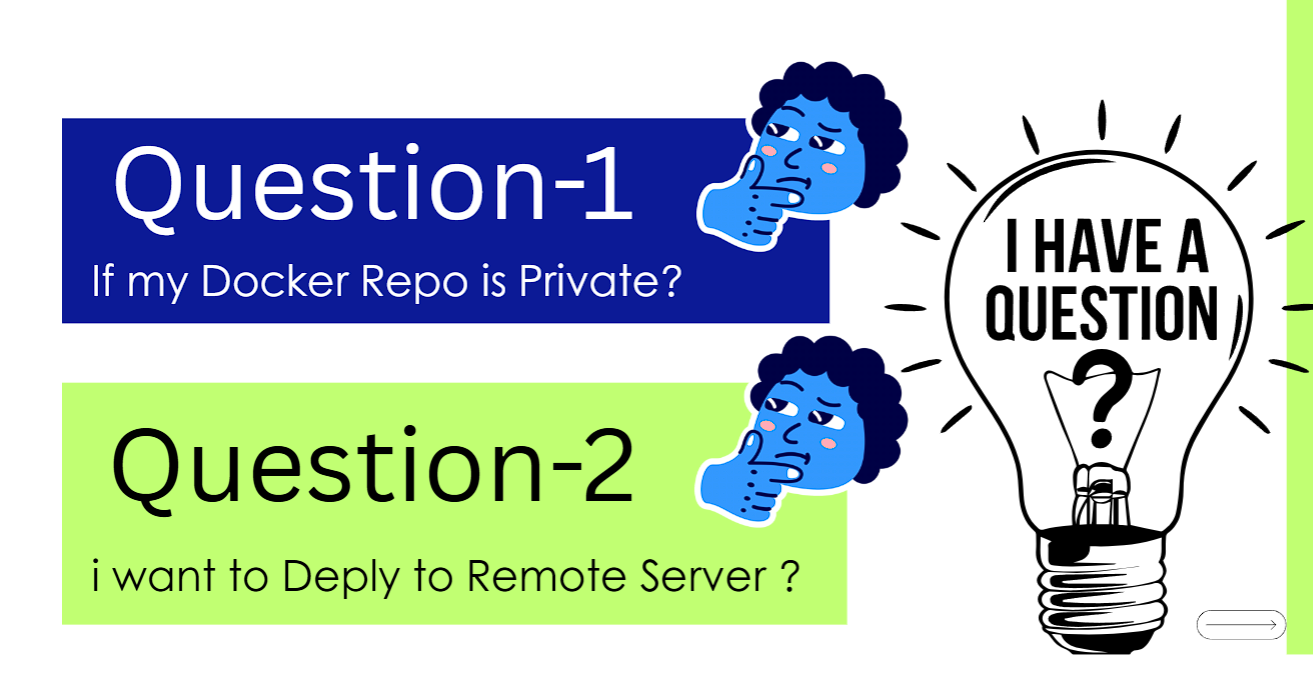
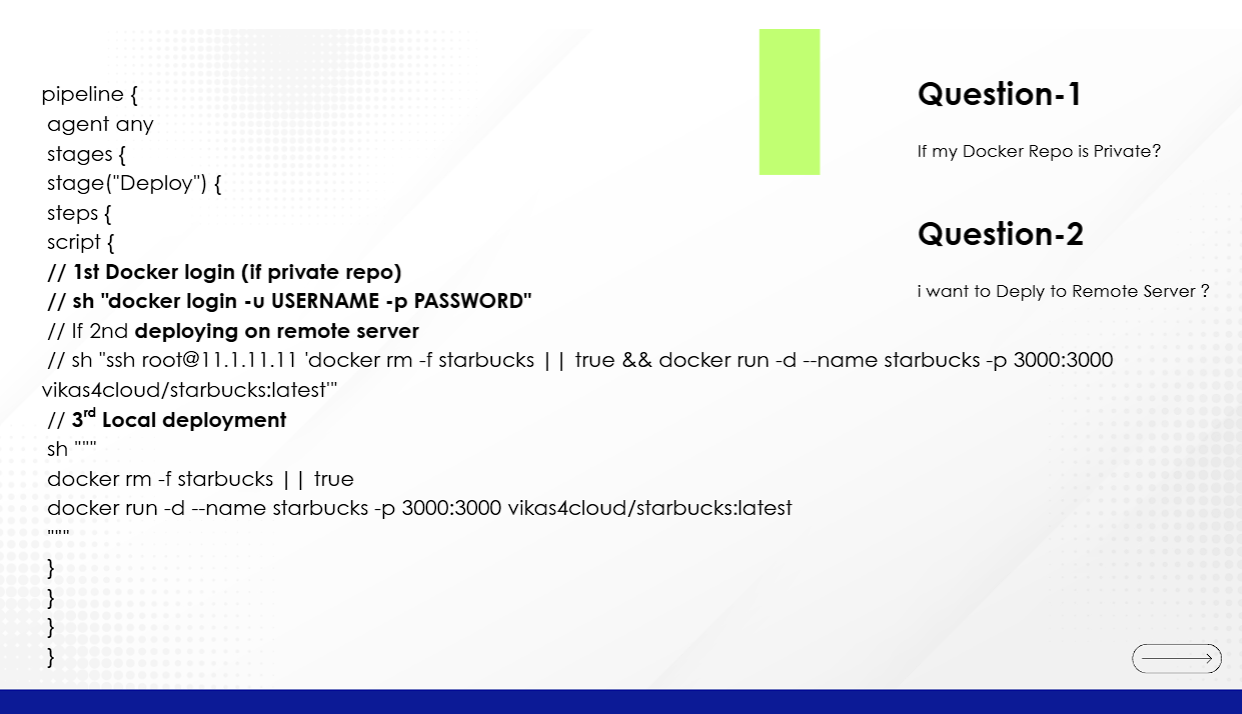
pipeline {
    agent any
    stages {
        stage("Deploy") {
            steps {
                script {
                    // 1. Docker Login for Private Repositories
                    // sh "docker login -u $DOCKER_USER -p $DOCKER_PASS"

                    // 2. Deploy to Remote Target Server via SSH
                    // sh "ssh root@11.1.11.11 'docker rm -f starbucks || true && docker run -d --name starbucks -p 3000:3000 vikas4cloud/starbucks:latest'"

                    // 3. Local Target Deployment
                    sh '''
                        docker rm -f starbucks || true
                        docker run -d --name starbucks -p 3000:3000 vikas4cloud/starbucks:latest
                    '''
                }
            }
        }
    }
}
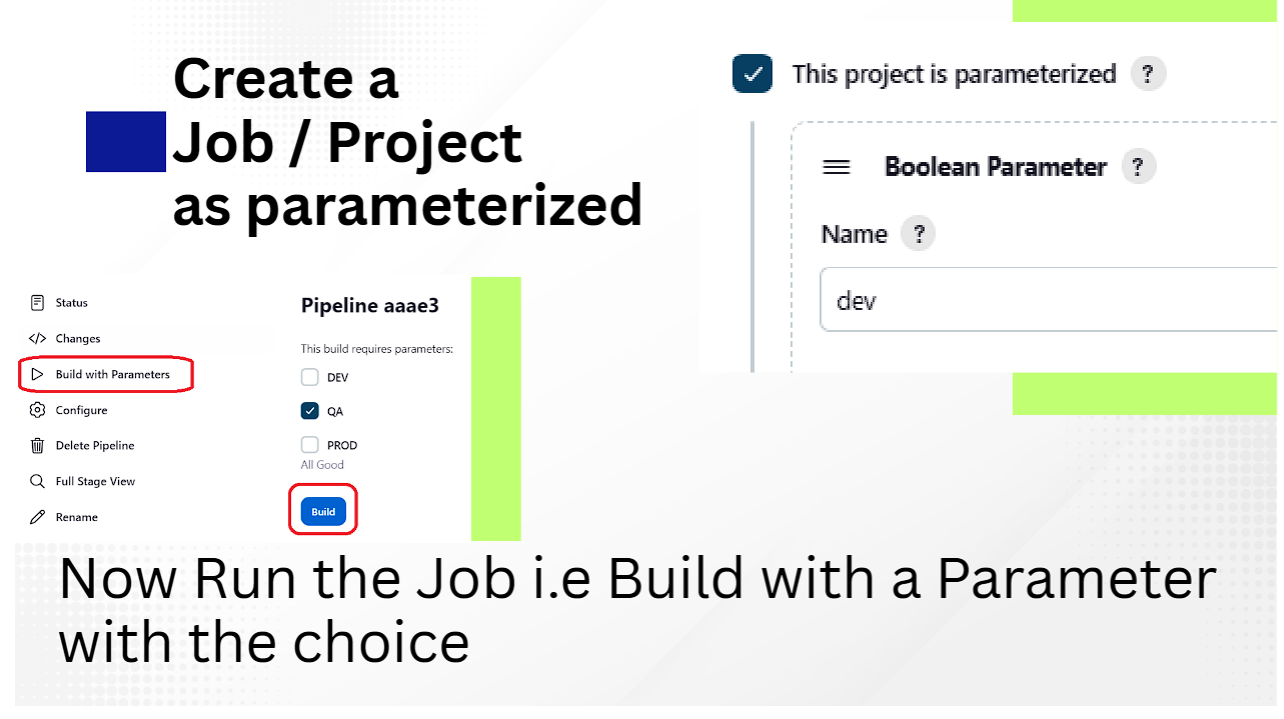
Use Parameterized Jenkins Pipelines. Enable "This project is parameterized" in job configuration, add a Choice or Boolean Parameter (e.g. DEV, QA, PROD), and execute via Build with Parameters.
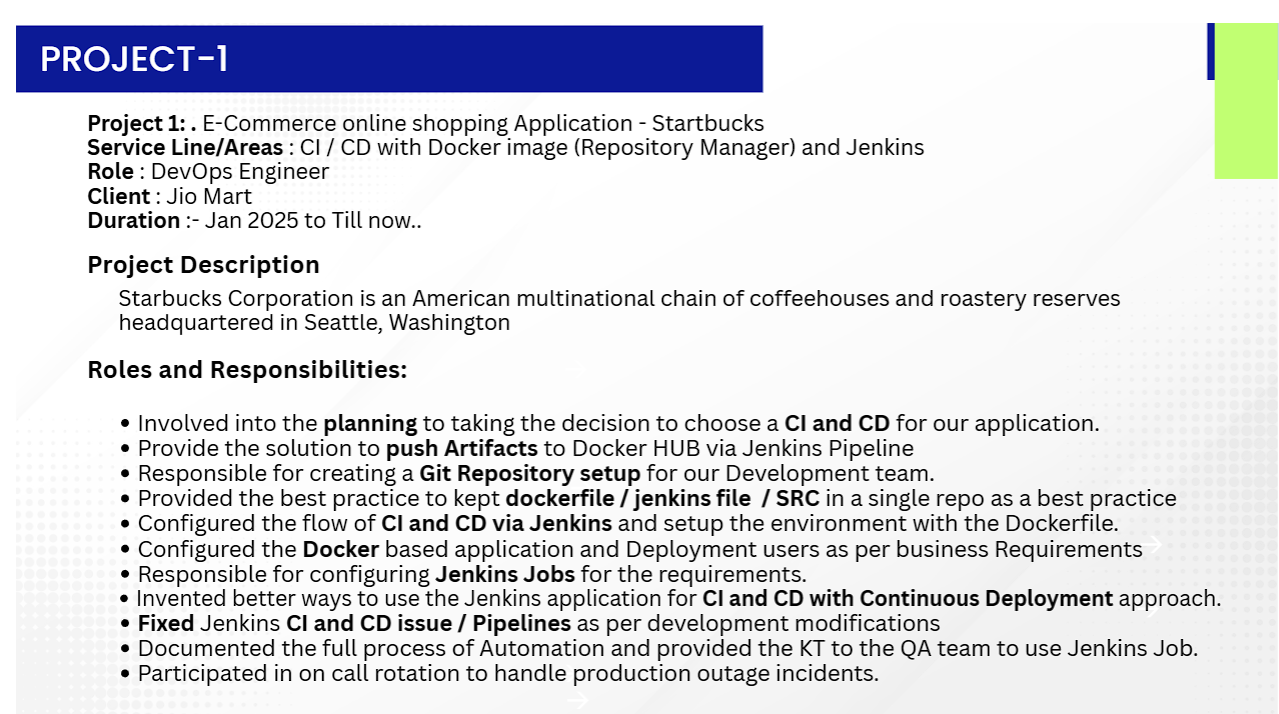
You can add these high-impact bullet points to your resume based on this project:
libatomic.so.1) and configured Linux security group rules for application isolation.